Press the UP or DOWN key to toggle between NO and YES.
Press ENTER on YES to reset data to 0.
Press ENTER or STOP/RESET on NO to cancel data reset
and go back to USER SETTINGS.
3.3. PROGRAMS:
Press the PROGRAMS key.
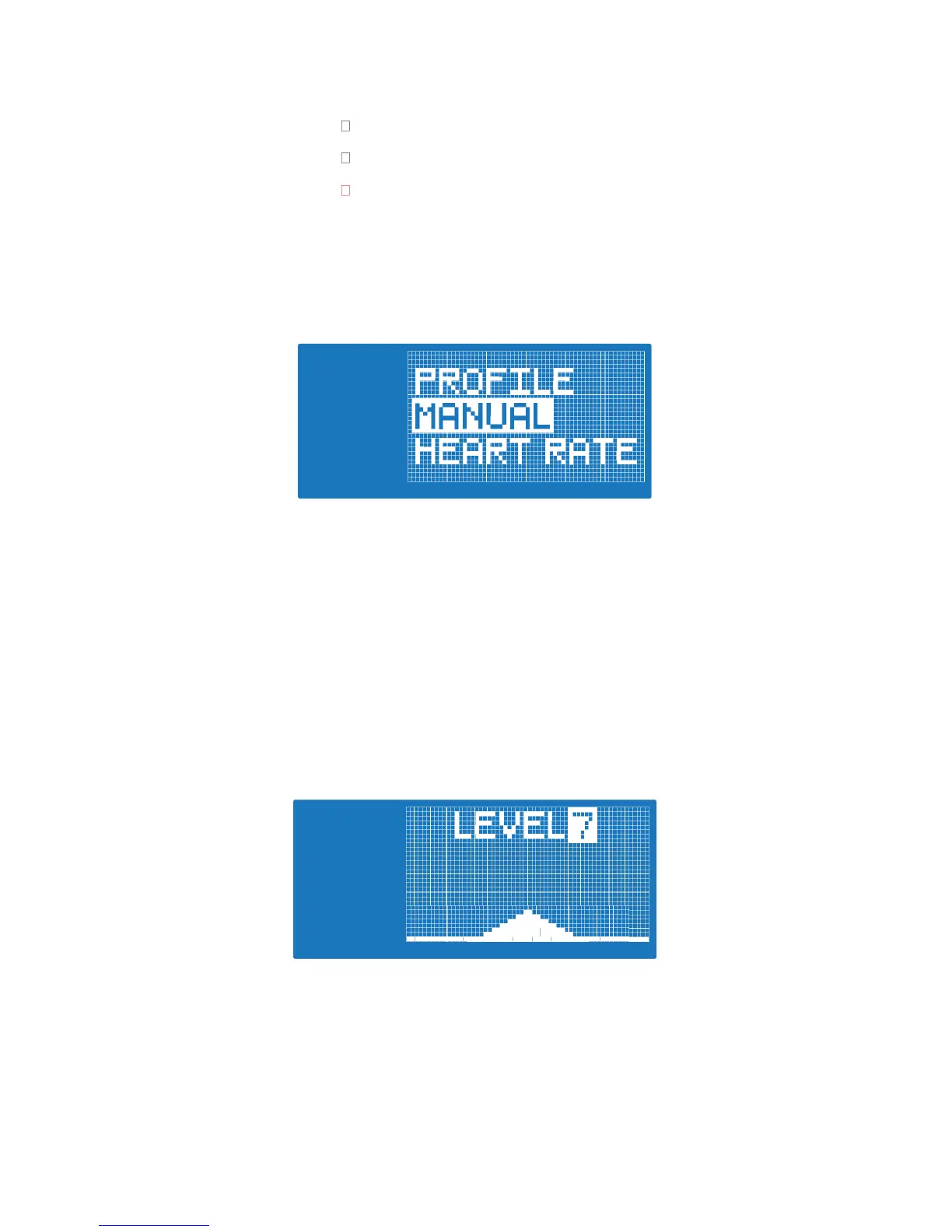
DOT MATRIX displays “PROFILE”. Press the UP or DOWN to toggle between
available program types (PROFILE, MANUAL, HEART RATE, FOCUS, METS).
Press the STOP/RESET key to go back to the main display.
A: PROFILE PROGRAMS (when started computer will start in STANDARD view)
Exact Guidelines and calculations for each profile can be found in ‘profile
calculations.xls’
• Press UP/DOWN to toggle between ROLLING HILL, PEAK, PLATEAU,
CLIMB, INTERVAL 1, INTERVAL 2
• Press ENTER to accept PROFILE type and move to program settings.
• Press QUICK START to accept program type and BEGIN WORKOUT
using default settings (LEVEL 7, WORKOUT TIME 15:00)
MAXIMUM RESISTANCE LEVEL
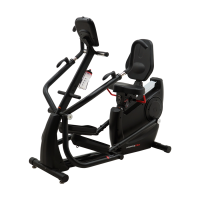
• DOT MATRIX displays selected profile at MAXIMUM RESISTANCE
LEVEL 7.
• Press the UP and DOWN key to move to desired LEVEL. Profile will
• Press the ENTER key to accept MAX RESISTANCE and move to
WORKOUT TIME.
• Press the STOP/RESET key to go back to PROFILE SELECTION


 To Next Page