5.3. Using the Board Test System
This section describes each control in the BTS.
5.3.1. The Configure Menu
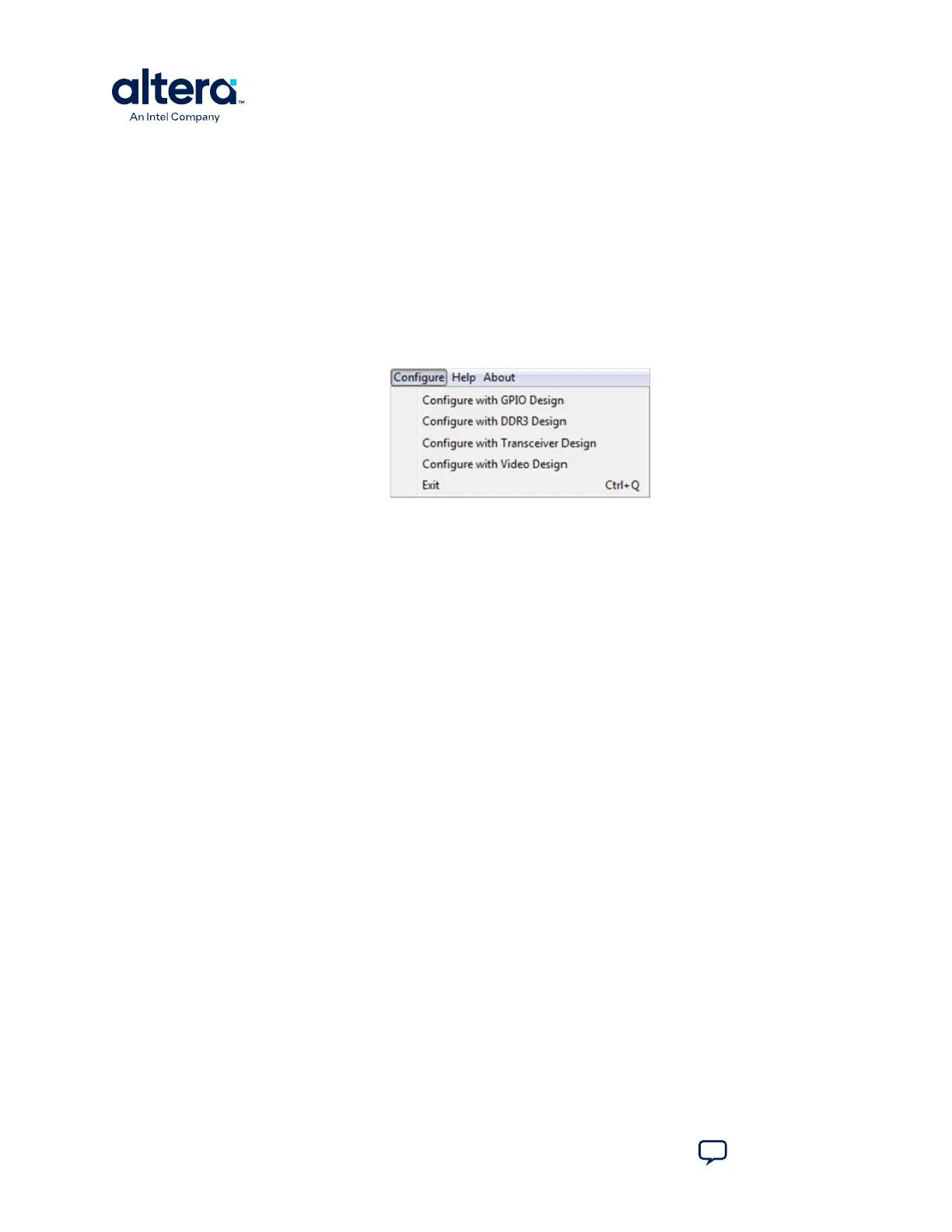
Use the Configure menu to select the design you want to use. Each design example
tests different functionality that corresponds to one or more application tabs. For
example, if you select Configure with GPIO Design, the System Info, GPIO, and
I2C tabs become active.
Figure 8. The Configure Menu
5.3.2. The System Info Tab
The System Info tab shows information about the board's current configuration. The
tab displays the content of the MAX V registers, the JTAG chain, the board's MAC
address, the flash memory map, and other details stored on the board.
Figure 9. The System Info Tab
The following sections describe the controls on the System Info tab.
Board Information
The Board information control displays static information about your board.
• Board Name: Indicates the official name of the board.
• Part number: Indicates the part number of the board.
• Serial number: Indicates the serial number of the board.
• Factory test version: Indicates the version of the Board Test System currently
running on the board.
• MAC1: Indicates the MAC address of the board's ENET1 10/100 port.
• MAC2: Indicates the MAC address of the board's ENET2 10/100 port.
• HPS MAC1: Indicates the MAC address of the board's HPS 10/100/1000 Ethernet
port.
• MAX V ver: Indicates the version of MAX V code currently running on the board.
The MAX V code resides in the cycloneVSX_5csxfc6df31_soc\examples
directory. Newer revisions of this code might be available on the Cyclone V SoC
Development Kit webpage of the Intel website.
5. Board Test System
830285 | 2024.10.07
Cyclone
®
V SoC Development Kit User Guide
Send Feedback
28















 To Next Page