Working with ENG: EO425 Page 24
ENG/DLB Instruction for Use - English
Date: 2011-09-27 Page 24
License
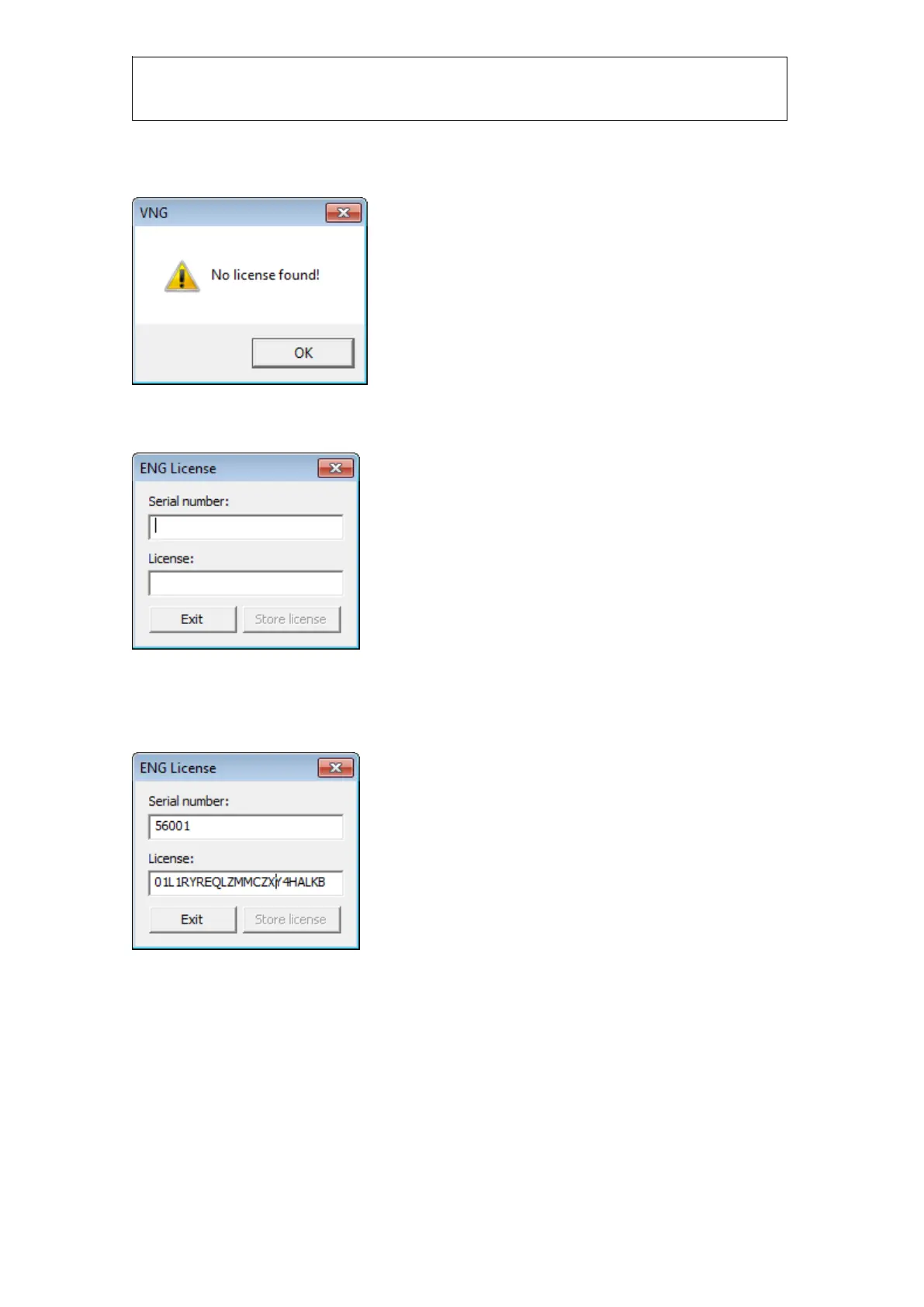
Start VNG-program normally. When you start it for the first time you need to enter a license:
Figure 1.4 Error message when license not installed
Go to Tools->Setup license and you will see this dialog:
Figure 1.5 Popup box to enter serial number and license number
Enter the serial number located on the bottom of the preamplifier. If the serial number is e.g.
P5590-3 you must enter 55903 in the serial number field. Do not enter characters or “-“. Afterwards
you enter the license. The “Store license” button will only be enabled if the license is valid.
Figure 1.6 Enter license number
Click Store license and then Exit.














 To Next Page