Working with ENG: EO425 Page 30
ENG/DLB Instruction for Use - English
Date: 2011-09-27 Page 30
Performing a test
Once the impedance and calibration have been completed there is not much difference between
conducting tests in ENG or VNG. For ENG the color for left eye is blue and right is red.
If you do experience signal drift while testing you can click the left foot pedal to re-center tracings.
Also you can click the “Center ENG tracings” icon in the upper right corner (except for Saccades
and Pursuit, which must be centered after the test is complete):
Figure 1.19 Center ENG tracings
In Smooth Pursuit and Saccade test you cannot re-center tracings manually if you experience drift.
You should only make adjustments after the data collection is completed.
Smooth Pursuit drift
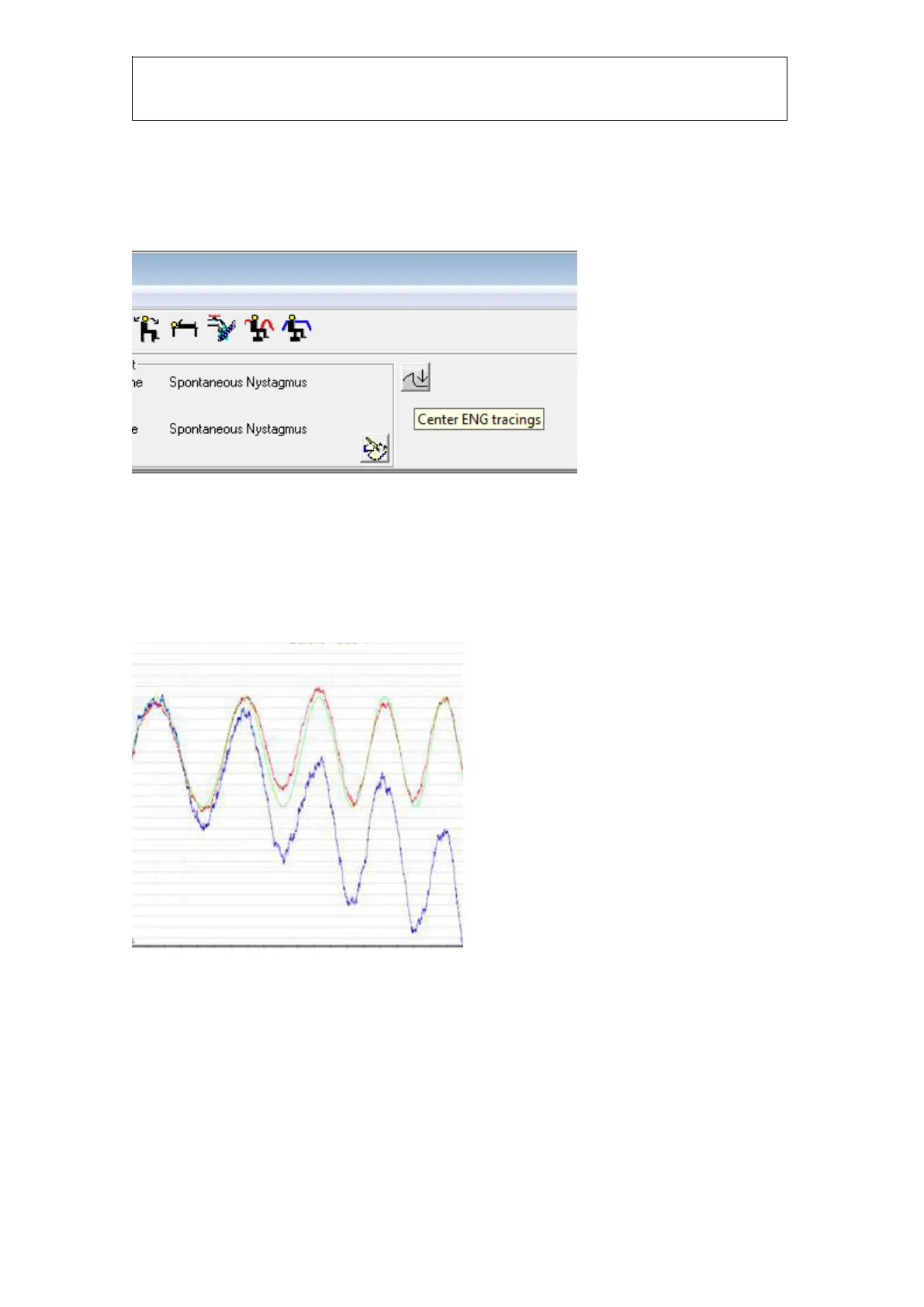
Below you can see an example of a smooth pursuit test with significant signal drift:
Figure 1.20 Drift in the smooth pursuit test
To correct this you need to double-click in the test window to go to Configure Smooth Pursuit Test-
>graph settings and enable “Compensate for baseline drift”:














 To Next Page