Working with ENG: EO425 Page 23
ENG/DLB Instruction for Use - English
Date: 2011-09-27 Page 23
Working with ENG: EO425
Installation
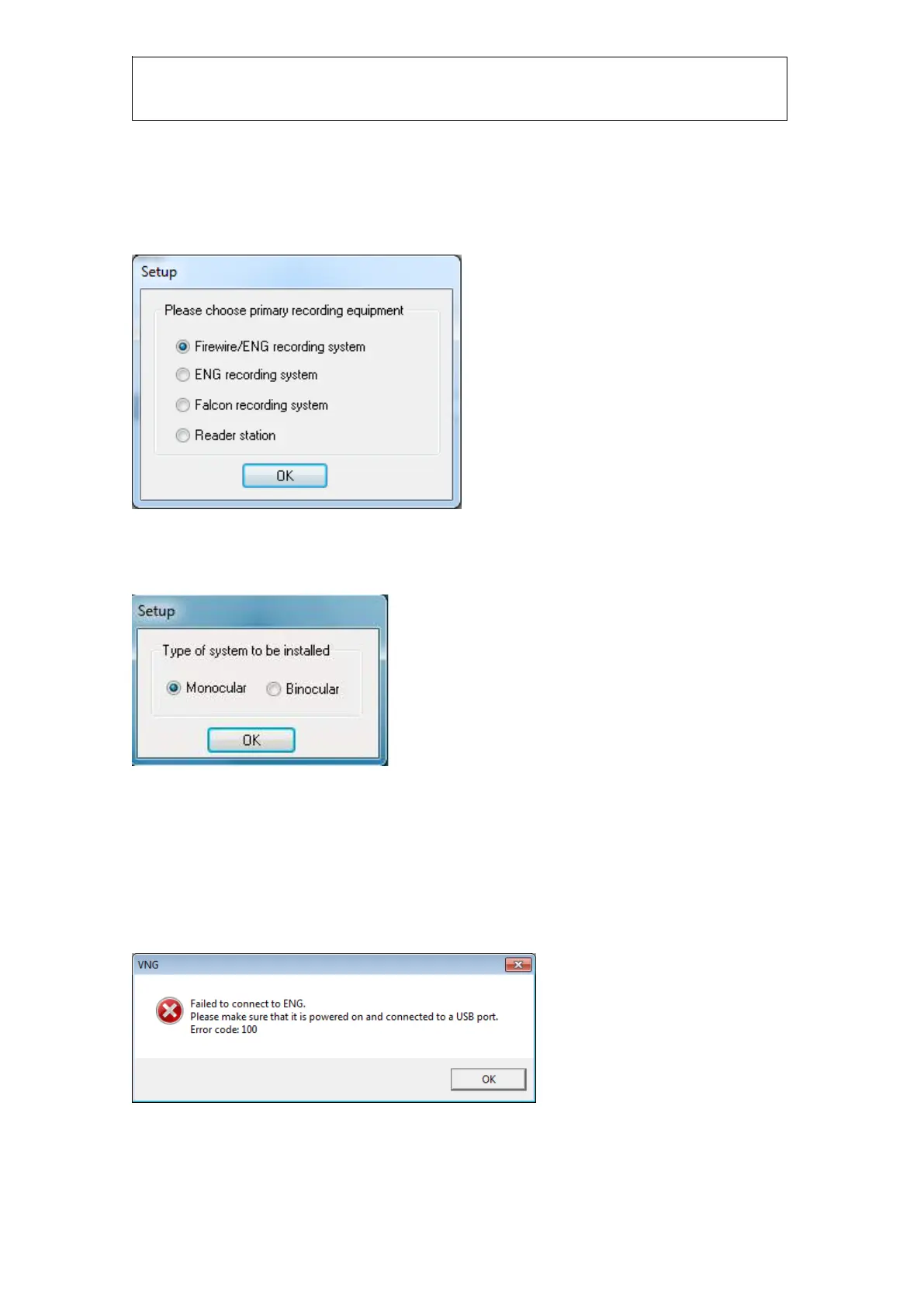
During installation you need to select “ENG recording system” if using ENG as the sole recording
system, and select “Firewire
®
/ENG recording system” if you will be using both VNG and ENG
recording systems:
Figure 1.1: Set up recording system
Click OK and then select Monocular or Binocular depending on your setup. Click OK and finish the
installation.
Figure 1.2 Select electrode montage
Connecting the ENG preamplifier to the computer
Connect the preamplifier via a USB cable and remember to turn the box on! The current version of
the ENG preamplifier does not tell the software if it is turned on or not. It is possible to start a test
with the preamplifier turned off, but you will not get any correct readings.
If the preamplifier is turned off or not connected when starting VNG you will receive this error
message:
Figure 1.3 Error message when hardware is not turned on














 To Next Page