Rotary Chair Instruction for Use - English
Date: 2011-09-27 Page 20
Error Messages
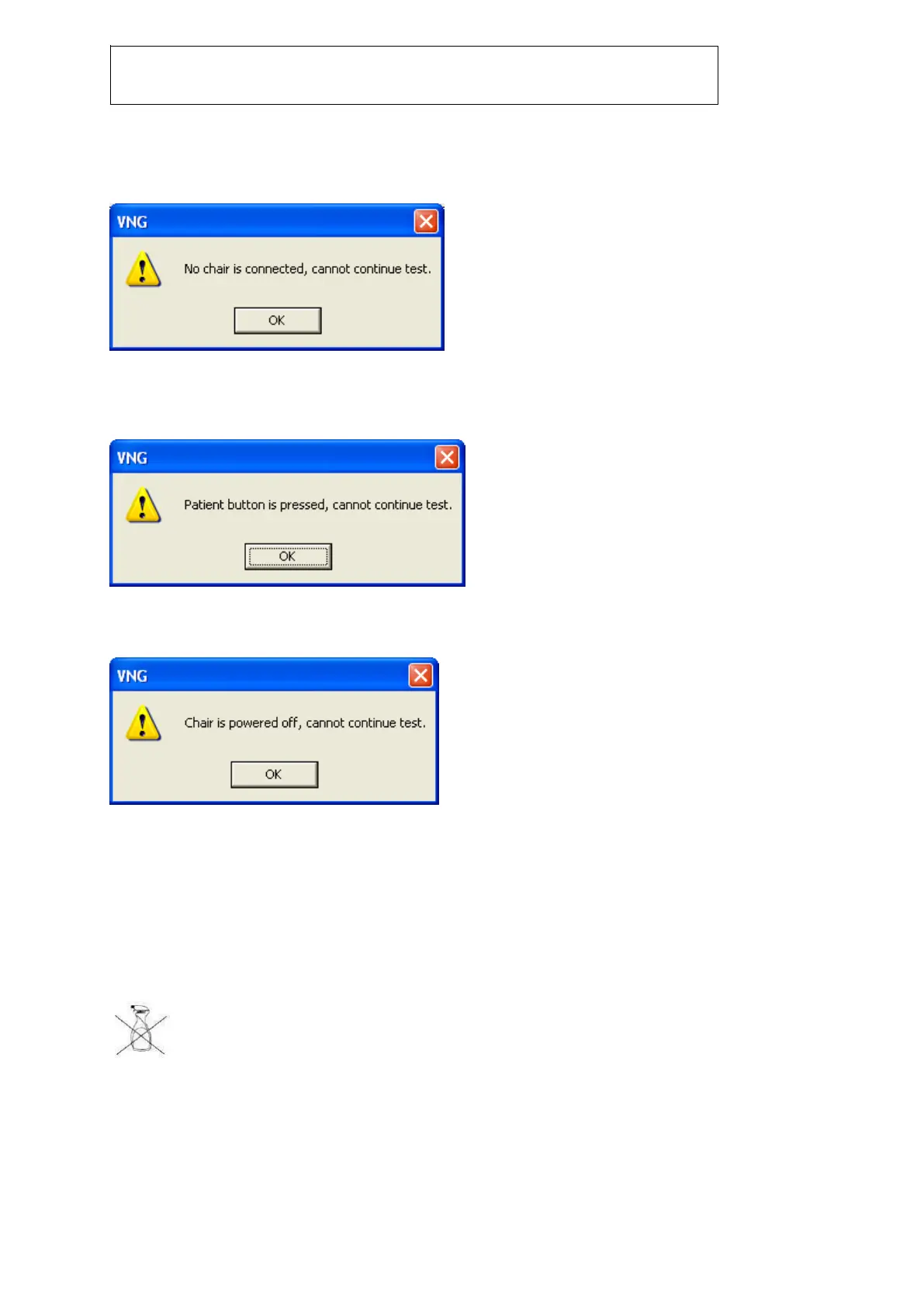
The following error messages may occur during operation of the Nydiag 200 rotary chair:
Figure 0-1: Dialog appearing when no chair is connected
VNG could not detect any rotary chair. Make sure that a chair has been connected via USB and that
the chair is powered on.
Figure 0-2: Patient stop button has been activated
Patient has pressed the stop button that is located under the right chair handle.
Figure 0-3: Emergency stop button has been activated
Emergency stop button has been pressed, or power to the chair has been lost.
Hygiene
Always be sure to pull the plug before cleaning or disinfecting mains operated instruments.
The instrument must be cleaned with a non-fuzzy, slightly
moistened piece of cloth (please do not soak it!) Only use a mild
alcoholic fluid as a disinfectant.
When cleaning the instrument, any moisture, like e.g. condensation water, must necessarily be
prevented from getting inside!
Chemicals required for operation or care of the unit must always be stored, prepared and made
available in specially labelled containers to prevent any mistakes.














 To Next Page