Working with ENG: EO425 Page 39
ENG/DLB Instruction for Use - English
Date: 2011-09-27 Page 39
Light bar service tool
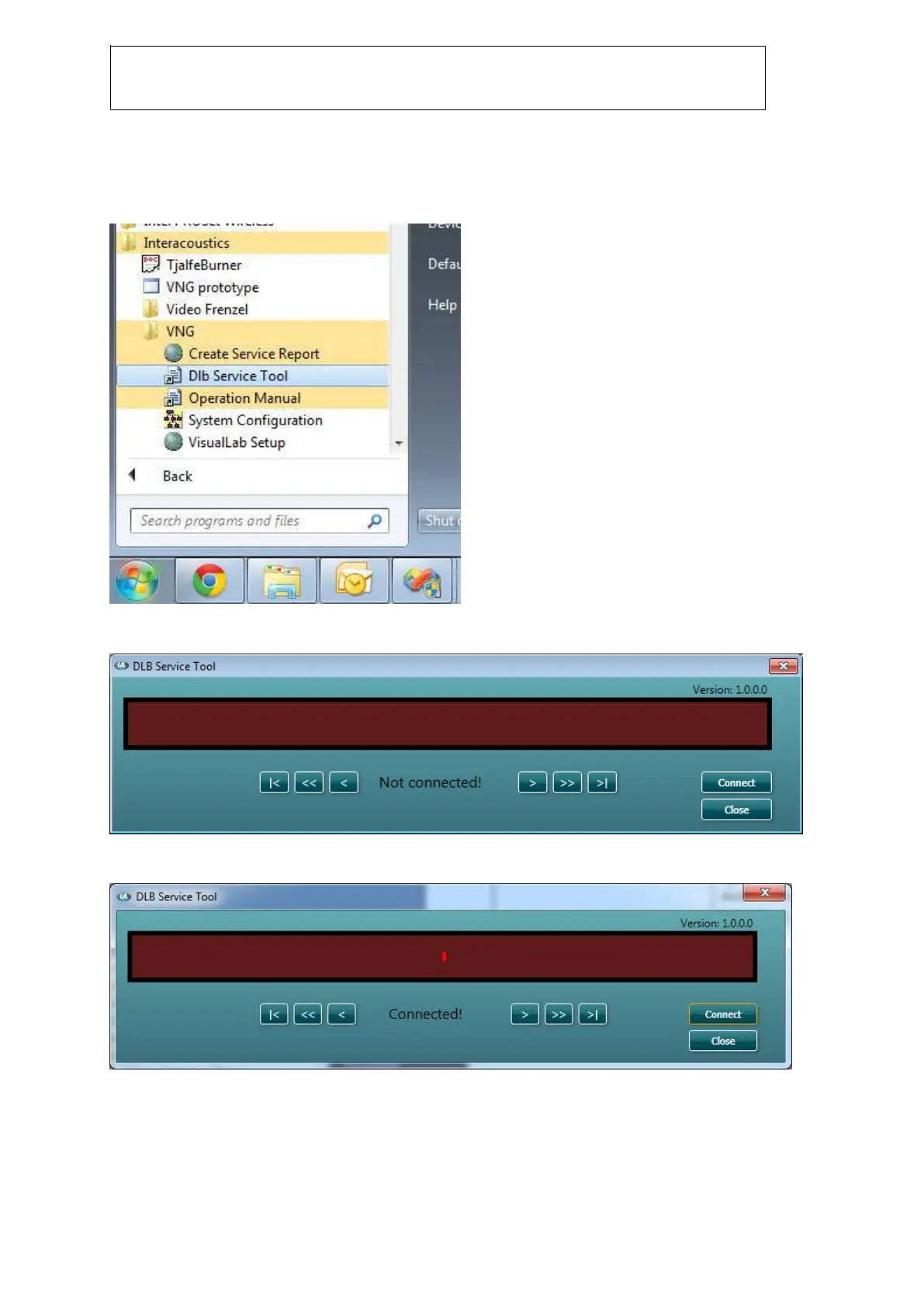
Go to Start menu->All programs->Interacoustics->VNG and select “DLB Service Tool” to start the
service program. Make sure VNG is closed before doing this.
Figure 2.7 DLB service Tool
This will start the following program which allows you to test if all diodes work as expected.
Figure 2.8 DLB service Tool diode check
Press “Connect” to start test testing:
Figure 2.9 DLB diode functionality check














 To Next Page