CS3000, Users
Rev A, January, 2011
Page 7 of 35
Operations
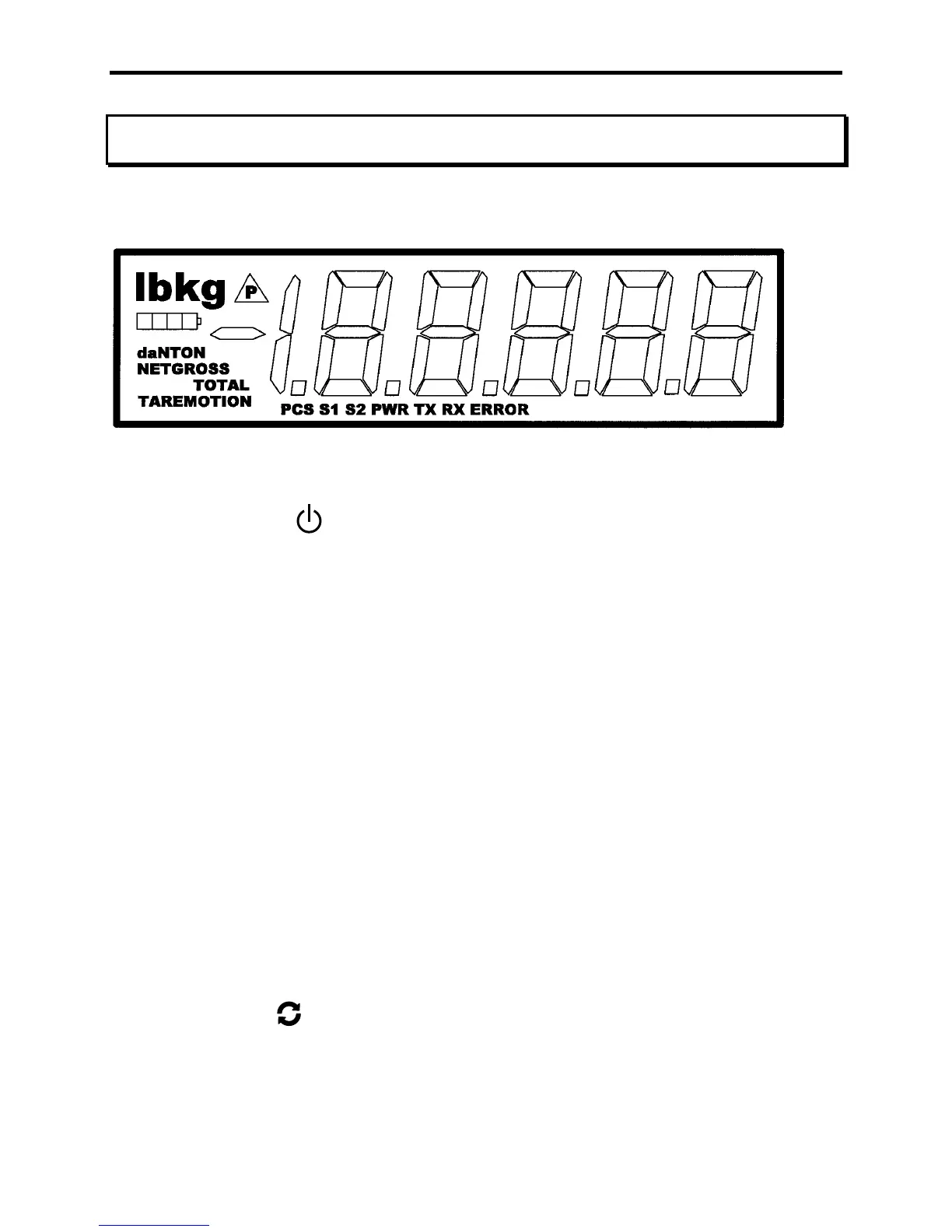
Display
Controls
ON / OFF
Press and hold this key to apply power to the weighing system electronics. Make
sure to hold this key until the display responds (up to 1 second). When power is
first applied, the weighing system rapidly performs self-tests of the pad and the
internal electronics. When the tests have completed successfully, the system
begins weighing. If a problem is detected, the screen displays an error message.
If the CS3000 is powered up, press this button to turn the scale off.
Note: When the scale is turned off with this key, the scale will be fully off and not
able to be turned on with the RFX wireless indicator. If you want the scale to be
able to be turned on from the wireless indicator, make sure you turn off the scale
with the wireless indicator.
ACCUM / TOTAL
The scale will not accumulate when the weight is negative, zero, or if the weight
is in motion (when Motion Detect is enabled). A display message “Ac.Err” with
error icon will be displayed if any of those conditions are present. After a
successful accumulation the scale must return to zero before you accumulate the
next weight. If you attempt to accumulate the next weight before allowing the
scale to return to zero, a display message “Ac.Err” with error icon will be
displayed.
MODE
The Mode button cycles through the scale’s set-up menu (Mode Menu) when in
normal run mode. When in calibration mode, this button cycles through the
calibration menu. See the ‘Mode Menu’ and ‘Calibration Menu’ sections for more
details.



 To Next Page