CS3000, Users
Rev A, January, 2011
Page 8 of 35
ZERO
Tells the scale to display a zero weight. This button is used any time the scale
shows a non-zero value with no weight on the hook. If you press ZERO with
weight on the hook, that weight becomes the zero condition for the scale. This
can be useful to cancel the weight of any weighing fixtures, such as containers,
chains or cables. When this weight is removed, a negative weight shows until
the system is zeroed again. If ‘Motion Detect’ (see Calibration Menu) is enabled,
the “zero” command will be rejected any time a change in weight is detected. You
must wait until the weight is stable before the zero command is allowed.
NOTE: The scale contains a feature called Auto Zero Tracking (AZT), which
corrects for slight zero changes during normal operation. If small weights
are added slowly, the scale will zero them off.
Lb/Kg
Toggles the weighing system between pound (English) and kilogram (SI metric)
units of measure. The current unit of measure is shown in the top left of the
indicator display.
TARE
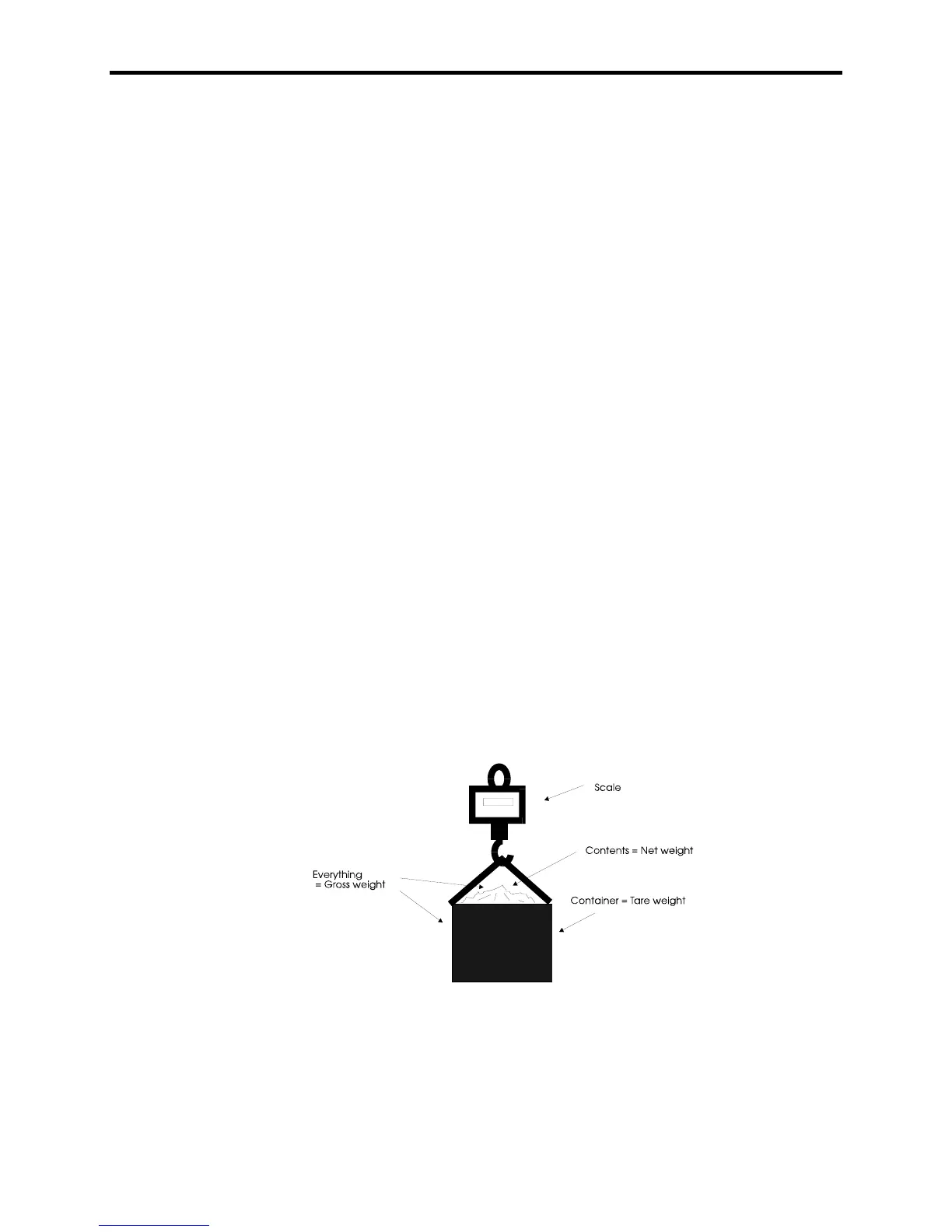
Pressing the TARE button will set the tare equal to the current gross weight of
everything hanging on the scale and switch the display to net weight. This is
shown by NET being displayed on the indicator on the left. The net weight is
equal to the gross weight minus the tare weight. If TARE is pressed when a tare
is already set, the display will briefly show the current tare weight before
returning to net weight display. The tare weight will only be set if the current
gross weight is positive.
Clearing the tare:
Pressing both the TARE and Zero buttons to reset the tare to zero and
return the scale to the GROSS weighing status.



 To Next Page