CS3000, Users
Rev A, January, 2011
Page 18 of 35
Maintenance
Calibration Menu
To initiate calibration press the Mode button. The display will show “StEP”, if it does not,
the calibration button needs to be pressed to toggle to allow calibration.
The calibration of the scale is protected from accidental change by a switch. The switch
is protected by an access plug. The access plug is located on the back of the scale,
and is covered by a calibration sticker (seal). The switch is set in the “calibration
blocked” mode at the factory.
Enabling the Calibration switch
First, remove the calibration sticker which covers the access plug. Using a ¼”
Allen wrench, remove the access plug. Insert the Allen wrench in to the hole and
press the switch once. The scale is now set to allow calibration.
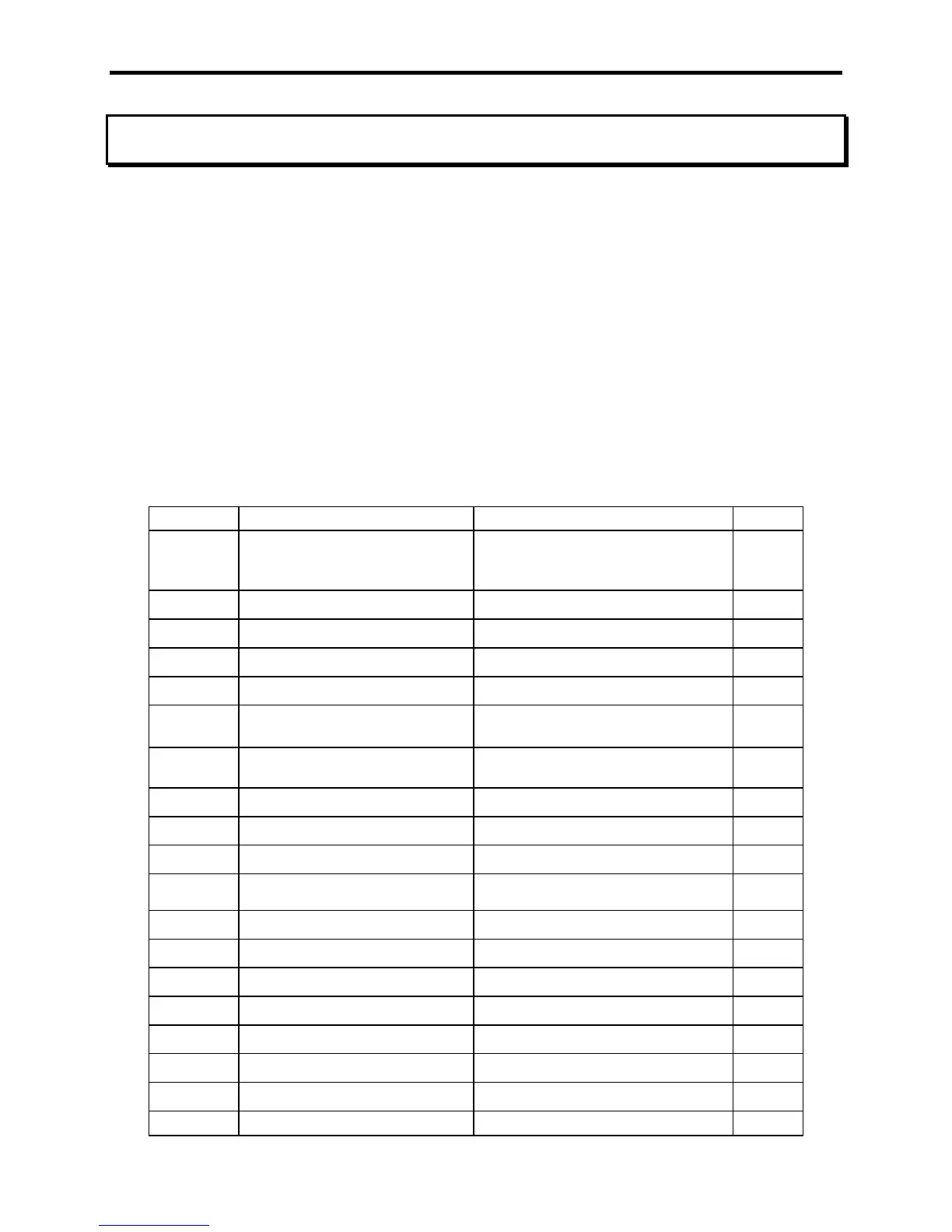
Step Function Note Default
StEP
skip 000= no skip
002= skip to weight calibration
005= skip to Mode menu
000
U. EnA
Unit switch enable Yes or no
YES
-dEt-
Motion Detect Yes or no
no
AdC.rt
ADC rate 0 or 1
0
A2t
AZT (auto zero tracking) 1 d, 3 d, .5 d, oFF, or.6 d
1 d
2Er0.r
Zero range 0= off, 1= 1%, 2= 2%, 3= 5%,
4 = 1%
0
grAd
graduation size 0.02, 0.05, 0.1, 0.2, 0.5, 1, 2, 5,
10, 20, 50, or 100
d 1
SAVE
Displays for 1 sec and advances
CAP
capacity Enter scale capacity
60000
LL-00
No weight applied
HH-01
First weight Enter first weight
LL-01
First weight Load first weight
HH-02
Second weight Enter second weight
LL-02
Second weight Load second weight
HH-03
Third weight Enter third weight
LL-03
Third weight Load third weight
HH-04
Fourth weight Enter fourth weight
LL-04
Fourth weight Load fourth weight
10 points available to enter 3 or more recommended



 To Next Page