16 HomeSettings HA07 Wireless Master Controller
Copyright © 2007 Intermatic, Inc.
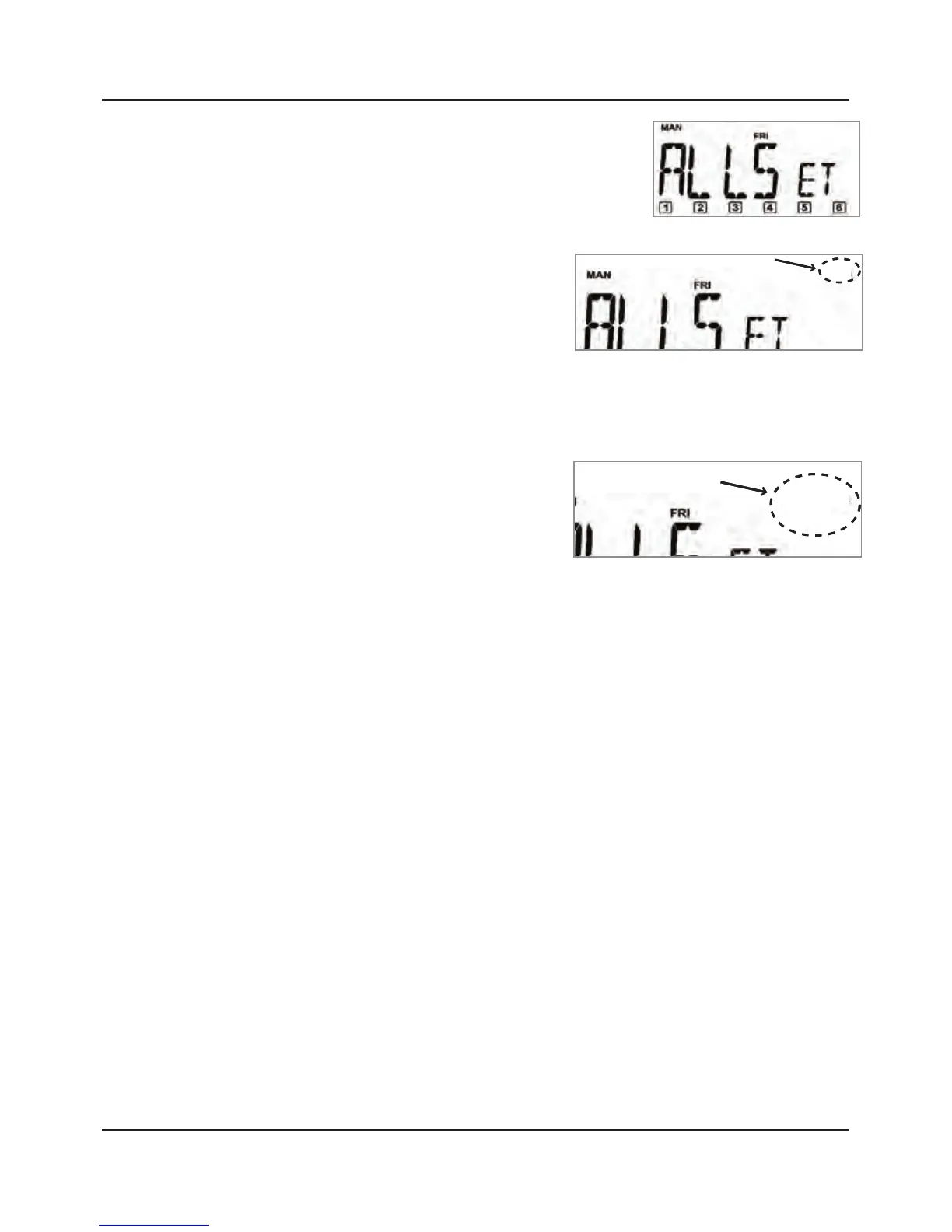
Press and hold both ALL ON
and ALL OFF button until the
screen displays the word
“ALLSET”.
Press and hold the
INCLUDE button on the
HA07 Master
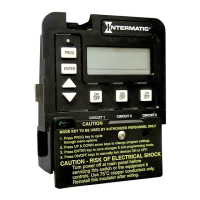
Controller. The screen
adds “INCL”.
Press and release the PROGRAM button on the
non-dimming module you want to include. The
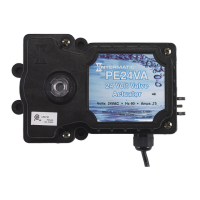
light will turn OFF and
the screen adds the
words “INCL” and
“SUCCESSFUL” FOR 2
seconds.
NOTE: If “NOT SUCCESSFUL” appears on
the screen, repeat these steps until the screen
displays “SUCCESSFUL”.
Release the INCLUDE button.
Press the ALL ON and ALL OFF buttons to test the
scene and make sure the scene works OK.
Repeat this procedure with each non-dimming
module in your network you want to include in
ALL ON and ALL OFF.
1.
2.
3.
4.
5.
6.



 To Next Page