32 HomeSettings HA07 Wireless Master Controller
Copyright © 2007 Intermatic, Inc.
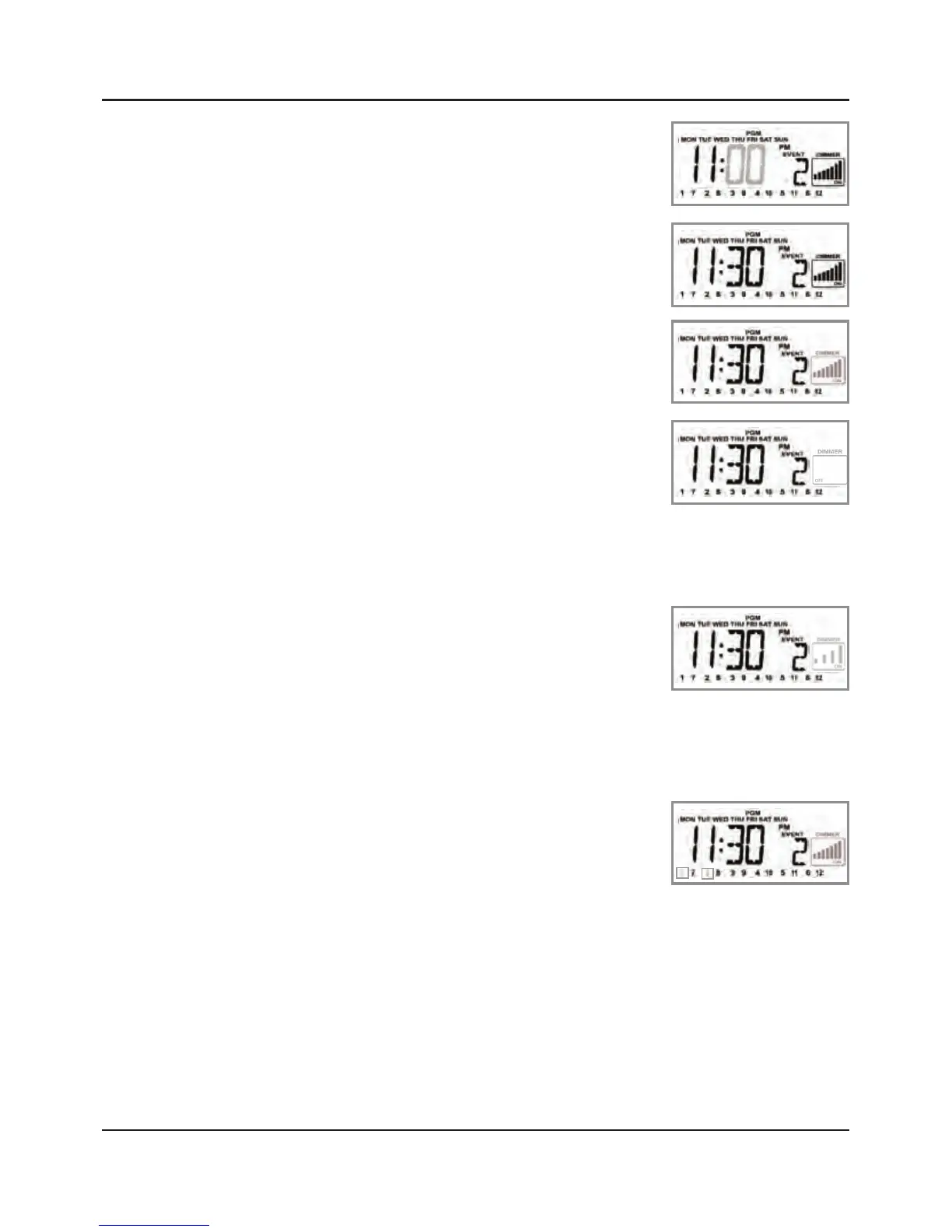
Press the ENTER button to accept
the hour you have set. The
screen flashes the minutes.
Press the + or – button to set the
hours you want (“11:30 PM” in
this example).
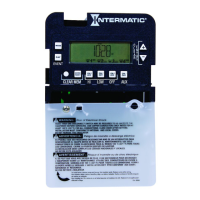
Press the ENTER button to accept
the minutes. The dimmer panel
begins blinking.
Press and release the ALL OFF
button until the dimmer box
says OFF and shows no bars.
OPTIONAL: If this ON event will control scenes
using dimming modules and you want to
protect dimming levels already set, press and
release the ALL ON button. The
screen changes from 7 dimmer
bars to 4 dimmer bars.
Press the ON channel button(s) for the same
scenes you set to come ON at sunset — only this
time you’re setting them to go OFF at 11:30. Use
the SHIFT button if necessary.
The display puts a box around
each scene you select and blinks
that boxed number.
At this point you have several options:
If you want to make any changes in the
settings for this event, press the + button and
return to Step 3. Work your way through the
steps as necessary and make the necessary
changes.
7.
8.
9.
10.
11.
12.
13.
•



 To Next Page