Tip
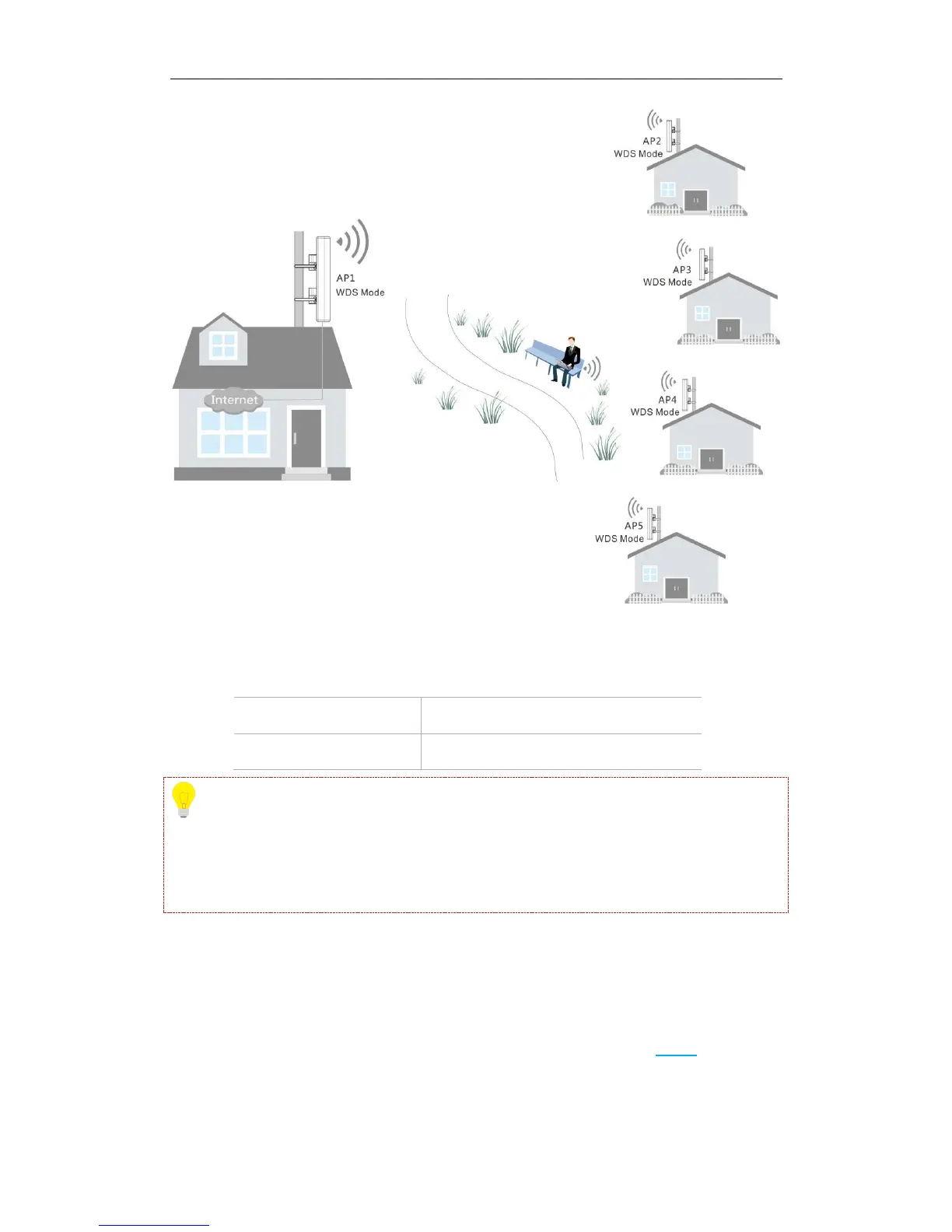
IP addresses of AP2, AP3, AP4 and AP5 should be different from that of AP1 but on the same
network segment. For example, you can set them to 192.168.0.2, 192.168.0.3, 192.168.0.4 and
192.168.0.5 respectively.
Step 2: Log in to the web UI of AP2, AP3, AP4 and AP5 respectively, change their LAN IP
addresses (AP2: 192.168.0.2, AP3: 192.168.0.3, AP4: 192.168.0.4, AP5: 192.168.0.5) and keep
their security info and channels the same as that of AP1.
Step 3: Log in to web UI of AP2, AP3, AP4 and AP5 respectively and refer to Step 3 in
One-to-One WDS part to bridge them with AP1.



 To Next Page