IPG PHOTONICS | TROUBLESHOOTING
P
P
O
O
W
W
E
E
R
R
S
S
U
U
P
P
P
P
L
L
Y
Y
F
F
A
A
I
I
L
L
U
U
R
R
E
E
(
(
B
B
I
I
T
T
1
1
9
9
)
)
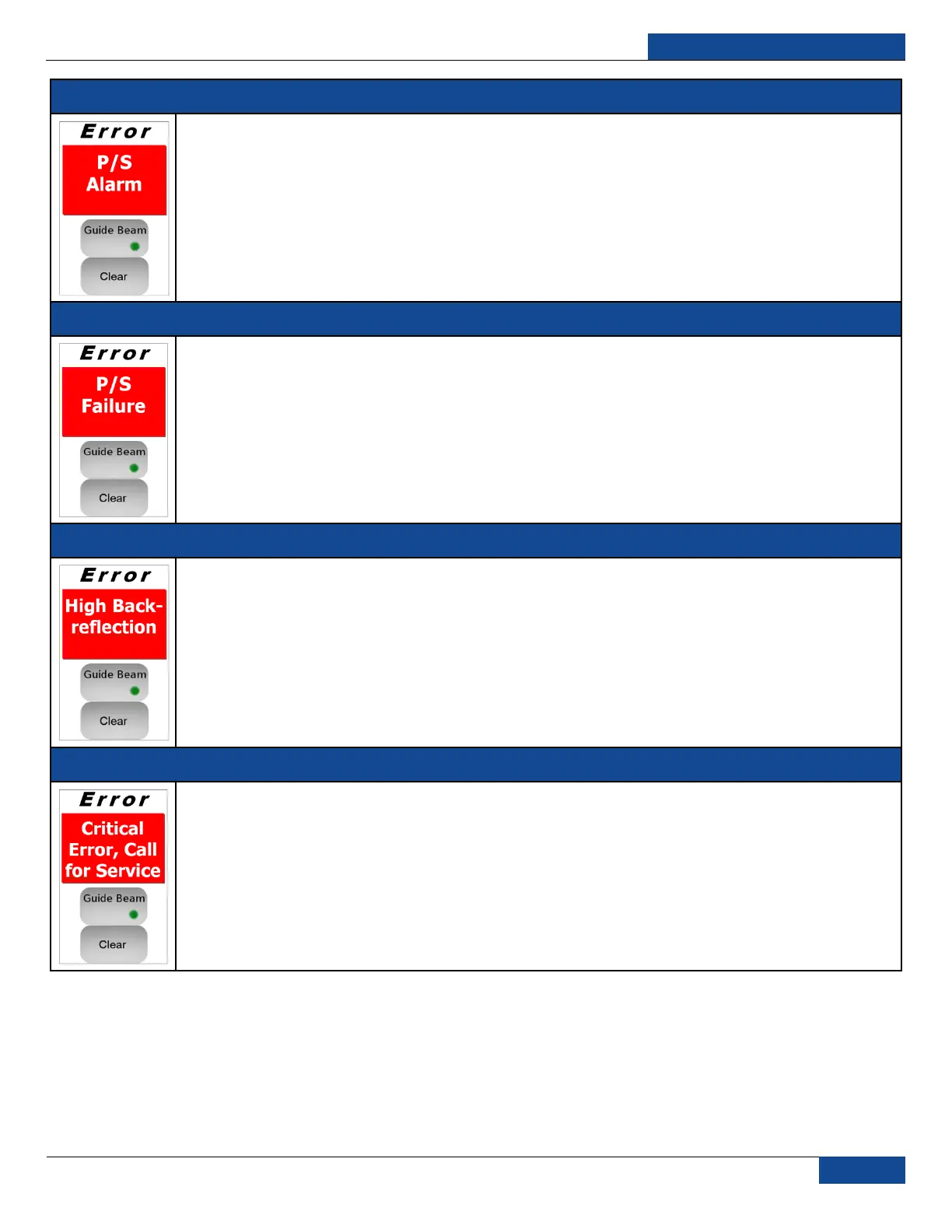
RESULT: The power supply and laser emission will be switched off
CAUSE: This means that even though the internal main power supply is switched on there is no voltage
applied to the laser module.
POSSIBLE SOLUTION: Try to reset the error. If it appears again, please contact IPG Photonics for
assistance.
P
P
O
O
W
W
E
E
R
R
S
S
U
U
P
P
P
P
L
L
Y
Y
F
F
A
A
I
I
L
L
U
U
R
R
E
E
2
2
(
(
B
B
I
I
T
T
2
2
5
5
)
)
RESULT: The internal main power supply will be automatically deactivated.
CAUSE: This means that though the internal main power supply is switched on and the voltage is applied to
the laser module, the value of this voltage is not within the preinstalled range.
POSSIBLE SOLUTION: Reset the error and switch on the internal main power supply. If the error reappears,
contact IPG Photonics for assistance.
H
H
I
I
G
G
H
H
B
B
A
A
C
C
K
K
R
R
E
E
F
F
L
L
E
E
C
C
T
T
I
I
O
O
N
N
(
(
B
B
I
I
T
T
3
3
)
)
RESULT: Laser emission is switched off.
CAUSE: The back reflected power exceeded the preinstalled maximal applicable level.
POSSIBLE SOLUTION: Please check if the focus position is correctly adjusted and that there are no
surfaces, which can lead to the high level of back reflection. Reset the error using RS-232 (“RERR”
command) or touch-screen display on the front panel.
C
C
R
R
I
I
T
T
I
I
C
C
A
A
L
L
E
E
R
R
R
R
O
O
R
R
(
(
B
B
I
I
T
T
2
2
9
9
)
)
RESULT: The power supply and laser emission will be switched off
CAUSE: The system has detected an error that is considered critical.
POSSIBLE SOLUTION: Neither reset command (“RERR”) nor restart of the device will clear this error.
Contact IPG Photonics for assistance. Be ready to read the Module Error Code (“RMEC” command) from the
laser and submit it to an IPG Technical Support Specialist.
Table 17: Error Messages and Status Bits



 To Next Page