36
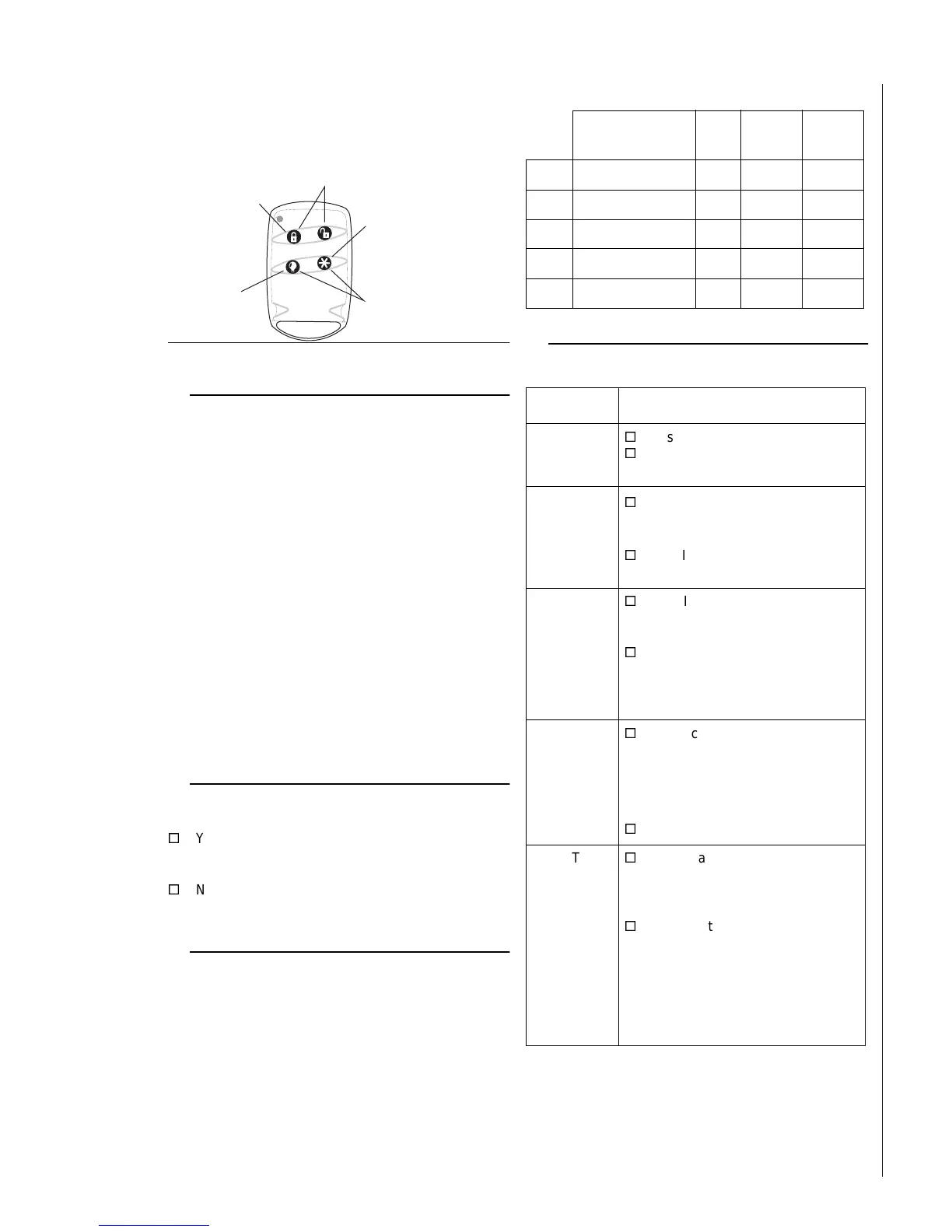
Keychain Touchpad 4—Active for Partition: 1 2
—Latchkey User: Y N
Accidental Smoke and Fire Alarms
To silence the alarms and reset the sensor:
• Press
1
+
CODE
, once to silence the alarm.
• Press
1
+
CODE
, again to reset the smoke
alarm.
Smoke and fire panic alarms cannot be cancelled and are
always reported to the central station.
If, after disarming the system once, the system still thinks a
sensor is open, disarm the system again.
In the event of an accidental smoke or fire alarm, follow
these dealer instructions:
________________________________________
________________________________________
________________________________________
________________________________________
________________________________________
________________________________________
________________________________________
Dialer Abort
Is the Dialer Abort feature enabled?
Yes. I have ____ seconds to cancel an accidental
intrusion or auxiliary alarm before it is reported to the
central station.
No. All alarms are reported to the central station
immediately.
Doors and Delay Time Settings
When the system is armed, enter and exit the premises
only through designated delay doors.
Entry Delay Time:
The time allowed to enter the premises and disarm the
system.
Exit Delay Time:
The time allowed to leave the premises after arming the
system.
System Features
P re ssin g this
key controls
a ll lig h ts .
P re ssin g this
key triggers
_____________________
P re ss th e L O C K k e y to :
¨ In c re a s e th e
a r m in g le v e l.
¨
A rm the system to
Level 3 w ith no
Exit or
Entry delay.
P re ss b o th a t o n e tim e to :
¨ C reate a panic alarm .
¨ _________________________
P re ssin g b o th ke ys at sam e
tim e c re a te s A u x ilia ry p a n ic
alarm .
Door Door Location Ptn.
Entry
Delay
Exit
Delay
1
1 / 2
::
2
1 / 2
::
3
1 / 2
::
4
1 / 2
::
5
1 / 2
::
Partition 1
Feature My system features include:
Quick Arm
Yes. Press the arming level desired.
No. Enter arming level, then access
code.
Quick Exit
Yes. Press
D
and exit your armed
premises through a delay door
within 2 minutes.
No. I need to disarm my system in
order to exit the premises.
Exit
Extension
Yes. If I re-enter the armed pre-
mises during the Exit Delay time,
the Exit Extension will begin.
No. If I re-enter the armed pre-
mises during the Exit Delay time, it
will continue to count down and I
must disarm the system.
Keyswitch
Arming
Yes. I can use a key to arm the
system. The switch is located:
_________________________________
_________________________________
_________________________________
No.
Auto STAY
Arming
Yes. If, after arming to Level 3—
AWAY, I don’t exit through a desig-
nated delay door, the system will
arm to Level 2—STAY.
No. If, after arming to Level 3—
AWAY, I don’t exit through a desig-
nated delay door, the system will
continue to arm to Level 3—AWAY.
And, if my system contains motion
detectors, movement may cause an
alarm.



 To Next Page