24
Step 2:
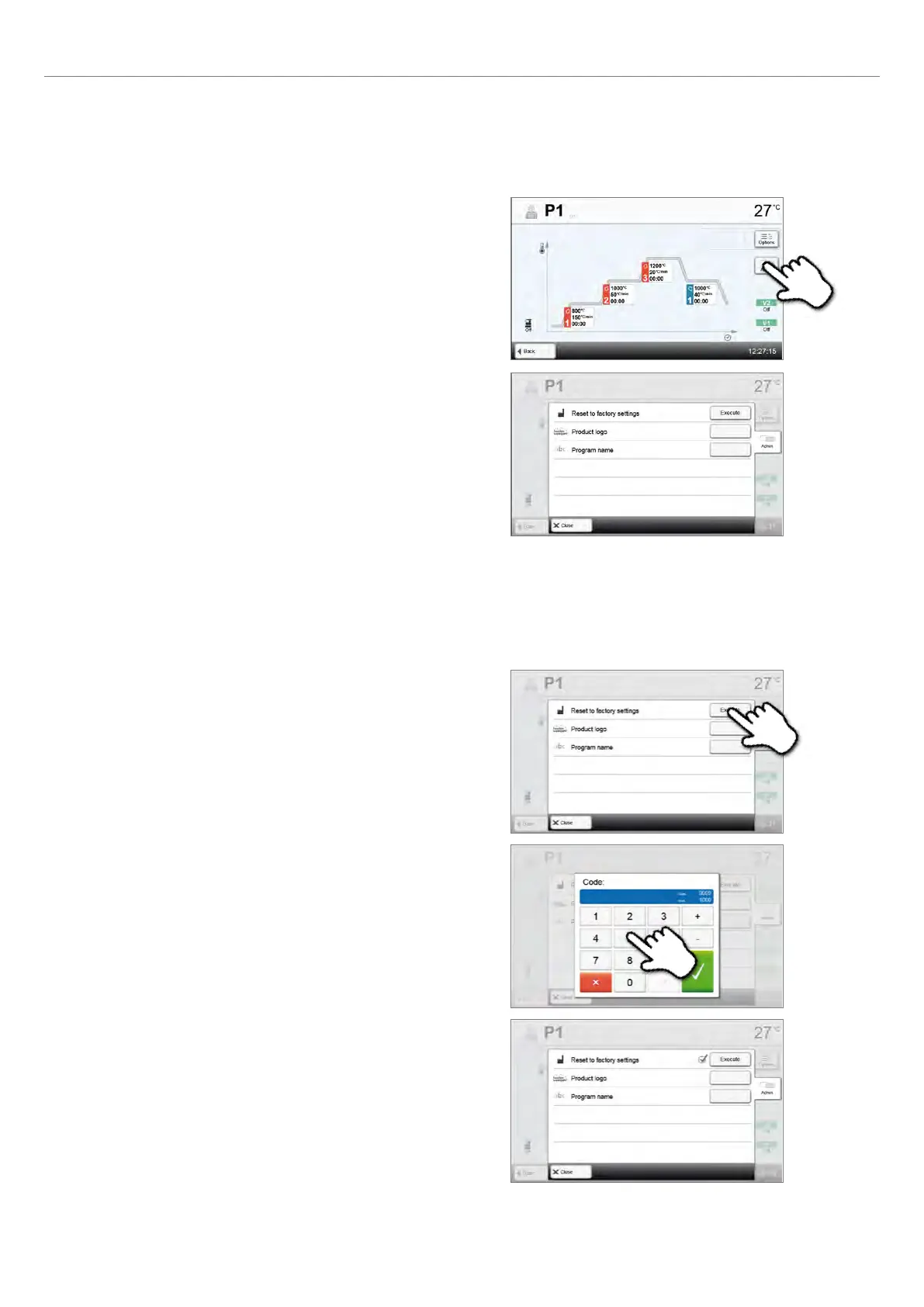
Enter the user code to confirm that the program is reset to
factory settings.
Step 3:
The program has successfully been reset to factory settings.
Reset program to factory settings
This function is used to reset a changed program to factory settings.
Step 1:
Press the [Execute] button in the Admin menu.
The following functions are available:
– Reset program to factory settings
– Select product logo
– Rename program
2.2.3 Managing programs
Press the button [Admin] in the program view to open
the Manage programs menu.
2. Application















 To Next Page