51
2.3.3 Firing using an individual program
Step 1:
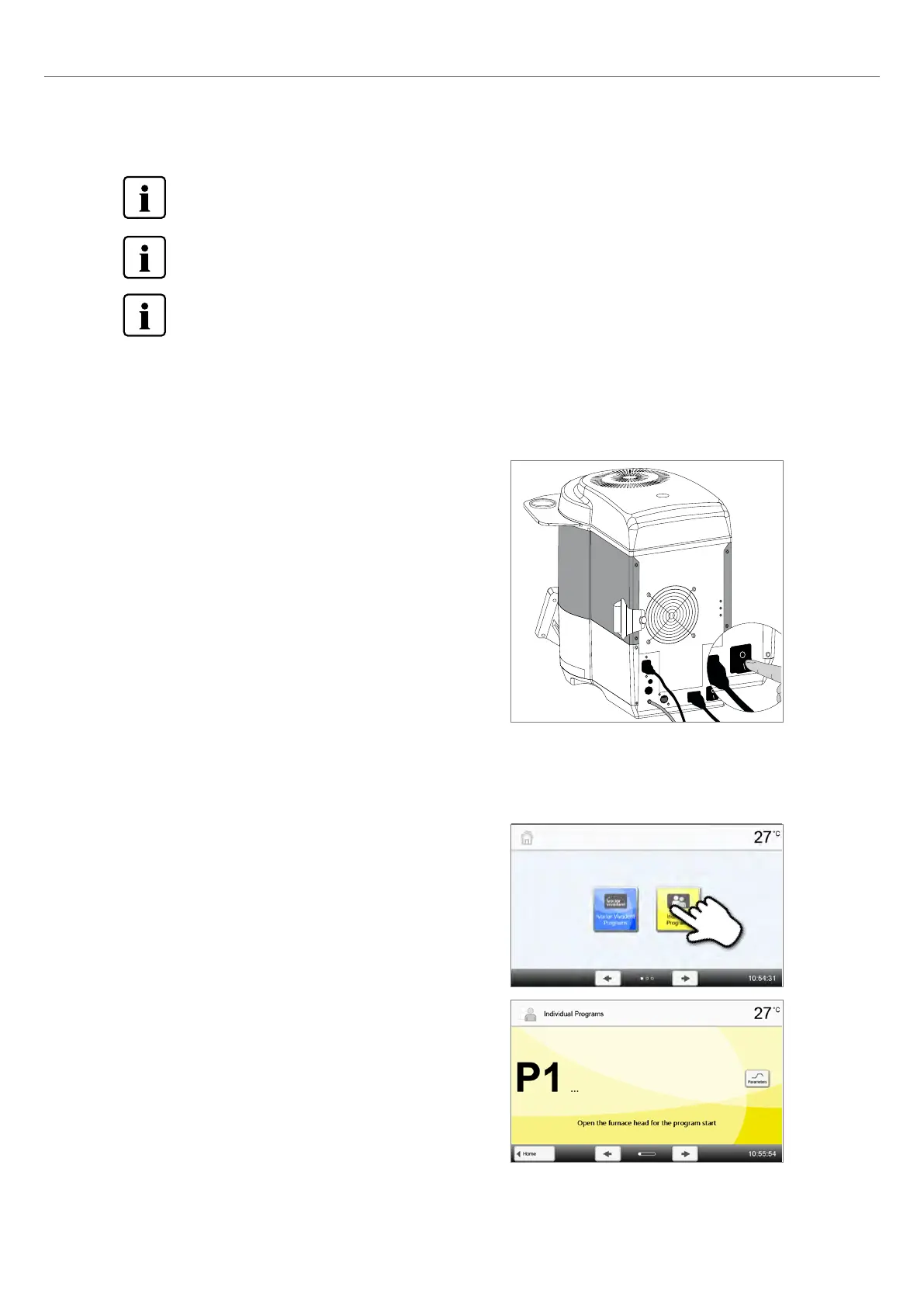
Switch the furnace on
Switch on the furnace with the mains switch at the rear of the furnace.
The furnace conducts an automatic self-test.
Step 2:
Select the program
The program screen appears after the self-test has been completed. The [Home] key is used to open the home screen.
With the furnace head open, the temperature in the firing chamber is higher than indicated on the touch screen.
Depending on the program, it may take up to 20 minutes or more until the firing chamber has cooled sufficiently
so that the next program can be started.
A new restoration may only be placed in the firing chamber once the temperature has dropped below 700°C for
sinter programs or 400°C for crystallization and glaze programs.
To accelerate the cooling of the firing chamber after a program, close the furnace head halfway. In this way, the
warm air may escape the firing chamber much quicker.
Step 3:
Select the program type
Select the program type for individual programs.
Step 4:
Select the program
Select the desired individual program using the [Arrow] button.
2. Application















 To Next Page