
 Need help?
Do you have a question about the jablotron 100 and is the answer not in the manual?
Authorizing system access using user codes or RFID tags on the keypad.
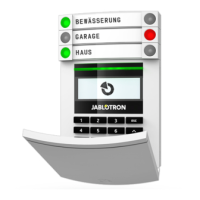
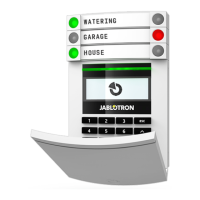
Operating the system directly via the keypad, including segment button functions and status indications.
Controlling the JABLOTRON 100 system using keyfobs, including bi-directional and one-way types.
Using the J-Link software on a computer for local system operation and user management.
Accessing and controlling the JABLOTRON 100 system online through the MyJABLOTRON web portal.
Monitoring and controlling the JABLOTRON 100 system remotely using a dedicated smartphone application.
 General
| Brand | jablotron |
|---|---|
| Model | 100 |
| Category | Security System |
| Language | English |







 To Next Page