07610-004-33-05-E
29
Rinse Modes
• Press the I Key for ECONO RINSE.
• Press the II Key for TURBO RINSE.
Checking Cycle Count
• While the machine is powered off, press and hold the Power Button. The total cycle
count will display for several seconds, followed by a normal .ON state.
General
1. When main power is rst connected to the machine, the digital display will sequence
through its LEDs to show all are functional.
2. The machine will then go into Standby Mode (blank display).
3. Press the Power Button.
4. The display will show “Heating” until the wash tank reaches operating temperature.
5. The display will show “Ready” when the machine is ready to use.
HEATING
CYCLE 1
180
F
READY
CYCLE 1
125
F
DISPLAY
INSTRUCTIONS
Power Button
Delime Button
Cycle Light
Rinse Options
OPERATION
OPERATING INSTRUCTIONS
SHUTDOWN &
CLEANING
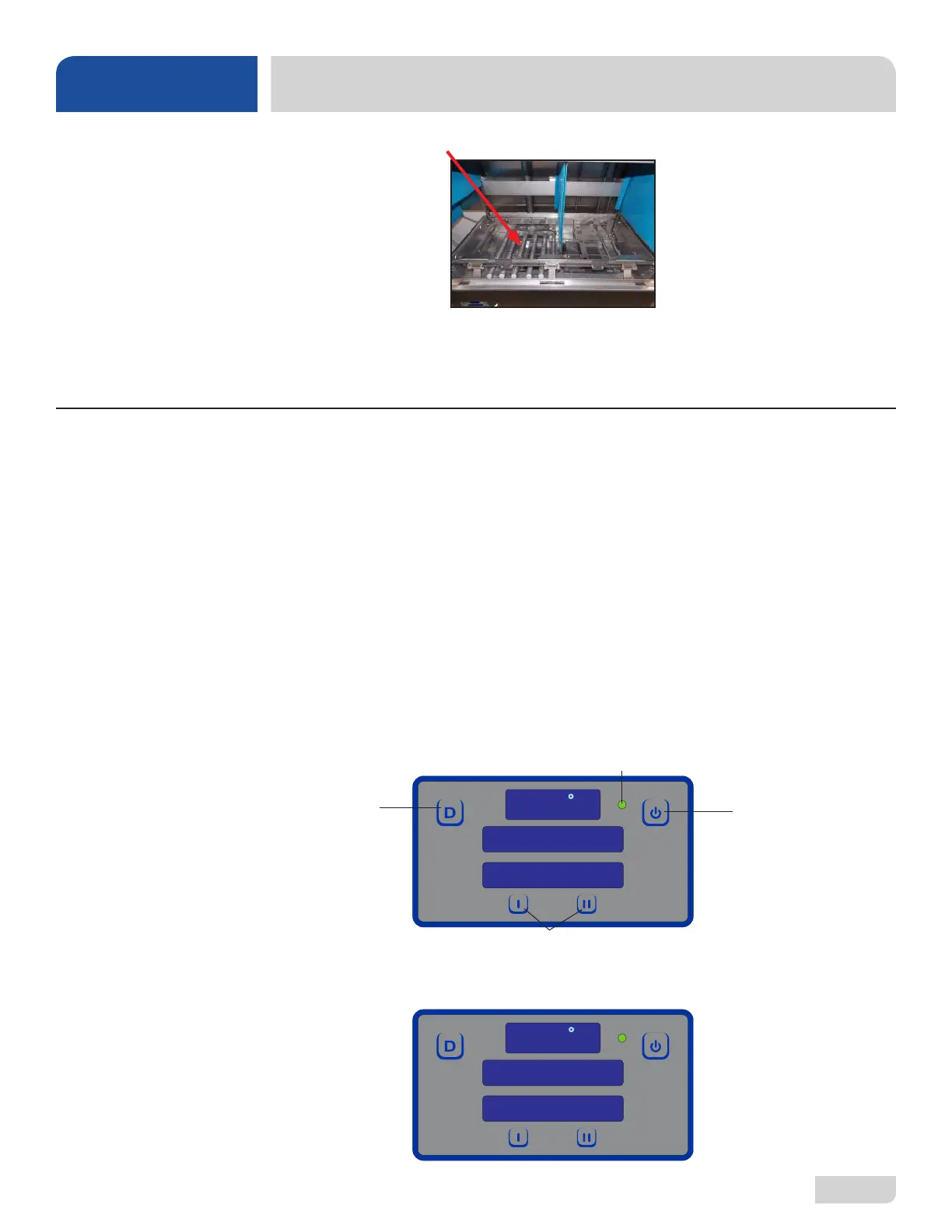
8. Spray or wipe out interior of machine.
9. Ensure the strainers, curtains, and wash and rinse arms are clean and securely
in place.
10. Use stainless steel polish to clean and protect outside of machine.







 To Next Page