JB-lighting Lichtanlagen GmbH Sallersteigweg 15 D-89134 Blaustein phone: +49 7304 9617-0
www.jb-lighting.de - 12 -
PAR 5. DMX addresses for dimmer channel no. 65 to 80
PAR 6. DMX addresses for dimmer channel no. 81 to 96
A/B: Selection of DMX line
CLEAR. Delete all DMX addresses
OPEN: Delete DMX address from selected unit only
PATCH. Confirm DMX address
Left encoder wheel: Select DMX address
Encoder wheel in the middle: move cursor up and down
Right encoder wheel: move curor left and right
2.3.1 Enter start addresses for fixtures
Select PATCH menu first.
The first fixture will be automatically activated and DMX address no. 1 or the first not occupied DMX address
will be suggested. If you find the suggested DMX address to your satisfaction, confirm by pressing softkey
PATCH. If you need any other DMX address use the encoder wheel with is located in the middle to change
the address.
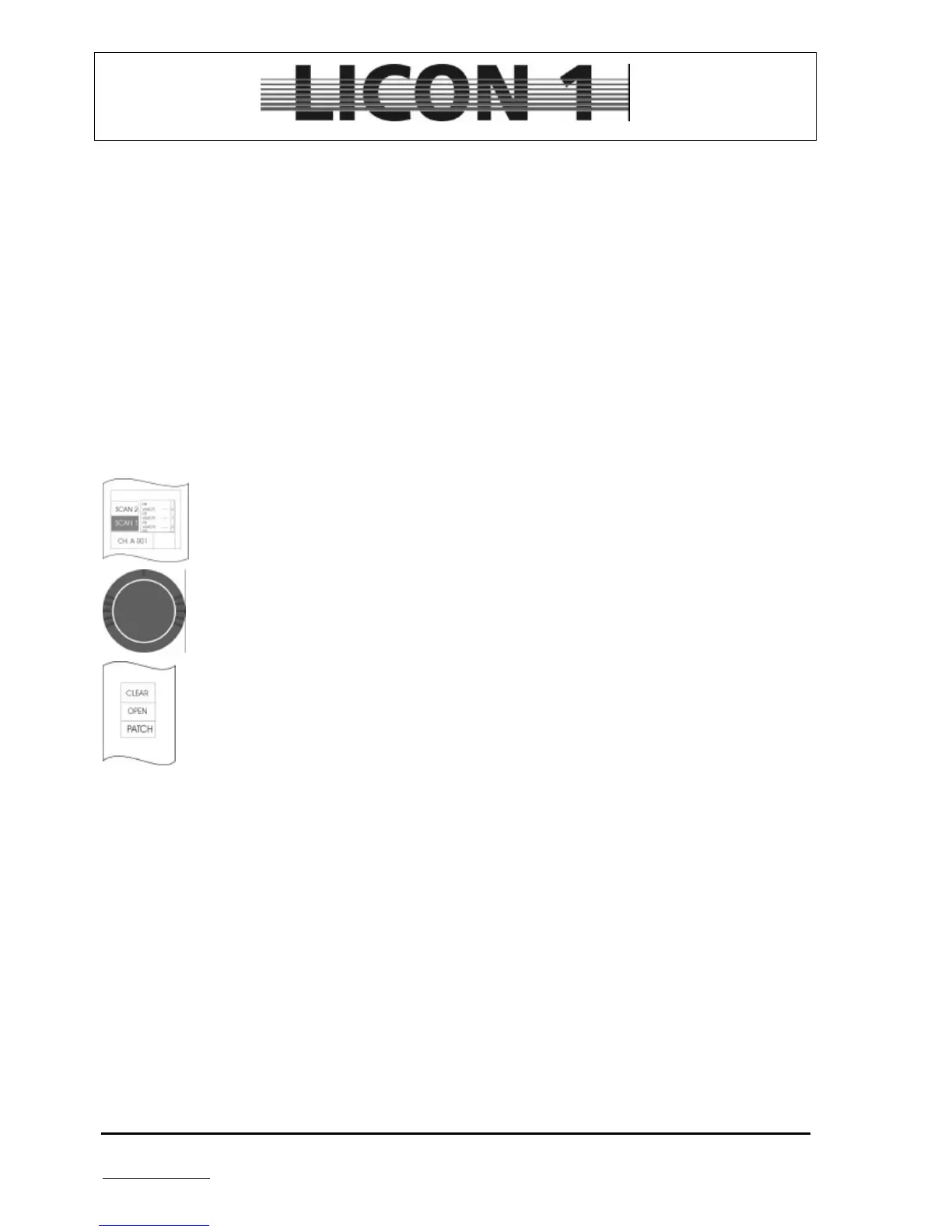
Select the required page (it will displayed inverted)
Select starting address for first fixture by turning the encoder wheel.
Confirm starting address by pressing softkey PATCH.
Fixtures can be selected by turning the encoder wheel located in the middle.
Press softkey A/B if you want to change DMX line
à to leave this menu press ESCAPE
2.3.2 Delete start address from one fixture
Enter patch menu by pressing softkey CONFIG/PATCH
Select one fixture by turning the encoder wheel located in the middle. Press softkey OPEN
à to leave this menu press ESCAPE


 To Next Page