JB-lighting Lichtanlagen GmbH Sallersteigweg 15 D-89134 Blaustein phone: +49 7304 9617-0
www.jb-lighting.de - 31 -
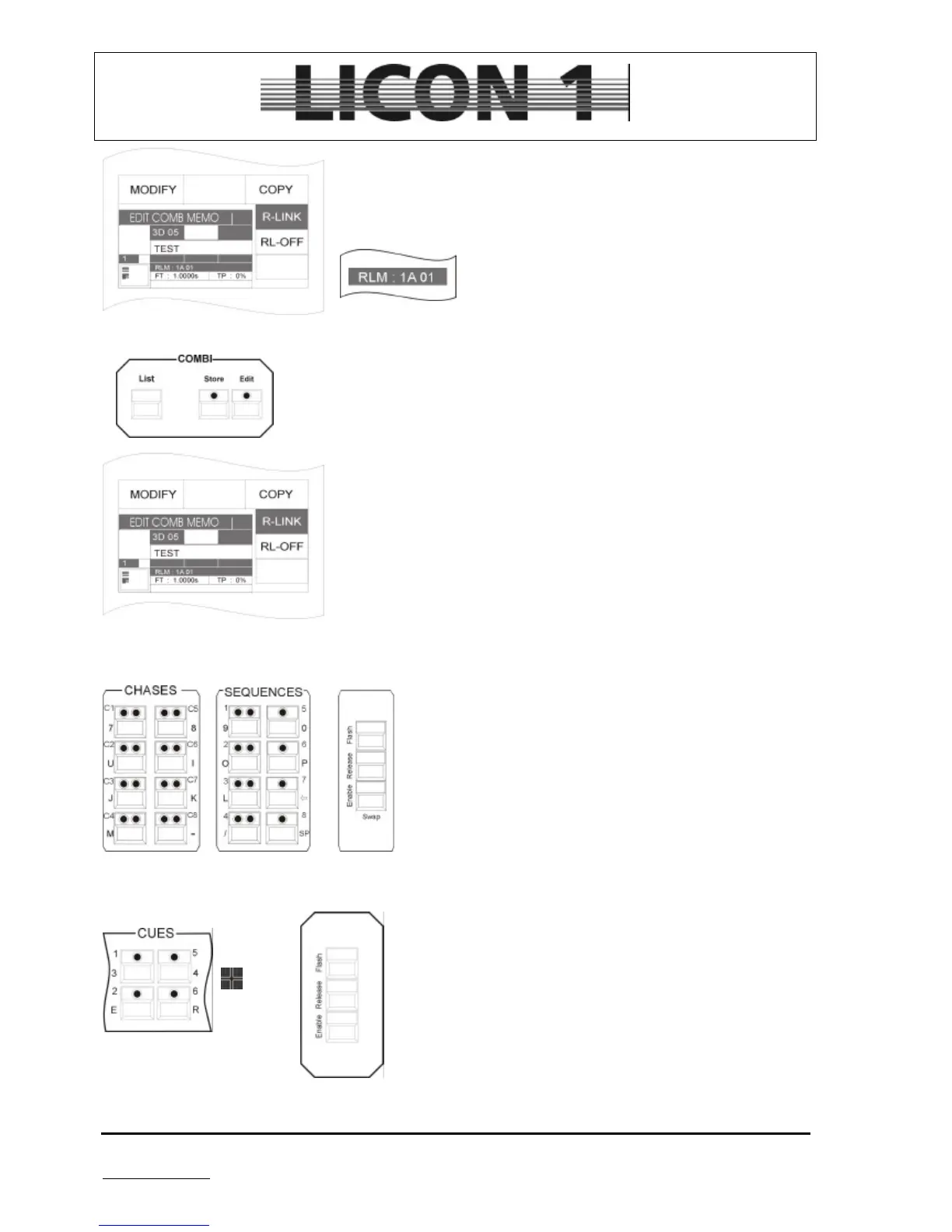
Press softkey R-LINK and simultaneously the cue key on which the stop-
cue was stored previously.
The release link function will be displayed after the abbreviation RLM
and the position of the cue which was linked.
To delete the release-link function:
Press edit key of the combi section and recall the desired cue by pressing the
cue key.
Press softkey R-LINK and a second function called RL-off will appear on the
display.
Press softkey RL-off to delete release link.
6.1.8 Work with the release link function
To work with the release-link function the release-link key is
required. It is located in the Flash-Release-Enable-block on
the right hand side of the sequence block.
By entering a release link two separate cues have been
assigned to one cue key.
Press the cue key to recall the first cue.
To recall the stop-cue:
Press release key and hold it. In addition press the cue key
again. Release the release key first and afterwards the cue key.
Step no. 1 step no. 2 step no. 3


 To Next Page