JB-lighting Lichtanlagen GmbH Sallersteigweg 15 D-89134 Blaustein phone: +49 7304 9617-0
www.jb-lighting.de - 23 -
4 Presets
Presets are the most important tools for programming and should be programmed for each feature before
storing cues, chases or sequences.
Presets access only one feature, like colour or gobo or iris.
Presets are always stored in the preset-menu which is entered by pressing the softkey PRESET.
4.1 Programming and storing presets
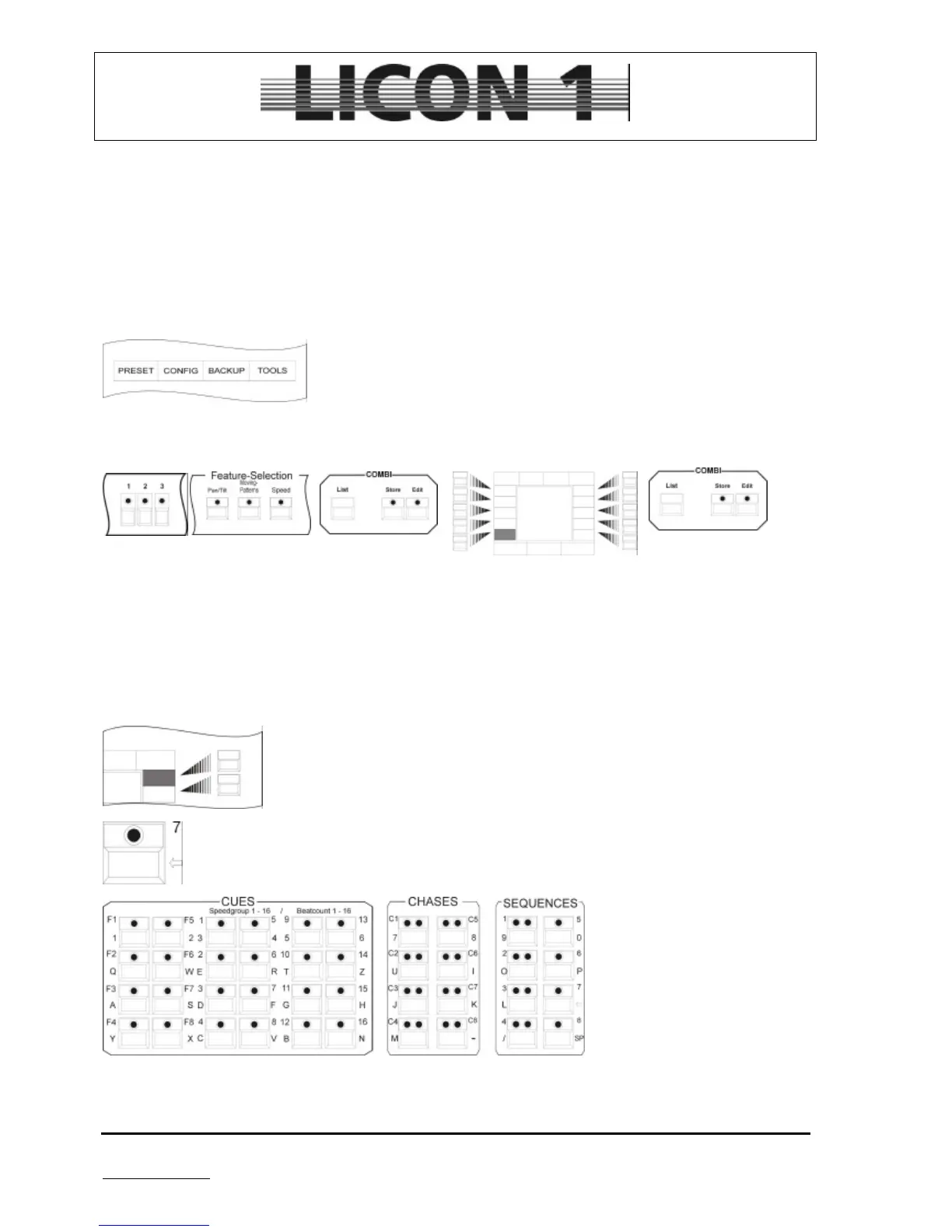
To program presets enter PRESET menu first by pressing the softkey
PRESET.
Use this combination of key to enter Preset data
1. 2. 3. 4. 5.
1. select fixture
2. select feature and enter DMX data by means of the encoder wheels
3. press store key in combi section
4. select softkey to store Preset (name Preset)
5. confirm by pressing store key again
4.2 Name a preset
Presets can either be named during process of storage or later on.
To name a preset later on recall it by pressing the according softkey.
Clear field by means of the arrow key
Enter new name. Input has not
to be confirmed by any key. Just
press the softkey of the preset
key again.
à press escape to leave menu


 To Next Page