JB-lighting Lichtanlagen GmbH Sallersteigweg 15 D-89134 Blaustein phone: +49 7304 9617-0
www.jb-lighting.de - 30 -
6.1.4 Name cues
A cue should be named before actually storing it. There are thirteen characters available for naming the cue.
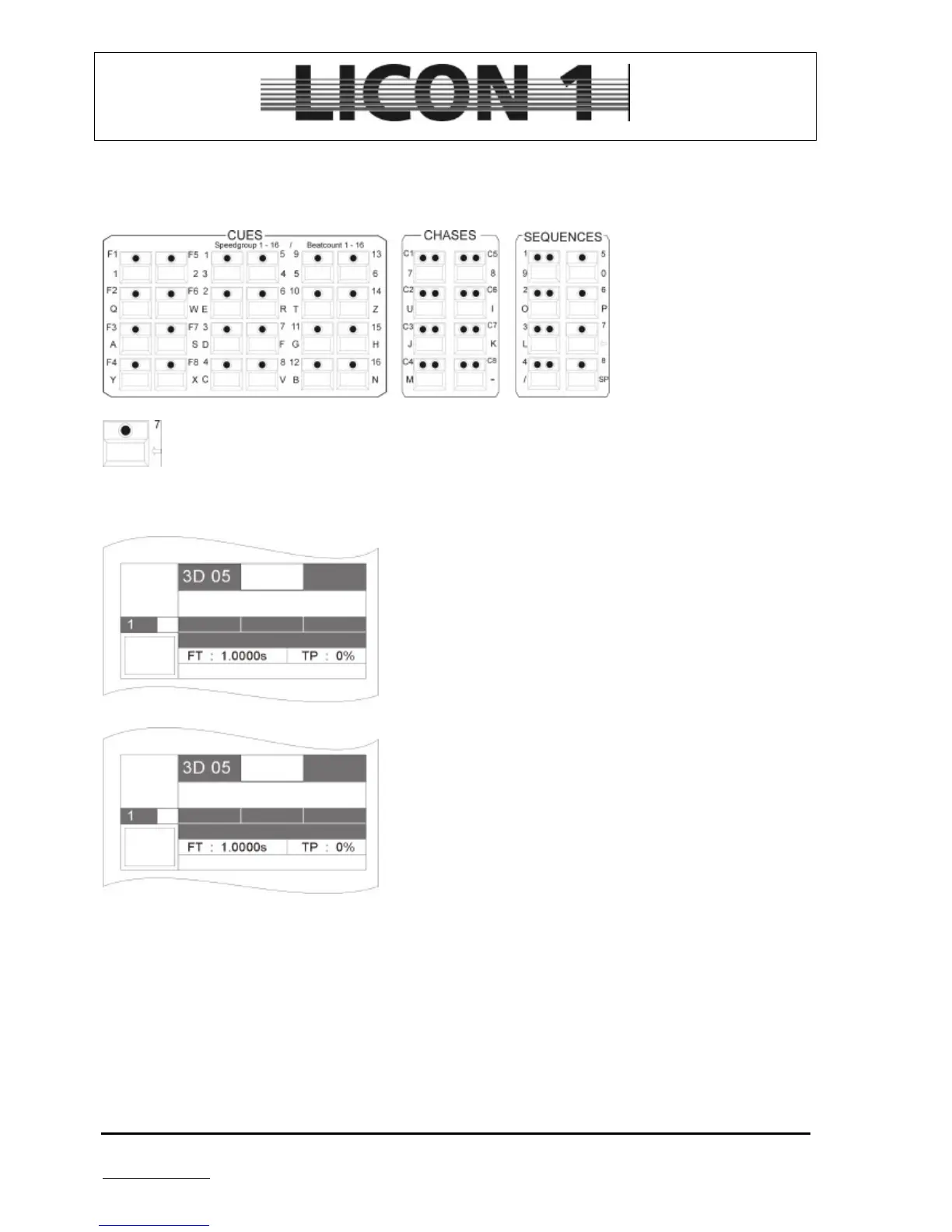
Press softkey NAME until it is displayed in an inverted way. Use keys of the cues, chase and sequence
section to name cue.
In case of renaming the cue, use arrow key no. 7 to clear before entering the new name of the
cue.
6.1.5 Enter fade time
A fade time can be assigned to each cue. All features which
have been stored with a fade ramp (see store matrix) will be
affected by the fade time.
To enter fade time use left encoder wheel. The maximum of
fade time is 1638,3 seconds.
Behind the abbreviation FT the fade time will be displayed.
6.1.6 Enter trigpoint
All features which are switched can be assigned with a trigpoint.
Trigpoint means the point of time when a feature is switched
from one DMX value to another. It is used for gobos, prism ect.
To enter the trigpoint use the encoder wheel which is located on
the right side.
The trigpoint is dependable on the fade time and it is shown in
percent.
Behind the abbreviation TP the trigpoint be displayed.
6.1.7 Enter release link function (R-Link)
Cues can not be switched off just by pressing the cue key again. They have to be switched off by a separate
cue. This cue is called stop-cue and it contains DMX values for all features available. A standard stop-cue
usually features open white for colour, gobo, prism and frost, as well as iris, dimmer and shutter open and
pan and tilt at a mid position.
The stop-cue can be linked to every cue. The release link function offers the possibility not only to recall a
cue, but also it´s stop-cue by means of the same cue key.
First of all program and store a stop-cue. à 6.1 Programming and storage of cues.
After that program and store a standard cue.


 To Next Page