JB-lighting Lichtanlagen GmbH Sallersteigweg 15 D-89134 Blaustein phone: +49 7304 9617-0
www.jb-lighting.de - 25 -
5 Preprogrammed moving patterns
To enter menu press key „moving patterns“.
After the key “moving patterns” is pressed once the display will
show the stored presets.
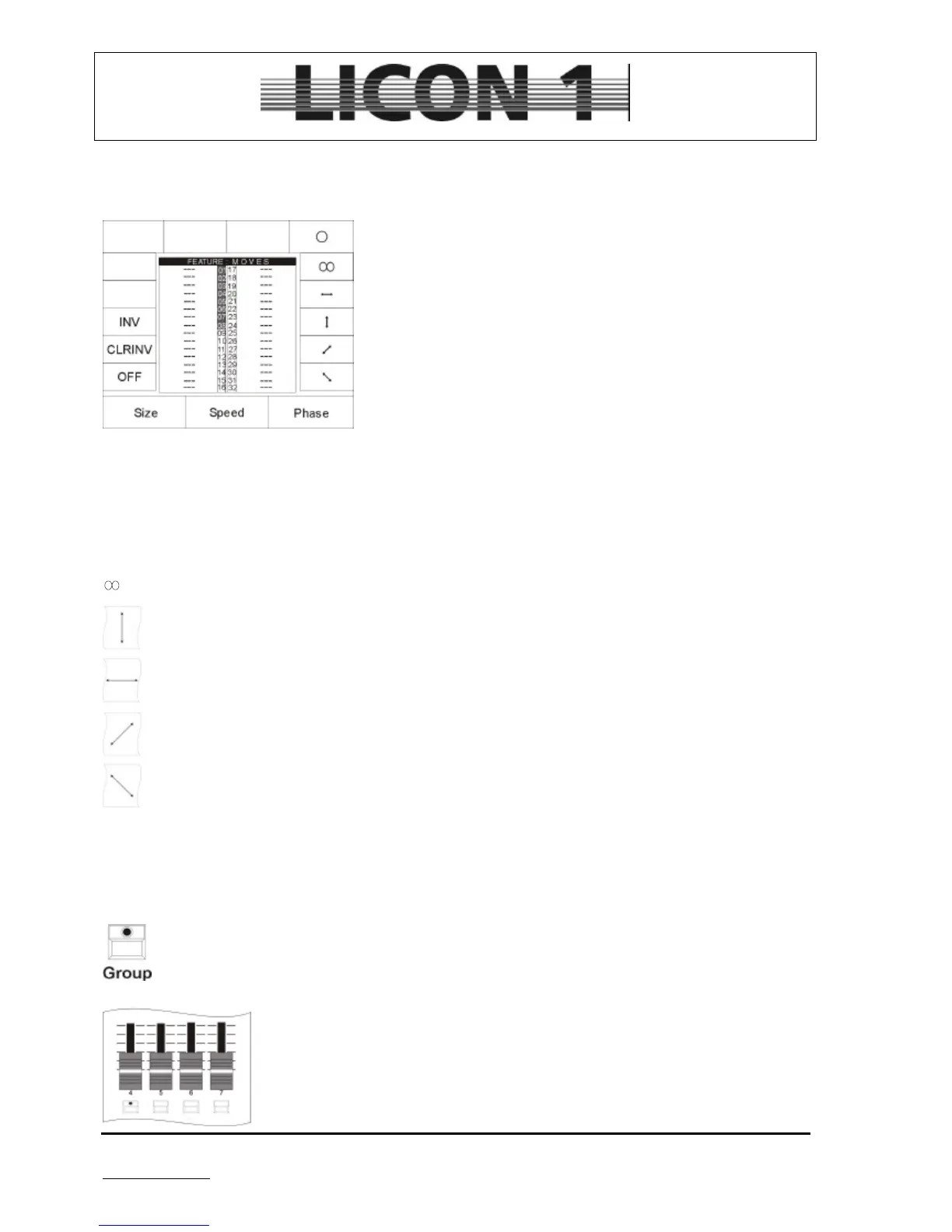
After the key is pressed twice the display will show the selection of
moving patterns available:
Off: Stop of movement
CLRINV: clears inversion of the movement
INV: Inversion of movement
O: circle
: lissajou
: sweep left/right
: sweep up/down
: sweep diagonal (left down/right up)
: sweep diagonal (linft up/right down)
Size: size of pre-programmed moving pattern
Speed: speed of pre-programmed moving pattern
Phase: phase
To use the preprogrammed moving patterns activate fixtures first:
Activate fixtures by pressing group key and fixture flash key.
Position Master fader and fixture group fader at 100%.
Press Feature-Selection key „Moving patterns“ twice and select one of the patterns
by pressing softkey.
Enter speed and size by means of encoder wheels.
Press storekey of combi section to store the moving pattern as Preset.


 To Next Page