JB-lighting Lichtanlagen GmbH Sallersteigweg 15 D-89134 Blaustein phone: +49 7304 9617-0
www.jb-lighting.de - 48 -
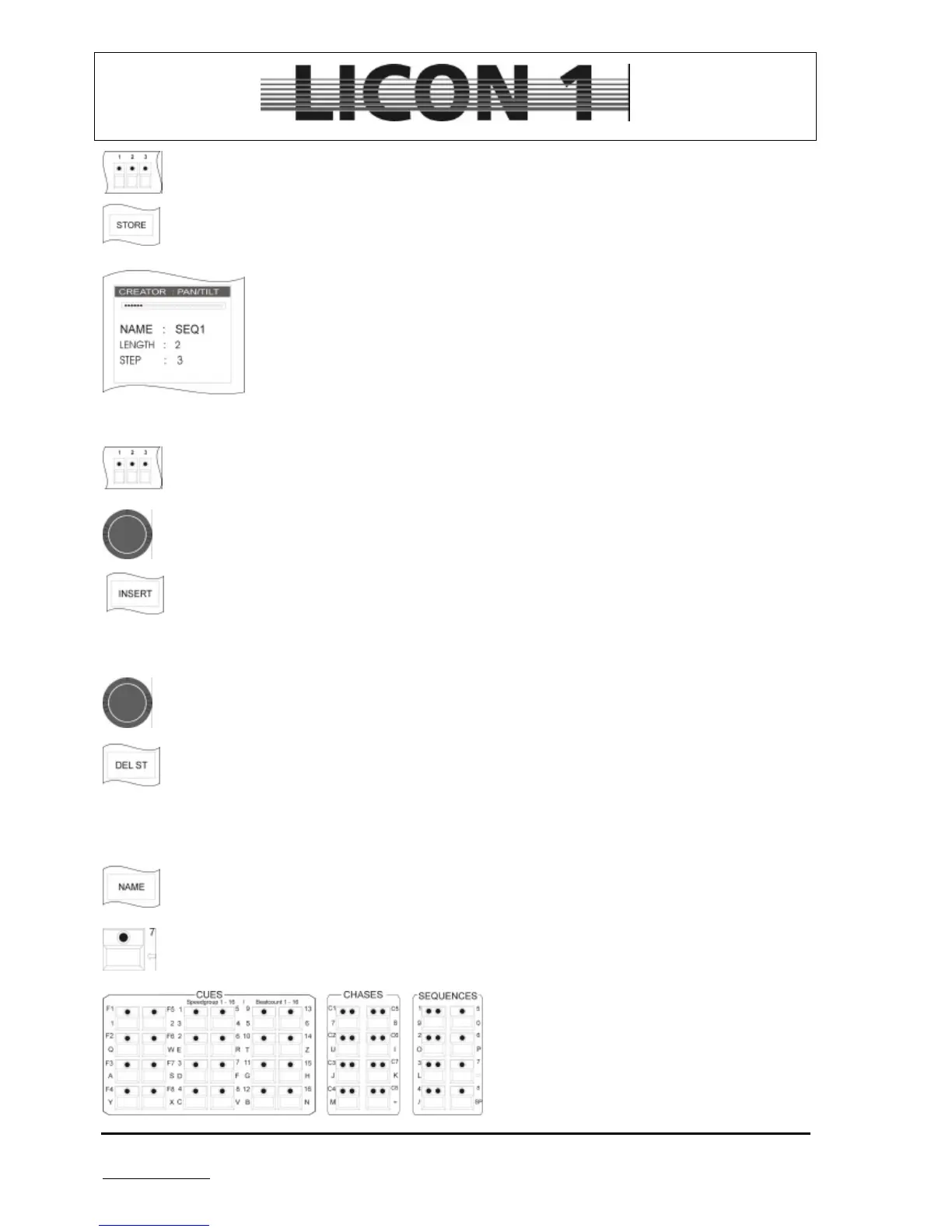
3. Press the key of the fixture/par selection block on which the fixture is recalled which
should be first in order. If more than one fixture needs to be activated in the first step of
the chase, press the desired fixture keys simultaneously.
4. To store the step press softkey STORE.
Each new step is added to the steps before.
The number of steps programmed is show on the display (LENGTH: X)
STEP marks the active step.
(LENGH: 2, STEP: 3 means 2 steps already programmed, step 3 is about to be
programmed.)
To insert a step proceed like this:
1. Select the desired fixture/s (LEDs must be lit)
2. Use the encoder wheel (step) to select the step which is going to be next after the newly
inserted step.
3. Confirm by pressing softkey INSERT
To delete a step proceed as follows:
1. Select the desired step by means of the encoder wheel (step), situated in the middle.
2. Confirm by pressing softkey DEL ST
To name the order/ sequence proceed like this. vor:
1. Press softkey NAME
2. Delete SEQ by means of the arrow-key
3. Enter name by means of the keys in cues/chase/sequence section
To escape press softkey „ 2 ( 6) >>>“.


 To Next Page