25
4. Working with the woodchipper
4.4 The infeed chute
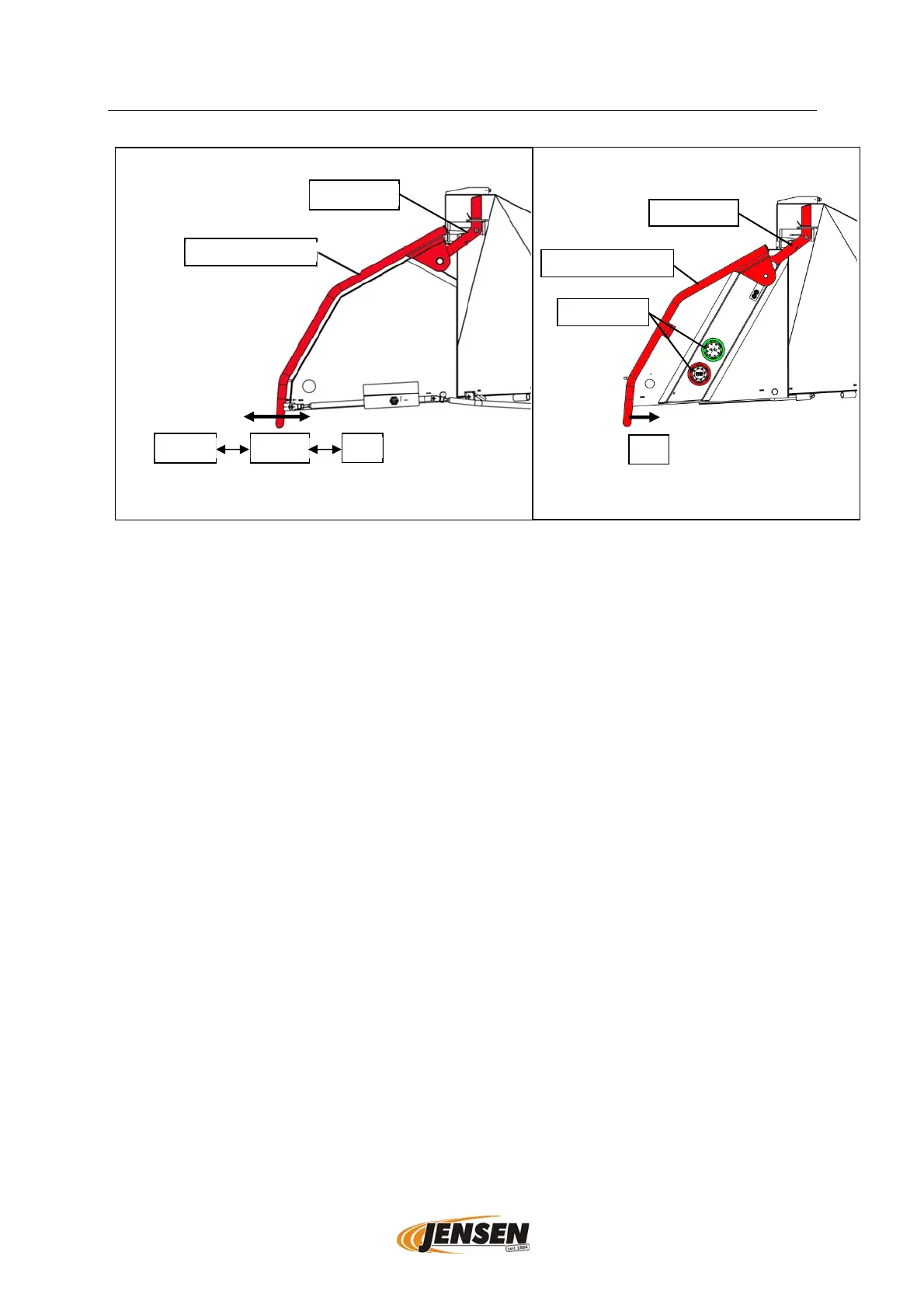
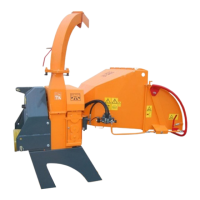
Schematic display of the infeed chute, differences in design and type possible.
4.4.1 Safety bar and infeed control
If the safety bar is located in the middle position the infeed is running forward (intake).
For reversing the infeed pull the bar against the intake direction. To stop the infeed
push the bar towards the infeed. The safety bar does not control the infeed direction
for all machines. This function can also be controlled by touch keys or a remote control
(depending on the specifications of the machine).
4.4.2 Touch keys (optional)
For machines with touch keys the direction of the infeed can be controlled by using the
(green) touch keys. When using the red touch keys the infeed is stopped.
4.4.3 Palm switch (optional)
The infeed of machines with palm switches can be stopped by using the red palm
switch.
4.4.4 Resetting the infeed after stopping
Normally the infeed can be switched on directly after it has been stopped. For some
machines it is only possible, after a secondary security function has been used.
Pushing of a palm switch (yellow), unlocking of the used palm switch (red), unlocking
of the stop switch.
If the machine has a manual safety interruption, the safety interruption holds the safety
bar in the stop position. It is only possible to unlock it by hand. To unlock the bar push
the lever (on the side of the infeed chute) towards the infeed and pull the safety bar
away from the infeed. This function is for your safety, it prevents accidental activating
of the infeed in case of an accident.
Touch ke
s
Infeed fla
Safet
/control bar
Infeed flap
Safet
/control bar
reverse
intake
stop
stop


 To Next Page