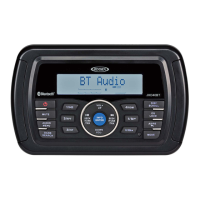
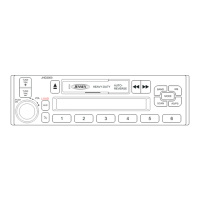
JHD36A
HEAVYDUTY
-----------------------------------------------------------------------------------------------------------------
Liquid
Crystal
Display
(LCD)
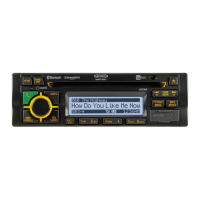
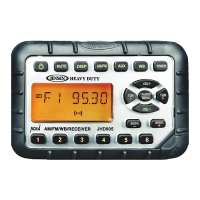
The current frequency and activated functions are shown on the LCD
panel
(21
).
NOTE:
LCD
panels
may
take
longer
to
respond
when
subjected
to
cold
temperatures
for
an
extended
period
of
time.
In
addition, the
visibility
of
the characters
on
the LCD
may
decrease slightly. The LCD
display
will
return
to
normal
when
the temperature increases
to
a
normal
range.
Setting
the
Clock
To
set the
clock
to
display
the current time, turn the vehicle
ignition on and turn the radio on.
Press PTY/CAT/MENU button (2) to enter the system menu and adjust the clock by
selecting
the
"Set Clock"
menu item.
Press
the
INFO/ENTER
button (16) to view the
clock
set screen.
Press
the
TUNE/SEEK
I<<
I
>>I
(18, 19) buttons to adjust the
selected
digit.
Press the
INFO/ENTER
button to move to the next digit. When no adjustment is made for five
seconds, the time
will
become set and
normal operation
will
resume.
Scroll
When the information
Is
too
long
to be
displayed
on the LCD, press the DISP/SCROLL button
(12) to view the entire
title.
The information
will scroll
twice and then return to abbreviated text.
7



 To Next Page