42
VX6020
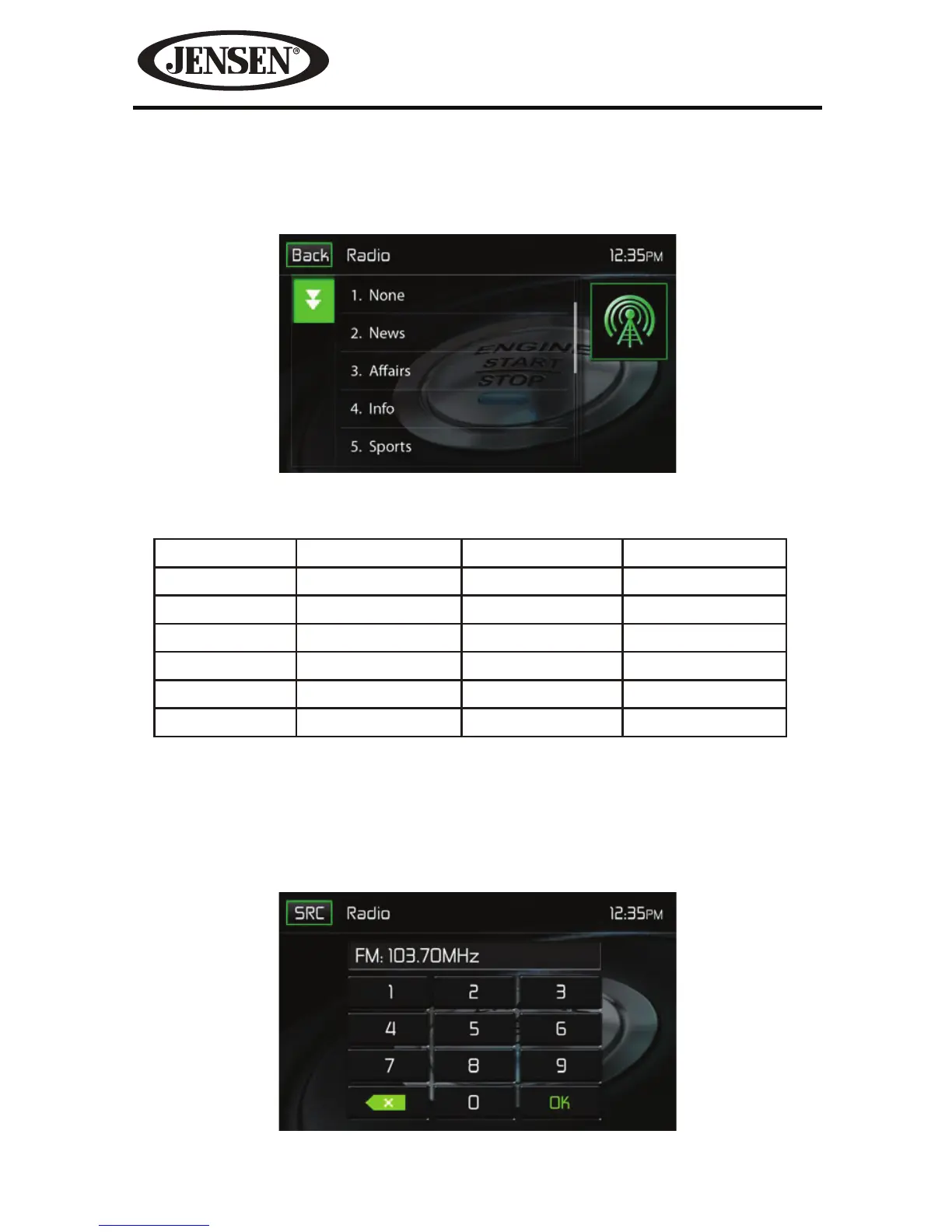
PTY- This function displays the program category of the current station such as
category (news, sports, talk etc.) Use the scroll bar to select various categories.
Touching the Back icon returns the user to main tuner screen.
There are 27 categories in the PTY function.
1. None 8. Adult Hits 15. Jazz 22. Personality
2. News 9. Soft Rock 16. Classic 23. Public
3. Info 10. Top 40 17. RGB 24. College
4. Sports 11. Country 18. Soft RGB 25. Weather
5. Talk 12. Oldies 19. Language 26. Test
6. Rock 13. Soft 20. Religious Music 27. Alert
7. Classic Rock 14. Nostalgia 21. Religious Talk
Direct Entry Tuning
When the Direct Entry icon is touched the Direct Entry Screen appears. The user can
enter the desired radio station frequency using the on-screen number pad. After
entering the radio station frequency touch the OK icon. If a wrong digit is entered
touching the green arrow will remove the number.
After touching OK the radio will
tune to the entered station playback will begin.
Figure 30. PTY Screen
Figure 31. Radio Direct Entry Screen



 To Next Page