53
VX6020
( )Image Files (JPEG etc)- Touch the image icon and the following message will
appear:
Use the SD/USB to control/select photos. Touch screen to return to the
menu.
( )Folders- Touch the icon to display the folder/le hierarchy. Touch the folder
icon and the contents of the folder will be displayed. Touch the le’s icon to select a
le. Touch the icon again to conrm and open the le.
Direct Entry
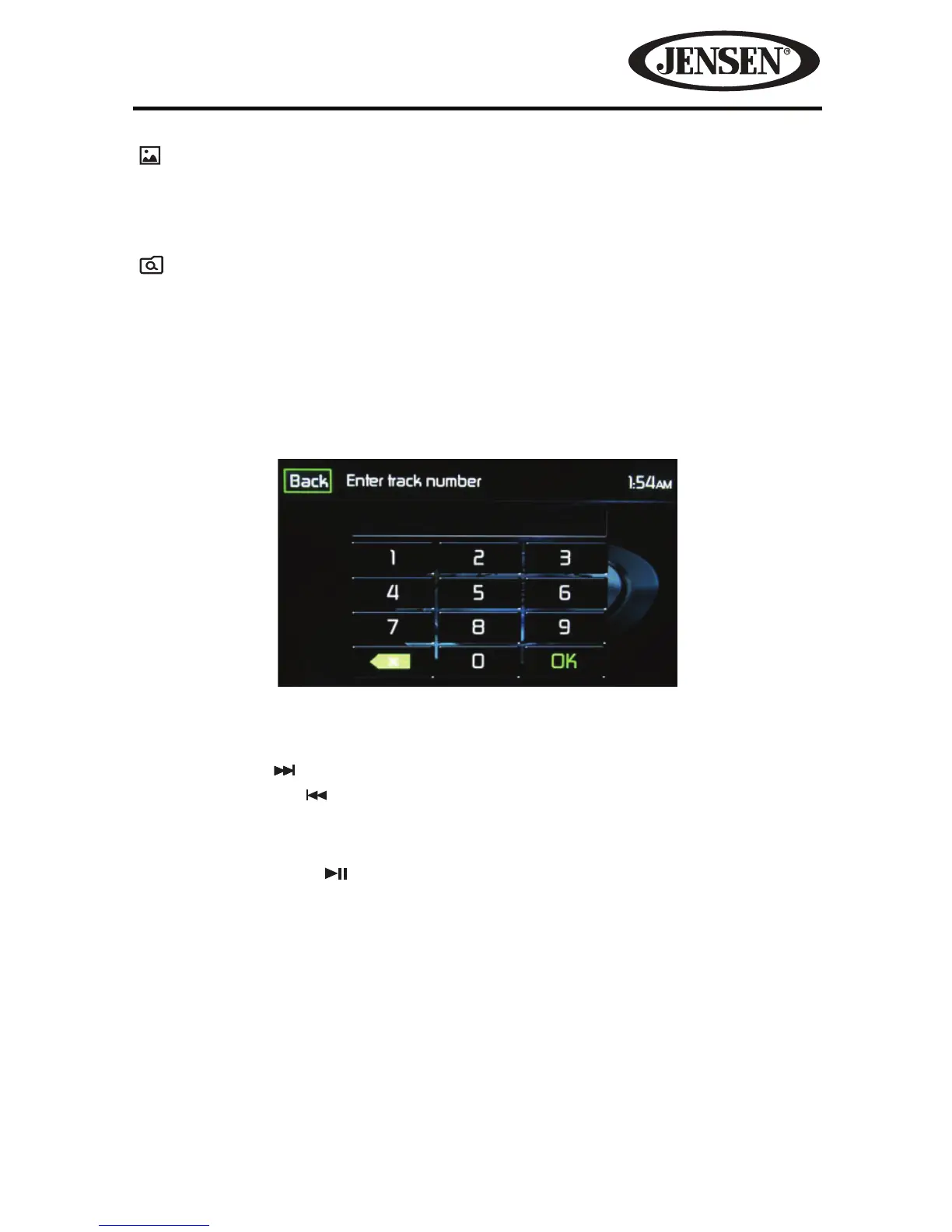
When the Direct Entry icon is touched the Direct Entry Screen appears. The user
can manually select a track by touching the corresponding number. After entering
the track numbers touch the OK icon. If a wrong digit is entered touching the green
arrow will remove the number. After touching OK playback will begin.
Moving Through Tracks
Touch the Next ( ) icon to advance to the next track on the SD/USB.
Touch the Previous (
) icon to move to the previous track on the SD/USB.
Pausing Playback
Touch the Play/Pause ( ) icon to suspend or resume playback.
Figure 42. SDHC and USB Track Direct Entry Screen



 To Next Page