52
VX6020
( )Repeat- In audio mode touch this icon to repeat playback of the current
audio track. The icon on the main TFT LCD screen will light and a small letter A will
appear below the icon and the all the audio tracks will repeat. Touch this icon again
and single track will repeat. The icon on the TFT LCD screen will light and small
number 1 will appear below the icon. Touch the icon again the repeat function will
be cancelled. The icon on the main TFT LCD screen will dim and playback of the
remainder of the tracks will resume.
In video mode touch this icon during playback to repeat the current track. The icon
on the main TFT LCD screen will light and small number 1 will appear below the icon
and the track will repeat. Touch the icon again to repeat all the tracks will repeat.
The icon on the main TFT LCD screen will light and small letter A will appear below
the icon and all the tracks will repeat. Touch the icon again the repeat function will
be cancelled. The icon on the main TFT LCD screen will dim and playback of the
remainder of the tracks will resume.
(EQ) Equalizer- Touch this icon to access the Equalizer Control Menu (see “Adjusting
Equalizer Controls”.
Direct Entry- Touch this icon to the display the Direct Entry Screen.
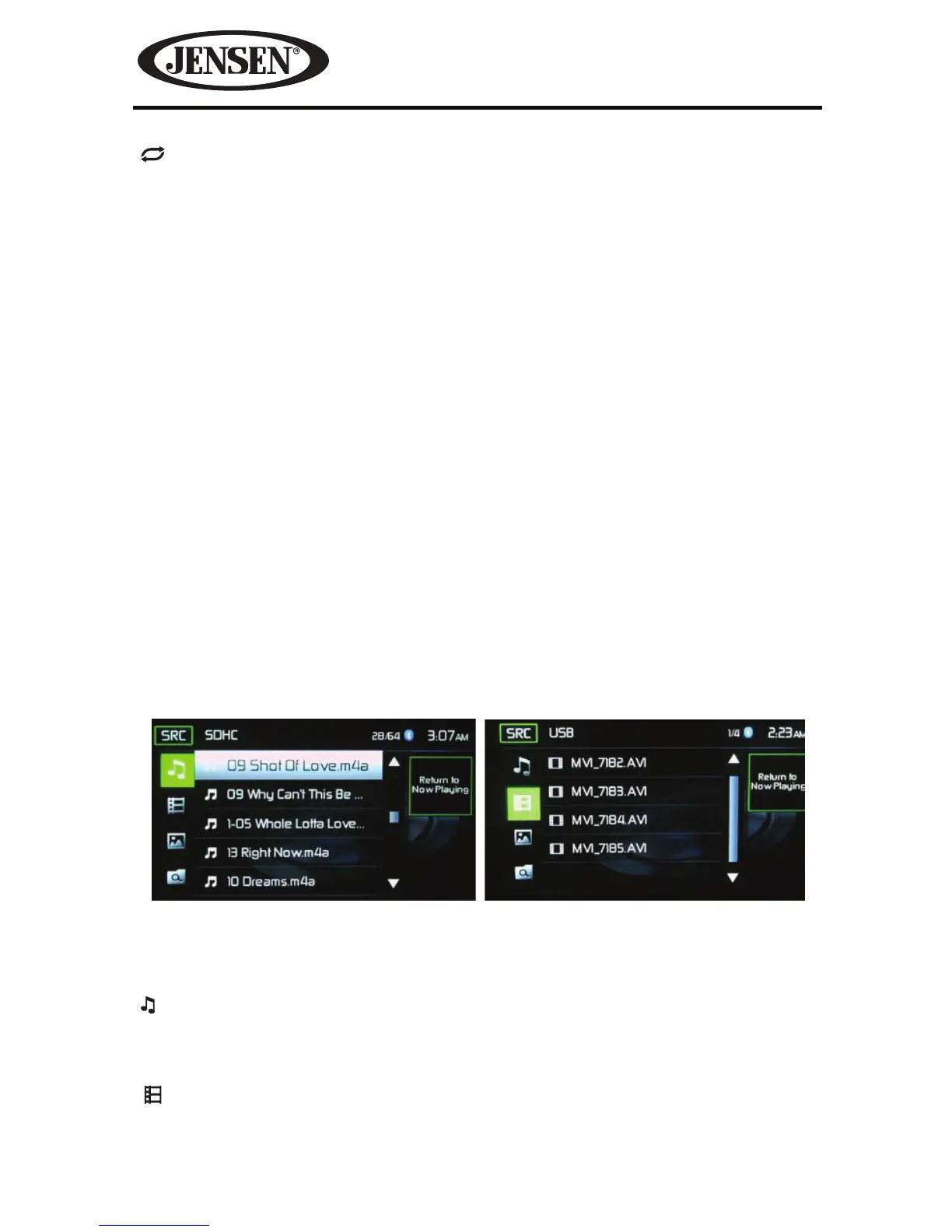
SDHC and USB List
Touching the List icon will display the SD/USB List Screen. The SD/USB List Screen
illustrates the audio and video les present in the SD/USB. The contents are divided
into folders and various le types. The le types consist of audio and video les.
Touching the folder icon will display the les present in the folder.
(
)Audio Files- Touch the audio le icon to display the audio les. Touch the audio
le icon to select a track. Touch the audio le icon again to conrm and playback
will begin.
(
)Video Files- Touch the video le icon to display the video les. Touch the video
le icon to select a video le. Touch the video le icon again to conrm and playback
will begin.
Figure 41. SDHC and USB List Screens
SDHC List Screen USB List Screen



 To Next Page