26
6. BATTERY PACK
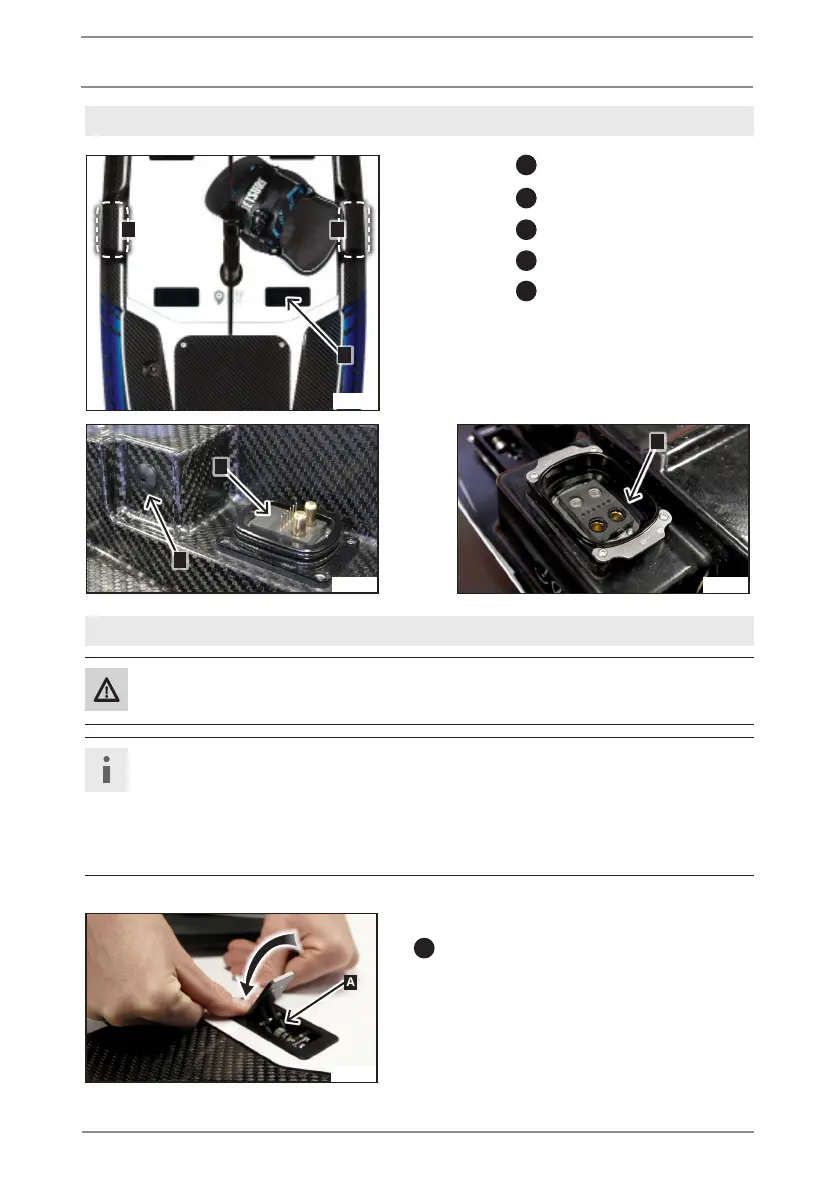
6.2. DESCRIPTION OF BATTERY PACK
A
4 (four) battery pack locks
B
Cooling water outlet
C
Cooling system outlet
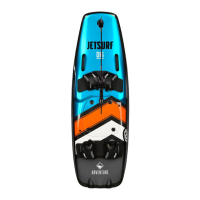
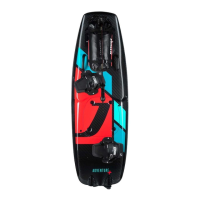
D
Battery plug
E
Battery socket
6.3. BATTERY PACK INSTALATION
Caution
Make sure that nobody is pinched when the Battery Pack is removed or installed.
Note (Material damage)
• Before installing the Battery Pack, check that the battery socket on JetSurf Electric
and the battery plug on Battery Pack are clean.
• Clean the battery plug and the battery socket without using water or compressed
air if they are dirty.
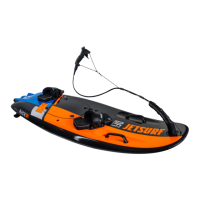
• Make sure, that all 4 (four) locks on Battery Pack
A
are opened.
A
BB
C
D
A
E
JE_0601
JE_0602
JE_0603
JE_0604


 To Next Page