32
6. BATTERY PACK
6.9.1. CONNECTING THE CHARGER
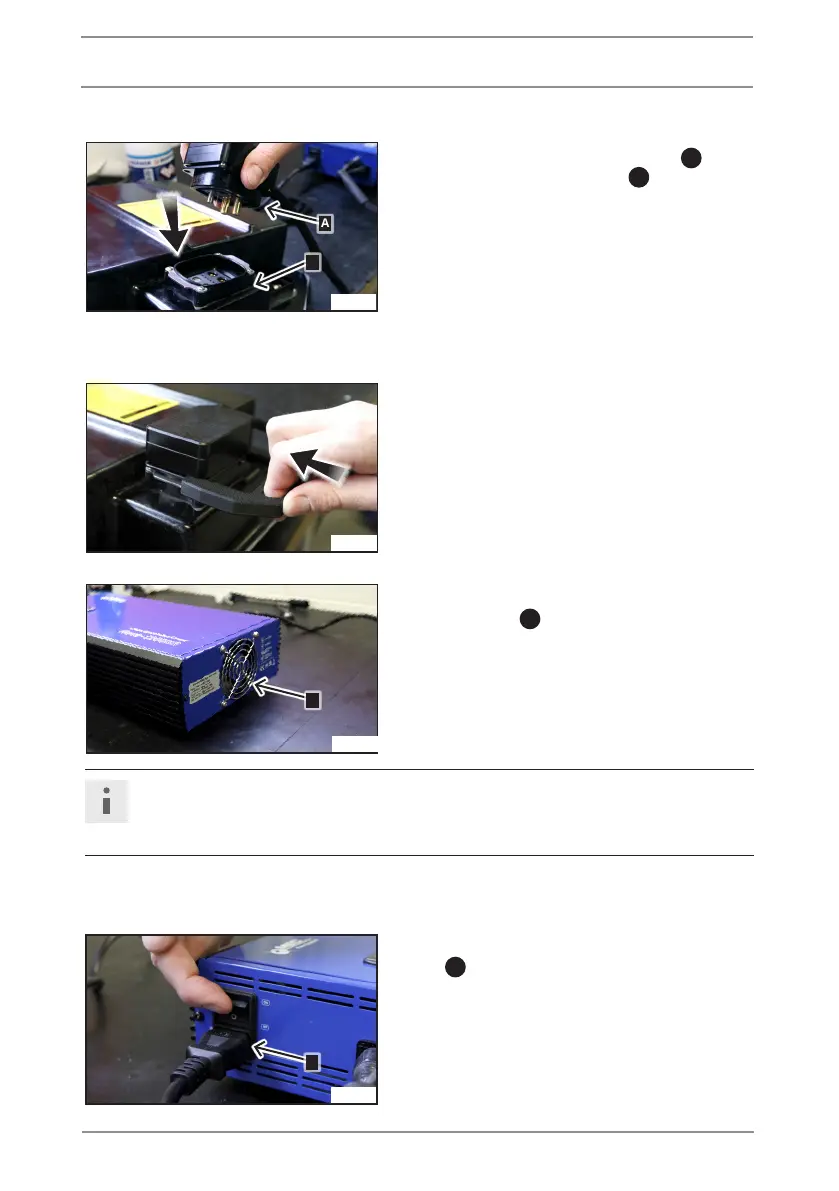
• Insert the plug of the charger
A
in the
battery discharge socket
B
.
• Use buckle to secure the connector.
• Check that there are no obstacles at the charger
cooling outlet
C
.
Note (Material damage)
If the heat is removed insuciently during charging, the charger can overheat and get
damaged.
• Connect the charger to the charging cable for 110/220 V.
• Turn the charger on by switching button
D
to ON.
D
JE_0618
C
JE_0617
JE_0616
A
B
JE_0615


 To Next Page