33
6.9.1. CONNECTING THE CHARGER
• Insert the plug of the charger
A
in the
battery discharge socket
B
.
• Use buckle to secure the connector.
• Check that there are no obstacles at the charger
cooling outlet
C
.
Note (Material damage)
If the heat is removed insuciently during charging, the charger can overheat and get
damaged.
• Connect the charger to the charging cable for 110/220 V.
• Turn the charger on by switching button
D
to ON.
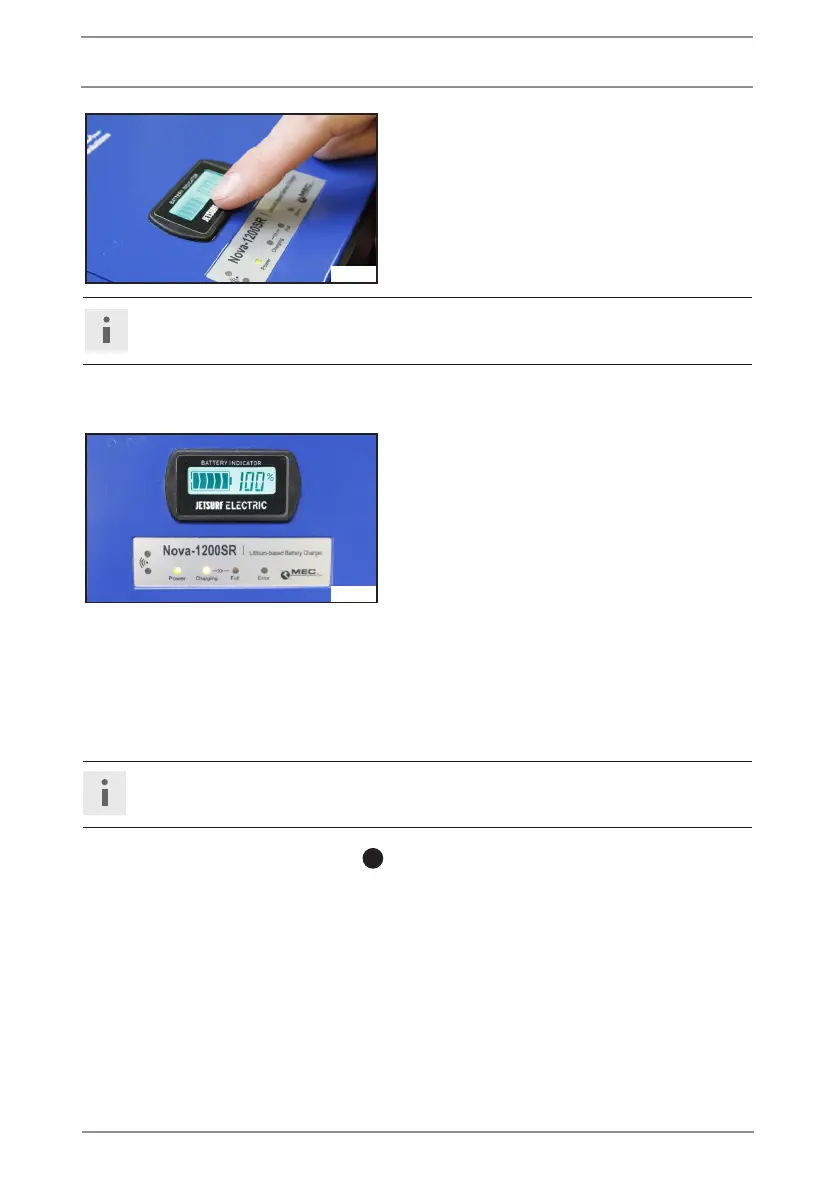
• By touching the bottom part of the display,
you can change the type of the information
shown on the charger display.
Info
Battery is fully charged when the led light „FULL“lights up.
6.9.2. INFORMATION SHOWN ON THE CHARGER DISPLAY
• Battery status % value is just informative
and does not match exact amount of ener-
gy in the battery. Charge the battery until
the led light „FULL“ lights up.
6.9.3. DISCONNECTING THE CHARGER
• Turn the charger o by switching the button to OFF and wait until the battery display is not
lit any more.
• Disconnect the charger from the power supply.
Note (Material damage)
Never disconnect the connector if the charger is still connected to the power supply.
• Remove buckle from the connector
A
.
• Disconnect the connector.
JE_0620
6. BATTERY PACK
JE_0619



 To Next Page