13
4.1-2
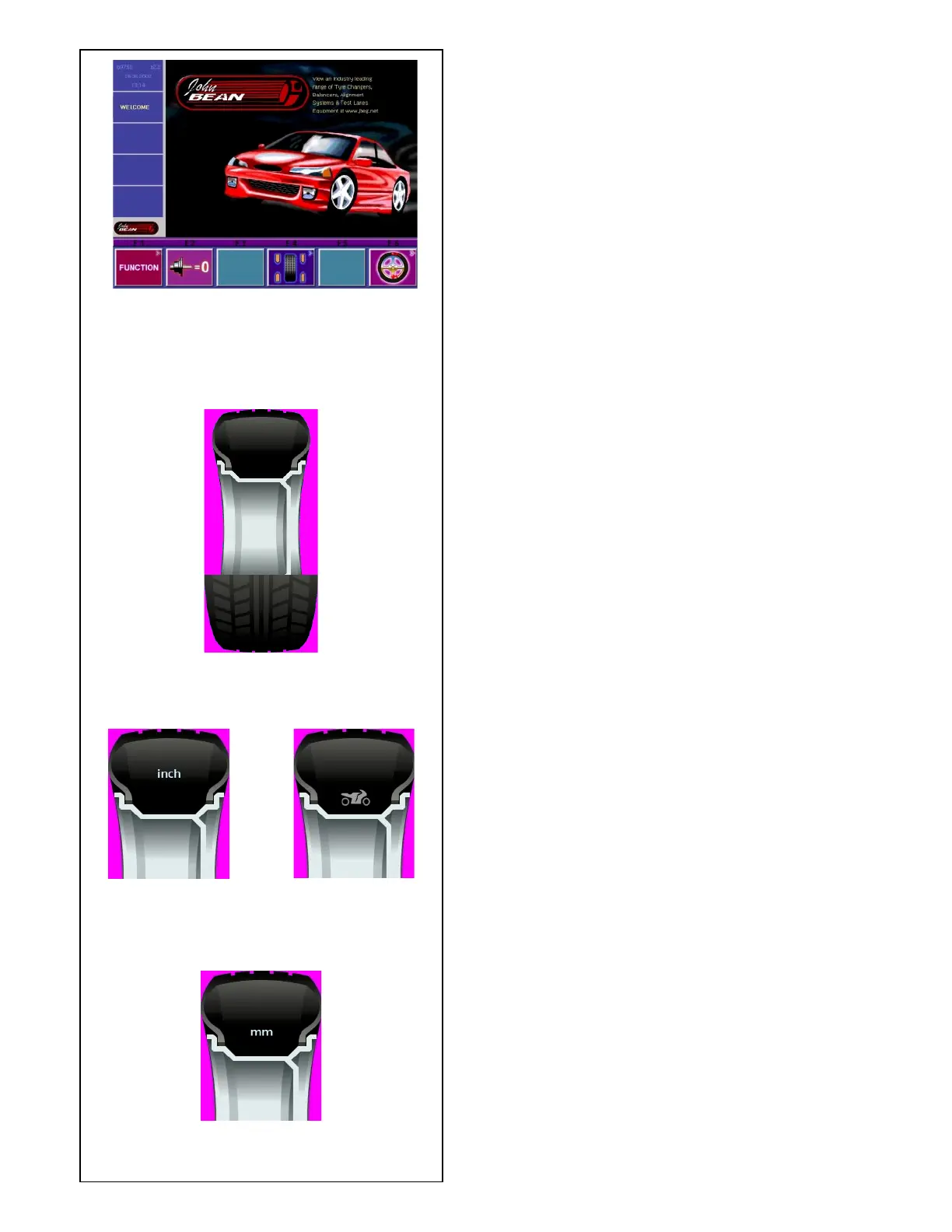
P1
P2
P3
P4
4.1.1 Pictographs - Symbols
Pictographs are viewed on the screen in all fields: In
Information fields, menu fields, and in the display field.
P1 Wheel type standard
P2 Wheel type 1, -standard-, nominal size in inches
P3 Wheel type 3, -special wheel-, actual correction
dimensions, no nominal size. Motorcycles Program.
P4 Wheel type 2, -standard-, nominal size in mm
6 Menu fields
Pictographs illustrating special features are viewed
in the
six menu fields. Under every menu field is the
associated
menu key which is used to call the feature illustrated.
7 Display field
- Wheel type and rim dimensions
- Balancing modes
- Direction of orientation and correction position
(location of unbalance)
- Amount of unbalance
Fig. 4.1-2 Initial screen/Main menu



 To Next Page