17
4.2-1
adbc
ef
T1 T2
T3 T4
T5
4.1.2 Menu fields
Types of menu fields
The assignment of the menu keys F1 to F6 is shown
in the menu fields above the relative keys on the
screen. The menu keys have different functions and
initiate different actions, depending on the program
step.
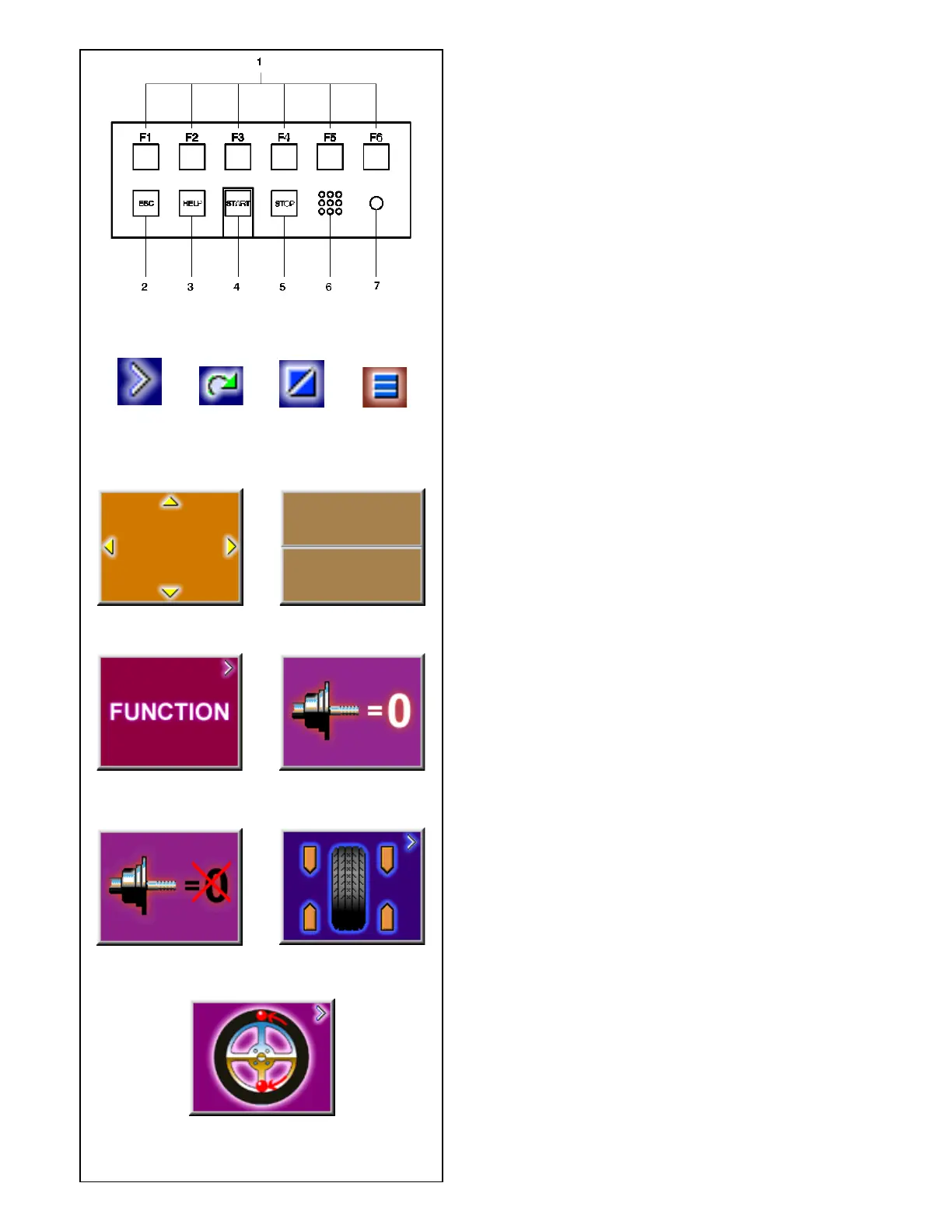
- Keys without a symbol in the upper right-hand
corner or at the edge initiate an action
immediately, e.g. key T2 Carry out compensation
run.
- Keys with one or more symbols in the upper right-
hand corner of the menu field or at the edges
initiate various actions:
a Press key to access a sub-menu, e.g. key T4
Balancing.
b Press and hold key down while rotating wheel at
same time, e.g. key T11 Number of spokes.
c Press key to toggle between two options or states,
e.g. key T9 Static / dynamic unbalance.
d Press key to toggle between several options or
states, e.g. key T21 Weight position for left correction
plane.
e Toggle switch (4 functions): Press edge of key to
carry out the highlighted action, e.g. key T32
Character set: move the cursor in the character set
to the left, to the right, up or down.
f Toggle switch (2 functions): Press key on top or
bottom to select the highlighted function, e.g. key
T8 Precision reading of unbalance.
Main menu
T1 Change to the screen FUNCTION
T2 Carry out compensation run
T3 Compensation run carried out
T4 Change to the screen BALANCING
T5 Change to the screen OPTIMIZATION MENU



 To Next Page