35
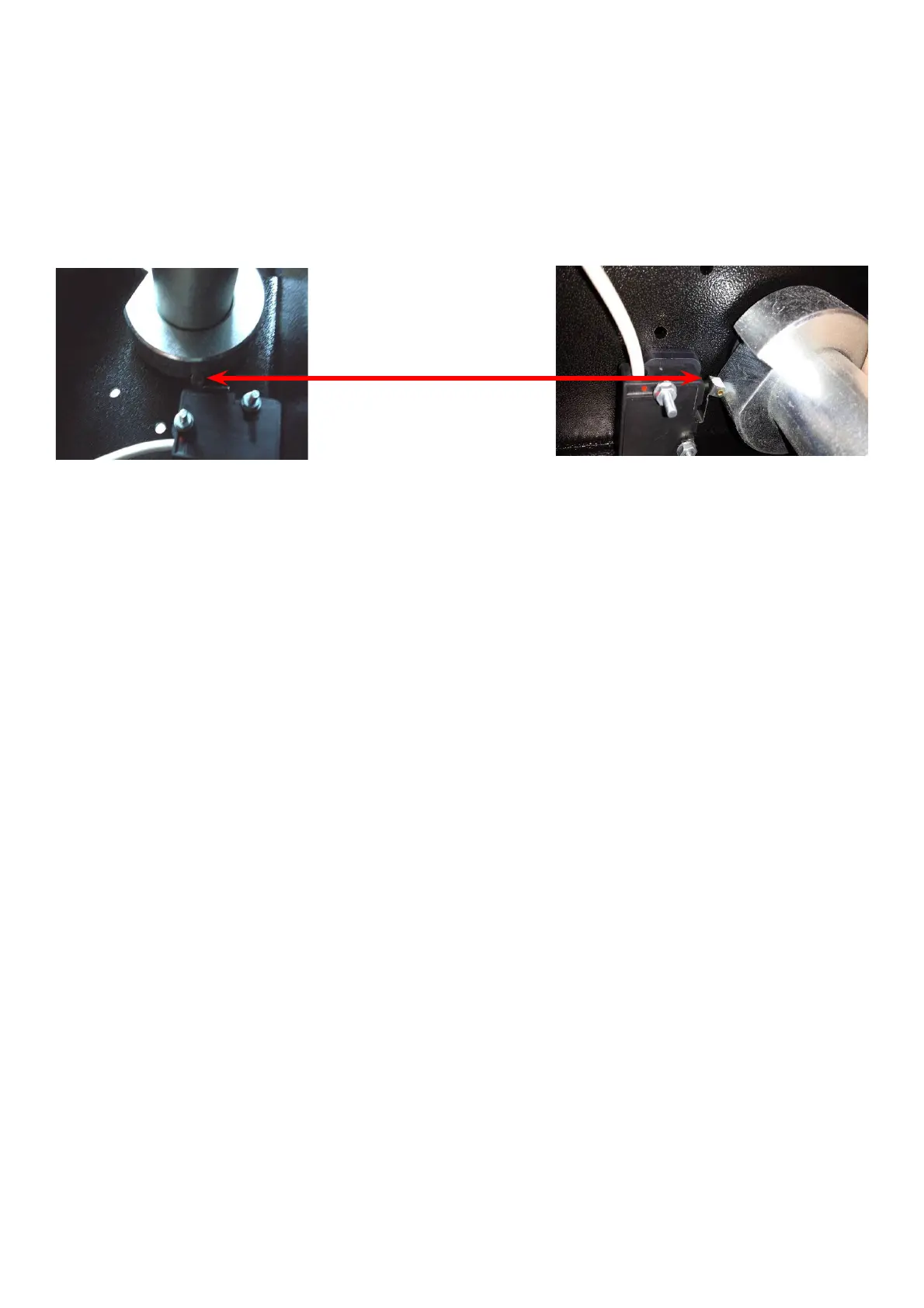
TO REPLACE THE SWITCH
Ø Disconnect the power supply from the back of the machine.
Ø Remove the weight tray.
Ø Remove the cover from wheel guard holder.
Ø Disconnect the Hood Switch from the PCB and remove the wiring from the connector.
Ø Remove the two (2) screws holding the switch to the wheel guard box.
Ø Install the new switch and route the wiring harness through the access hole.
Ø Install the wiring into the connector.
Ø Reverse procedure for installation.
Ø Select C code C56 and make sure that the switch is working properly.



 To Next Page