31
4.16 CHECK AND REPLACEMENT OF THE BELT
" : Medium and big Phillips screwdriver, 5 and 6mm allen keys, 10 and 13mm wrenches, scissors.
6 : 1h
i : Defective belt may cause the following malfunctions:
1. The balancer shows E22.
2. The balancer shows E23
3. The balancer shows E24
4. The balancer shows E25
5. The balancer shows E26
TO CHECK THE BELT
Ø Check if the belt is worn out or damaged.
TO REPLACE THE BELT
Ø Remove or loosen the motor following 4.15.
Ø Remove from or position the belt over the main shaft pully.
Ø Proceed with the installation, mount the motor and adjust the tension of the belt.
Ø Connect the power to the machine
Ø Turn on the machine
Ø Mount the weight tray
Ø Mount the display panel, when available.
4.17 CHECK AND REPLACEMENT OF ELECTRIC BRAKE / CLAMPING PEDAL SWITCH
" : Medium and big Phillips screwdriver, 3, 5 and 6mm allen key, 10mm wrench, scissors.
6 : 2.5h
i : Defective mechanical brake cable may cause the following malfunctions:
1. Pressing the pedal brake, the wheel is not locked.
2. Balancer show E89 turning it on.
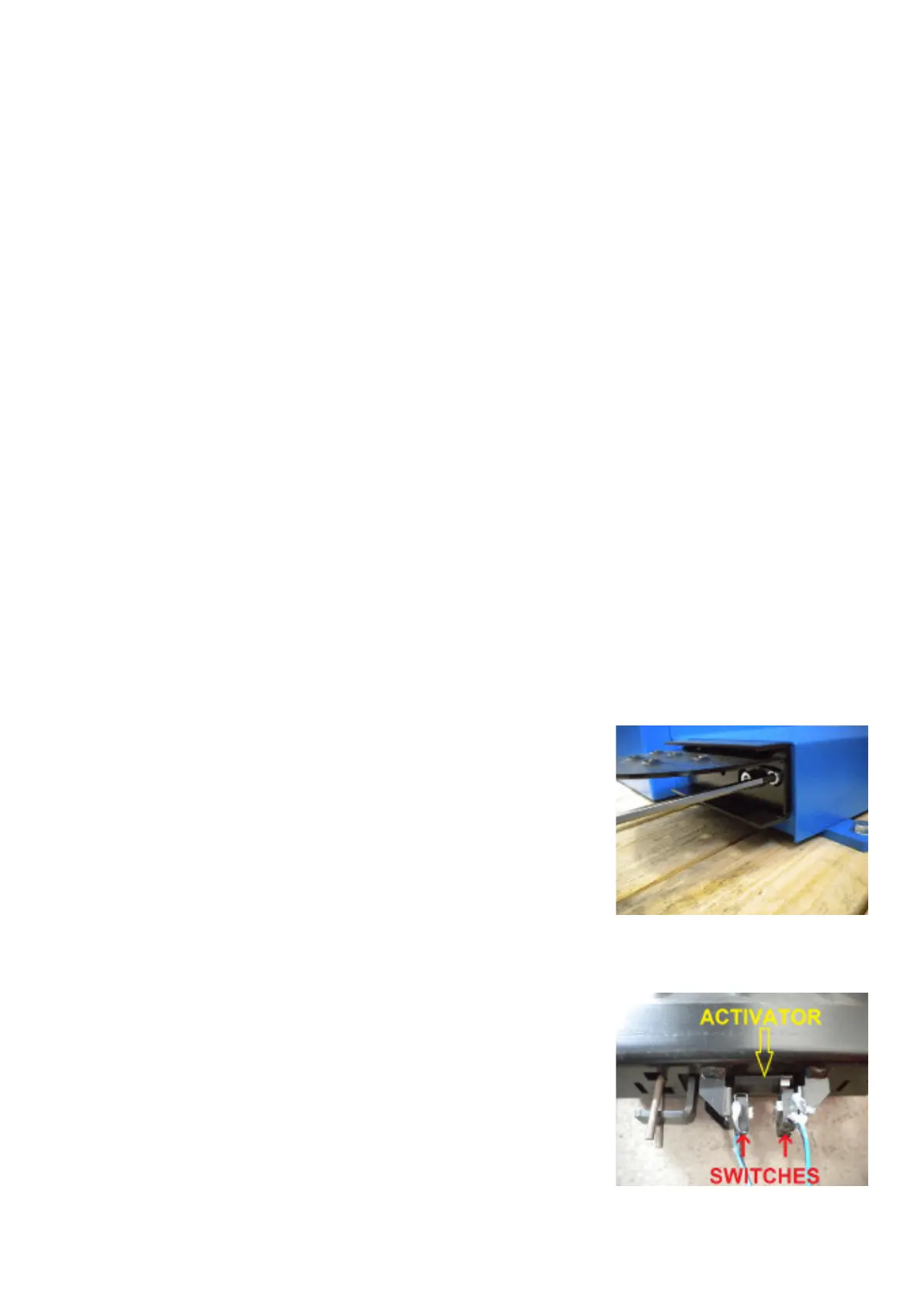
TO CHECK THE SWITCH
Ø Turn on the balancer and check the switches with service code C56. Pressing the pedal it should show 010
Ø Remove the two screws securing the brake pedal assembly.
Ø Remove the weight tray.
Ø Remove the cover from the electronic box.
Ø Rotate either the microswitch activator or the micro switch on the brake
pedal assembly until the circuit is open.
Ø Make sure that the circuit closes when the brake pedal is depressed or pressed.



 To Next Page