All Copyright and rights are the property of Johnston Sweepers Ltd
MA3:15
V Range 501 l 651 l 801 Maintenance Manual
Johnston Sweepers Limited
Chapter - Electrical System
Page Issue A
Logging data is displayed in menus 1.1, 1.2, 1.3 and recorded to a “Data Capture” le on the JVM.
Information is recorded “per day” i.e; for each day a new row of logging data is saved to the “Data
Capture” le.
The “Data Capture” le can be downloaded from the JVM to a
Johnston approved USB memory stick.
The “Data Capture” le format is CSV (Comma Separated values),
this is a common format which may be viewed on any PC.
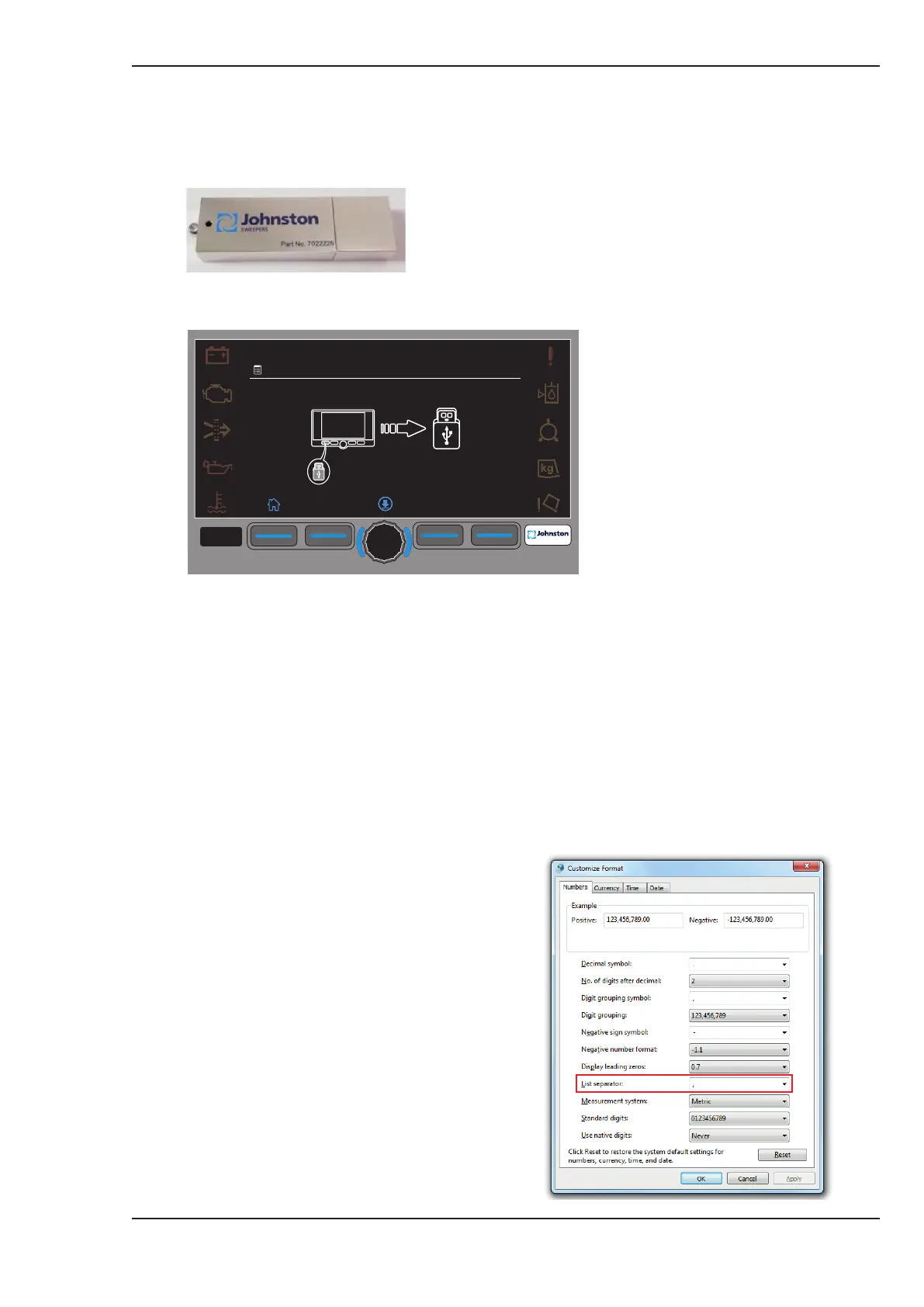
1. Go to the logging screens; press hour glass icon.
2. Press F4 in any of the sub-menus; 1.1, 1.2, 1.3, (download icon). Menu 1.5 will be displayed.
3. Insert the USB Memory stick.
4. Press the middle button on the display. The le download will start. Once complete a green tick
will appear.
5. Remove the USB stick from the display.
The “Data Capture” le downloaded to the USB stick is named in the format: serialnumber_
DataCapture.csv.
The “Data Capture” le may be viewed on any PC, using EXCEL if possible.
Ensure that the regional settings of the
PC are set. “System Separator = ,”
To check the regional settings of the
PC go to Control Panel > Region &
Language> additional settings, “List
Separator: , “
F1 F2 F3
F4
F4
09:45
20.01.2016
1.05
PC Regional Settings



 To Next Page