DP321 User's Manual
- 8 -
1.8 Running the Self-test
The built-in self-test function demonstrates that the printer is working properly. You can run the test with
either tractor paper or cut-sheets; this section describes the easier way of ASCII self-test, with
cut-sheets.
Note: You should use paper at least 210 mm (8.3 inches) wide to run the self-test; otherwise, the
print head prints directly on the platen.
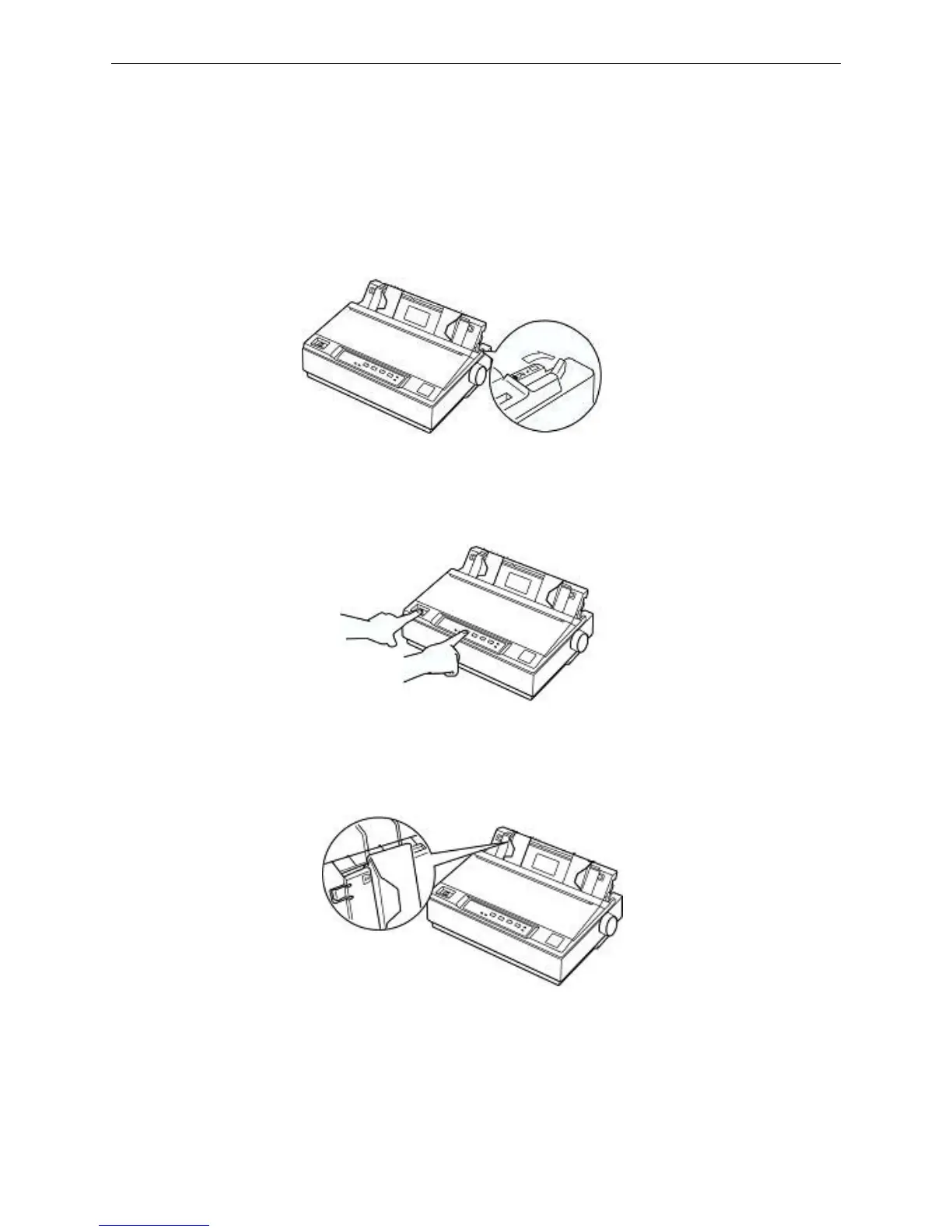
1. Make sure the printer is turned off and the paper-select lever is pushed back to the cut-sheet
position. Raise the paper guide upright.
2. While holding down the TEAR button, turn on the printer. Loosen the button after the POWER
indicator blinks and the ONLINE indicator is off, which indicates the printer is out of paper.
3. Slide the left edge guide until it locked in place at the triangular guide mark. Next, adjust the right
edge guide to match the width of your paper.
4. Slide a sheet of paper down firmly between the edge guides until it meets resistance. The printer
loads the sheet automatically and begins printing when pressing ONLINE button.
Figure 1-19 Set paper select lever
Figure 1-20 Start up self test
Figure 1-21 Adjust the right edge guide



 To Next Page