DP321 User's Manual
- 9 -
Caution: Always close the printer cover while the printer is printing. The printer cover helps
the paper feed properly.
5. To stop printing temporarily, press the ONLINE button.
6. To end the self test, make sure the printer is not printing. Press LF/FF or LOAD/EJECT button to
eject the sheet; then turn off the printer.
NOTE: If the self test did not print satisfactorily, see Chapter 4. If it prints correctly, go on to the
next section.
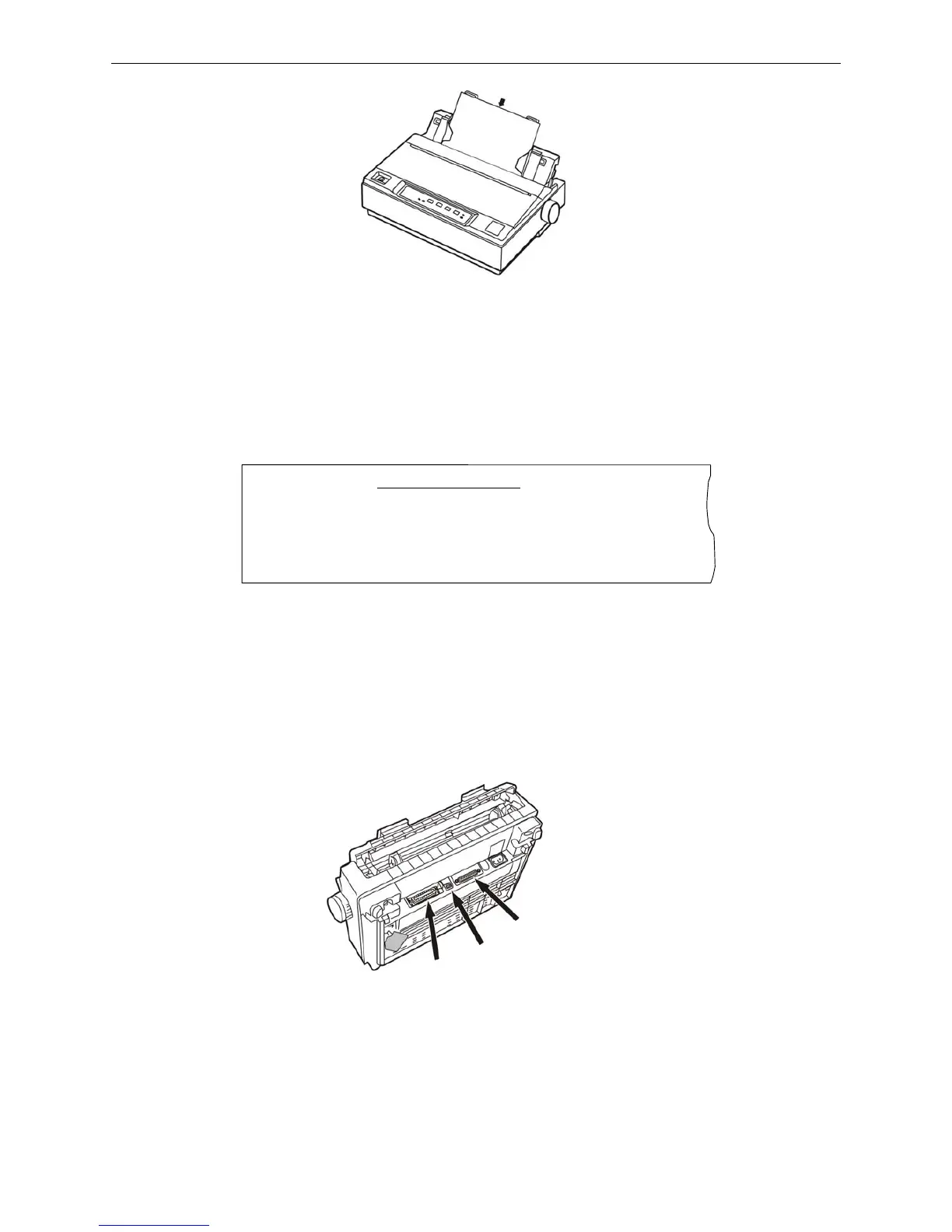
1.9 Connecting the Printer to Your Computer
The printer configures parallel interface, USB interface or serial interface (According to specific
interface standards). Connect the printer to the computer with the correct cables. Before you begin,
place the printer upright, as shown below. (This makes it easier to connect the cable.)
Note: Before connecting the parallel interface or the serial interface, please make sure the
power of the printer is shut down. Only after tighten the cable, could turn on the printer,
or it will damage the printer.
1.9.1 Connecting to the Parallel Interface
1. Turn off both the computer and the printer. Plug the parallel cable connector securely into the
ASCII Self-test mode
Jolimark DP321 VX.X 20XX/XX/XX
!"#$%&’( )*+-./0123456789:;<=>?@ABCDEFGHIJKLMNOPQRSTUVWXYZ[\]^_`ab
!"#$%&'( )*+-./0123456789:;<=>?@ABCDEFGHIJKLMNOPQRSTUVWXYZ[\]^_`abcd
"#$%&'( )*+-./0123456789:;<=>?@ABCDEFGHIJKLMNOPQRSTUVWXYZ[\]^_`abcde



 To Next Page