DP321 User's Manual
- 15 -
2.2.2 In the Cut-Sheet Mode
LF/FF
If the paper is at the print position in the offline mode, press the LF/FF button once (less than 0.5 second),
the printer will feed the paper one line base on line spacing current setting. Alternatively, hold the LF/FF
button down, the printer will eject the paper until the cut-sheet is entirely ejected.
LOAD/EJECT
If the paper is at the print position in the offline mode, press the LOAD/EJECT button, the paper will be
entirely ejected from the printer.
ONLINE
If the printer has loaded paper in the offline mode, press the key to enter ONLINE mode, the ONLINE
indicator is on and the printer enters into the print mode.
Press this key in the online mode, the printer is offline, ONLINE indicator is off and the printer can not print.
2.2.3 Print Speed
1. Print speed sets print speed. In the offline mode, long holding ONLINE for three seconds until “online”
indicator blinks, and printer beeps once.
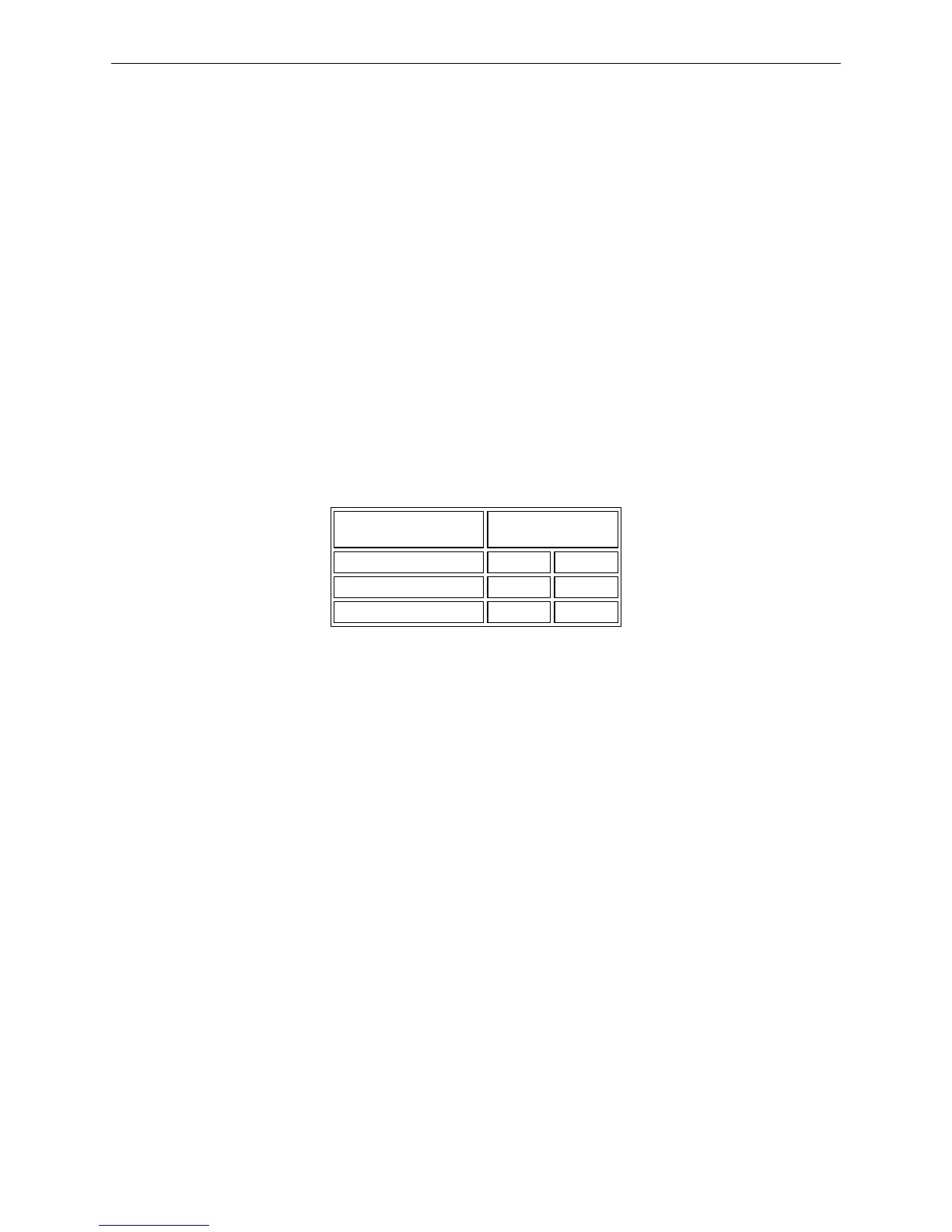
2. At the same time,holding print speed can choose speed indicated on control panel. And the two
indicators “on” (●) and “off” (●) show the chosen print speed.
Print speed
Indicator
1 2
Normal
●
●
High speed
●
●
Super high speed
●
●
3. ONLINE for saving and exit the setting state.
2.2.4 Micro-Adjust
1. After turning on the printer, install tractor paper properly using push tractor and feed paper to the
printing home position (or tear off position).
2. Hold the ONLINE button 3 seconds till the ONLINE indicator blinks with a beep in the offline mode.
3. Press 〖↑〗or〖↓〗 button, with micro-feeding paper upwards or micro-ejecting paper downwards.
4. Press the ONLINE button again to save the setting and quit the alternate mode after finishing
adjusting. Before adjusting again, the printing home position or the tear position will be effective all
the time. After the tear position is adjusted, press ONLINE button and you can send commands to
print. Only after the printing home position is adjusted, the printer ejects all the paper and feeds
paper again, does it print.
The ways of printing home position adjusted between cut-sheet and tractor paper are the same.
Note: The adjusted range of printing home position is from -18/60 inch to +60/60 inch (base on
default position set by the factory).
The adjusted range of tear position is from -15/60 inch to +15/60 inch (base on default
position set by the factory).
2.2.5 Feed Paper to the Tear Position
1. Turn on the printer, hold the ONLINE button 3 seconds till the ONLINE indicator blinks with a beep
in the offline mode.
2. Hold the TEAR button 3 seconds that you can switch the function of feeding paper to the tear
position automatically ON or OFF.



 To Next Page