16
Remote Control Mode Instruction:
There are two modes available for remote control under the control board for this product. Users
may pair the remote control to their requirement under the corresponding mode.
1. Single button mode: Open-stop-close of the gate opener is controlled by only one button on the
remote control.
2. Three button mode: Open-stop-close of the gate opener is controlled by three different buttons
on the remote control.
5.4.1 Single Button Mode Learning (L1)
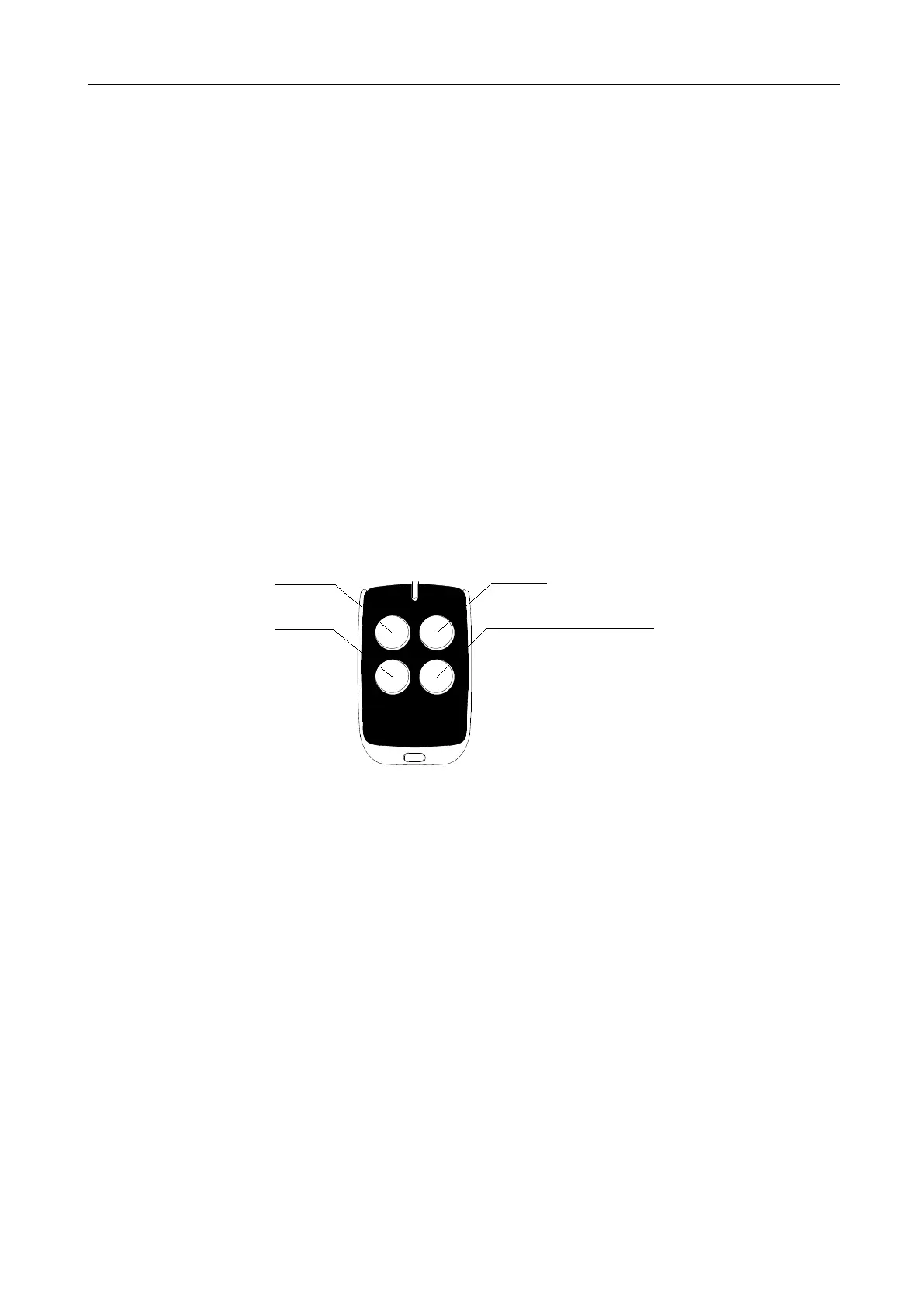
Under this mode, one of the remote control buttons that is paired to gate opener can individually
control the operation of one opener. The rest buttons on this remote control can be used to pair to
other openers. (Please refer to instruction 5.4.3 for the usage for the forth button on the remote
control)
Gate One
Gate Two
Gate Three
Gate Four/Pedestrian Mode
Figure 16
A. Operation Instruction
1. Press “+” button for 3 sec. to enter into remote control management mode. Indicator light L1
will be always on.
2. Press “SET” button once to enter into single button learning mode. Indicator lights L1 and L5
will flicker alternately. (If an alarm lamp is connected, it’ll flash at the same time)
3. Press the button which is to be learned on the remote control. Indicator lights L1-L5 will be on
for 1 sec. (If an alarm lamp is connected, it’ll be on for one sec.) Learning is complete thereafter.
4. The control board will stay in learning mode after remote control learning successfully, the
learning of the remain remote controls can be done by repeating the 3
rd
step; Press “PROG” button
to exit the learning mode.



 To Next Page