25
5.5.4 Slow Stop Distance Setting (L4)
Setting for slow stop distance makes the gate running more smoothly and extends the service life of
both gate and gate opener.
A. Operation Instruction:
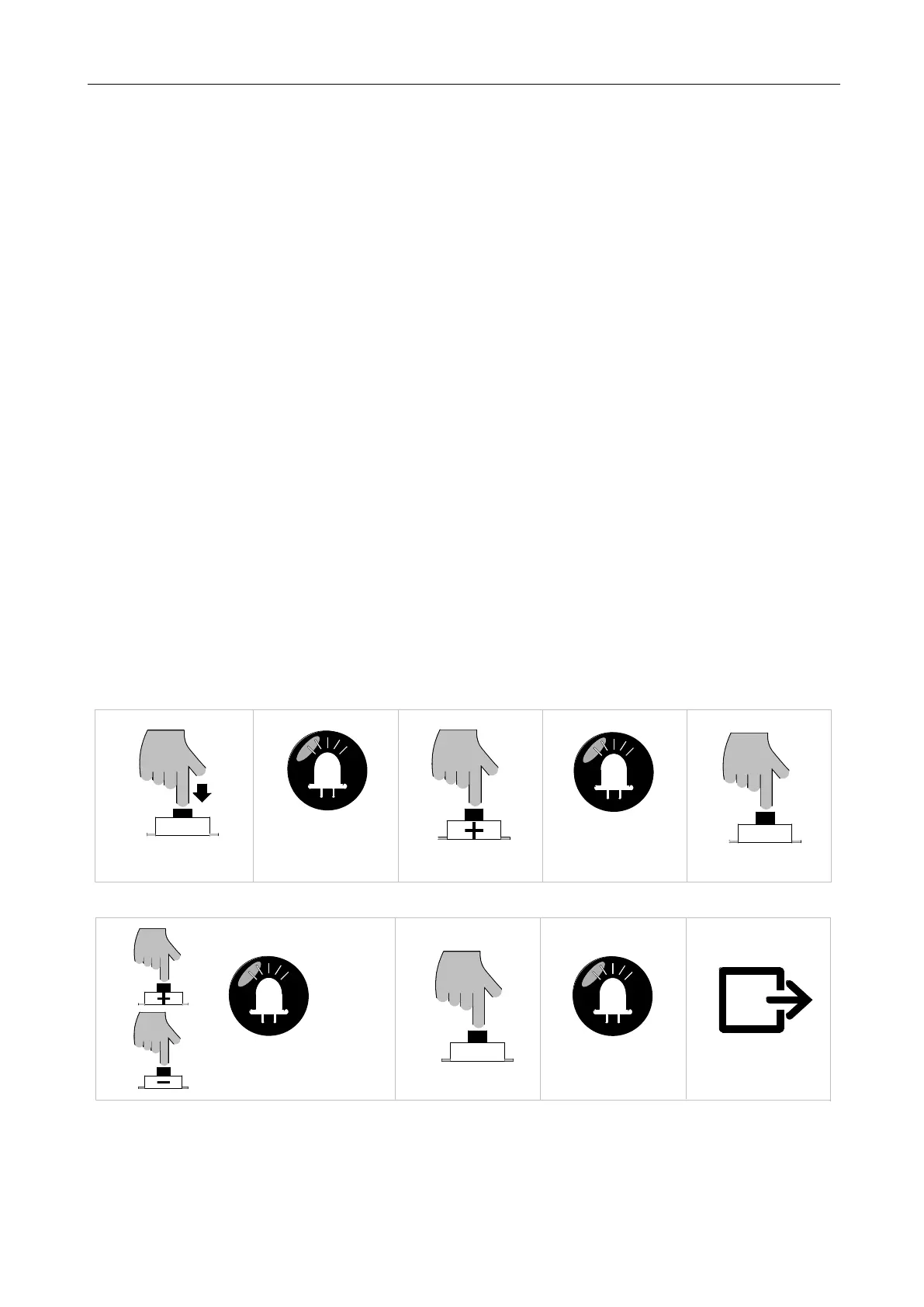
1. Press and hold “PROG” button for 3 sec. to enter into basic menu. Indicator light L0 will flicker
once, and then L1 will be always on.
2. Press “+” button three times to select slow stop distance setting option. Indicator light L4 will
be always on.
3. Press “SET” button once to enter into slow stop distance setting. Indicator lights L1-L5 will
show the current distance of slow stop. (The default is L3)
4. Press “+” or “-” button to set the slow stop distance. Indicator lights L1-L5 will indicate the
different slow stop distance. The more the indicator lights will be on, the longer the distance will
be.
5. Press “SET” button once to save and automatically exit. Indicator lights L1-L5 will be on for
one sec.
B. Operation Graphic Illustration
SET
Press "SET" button once
LED
L4 will be on
Press "PROG" button for 3 sec
LED
L0 flicker once, L1 will be on
PROG
Press "+" button three times
LED
SET
Press "SET" button once
LED
Press “+” or “—” button to adjust the
parameters, LED will show the
L1-L5 will be on for one sec
Save and exit automatically
corresponding value
Figure 27



 To Next Page