26
5.5.5 Auto-close Function Setting (L5)
When the gate is fully opened, the control board will send the auto-close signal to enable the gate
close automatically according to the pre-set auto-close time.
A. Operation Instruction:
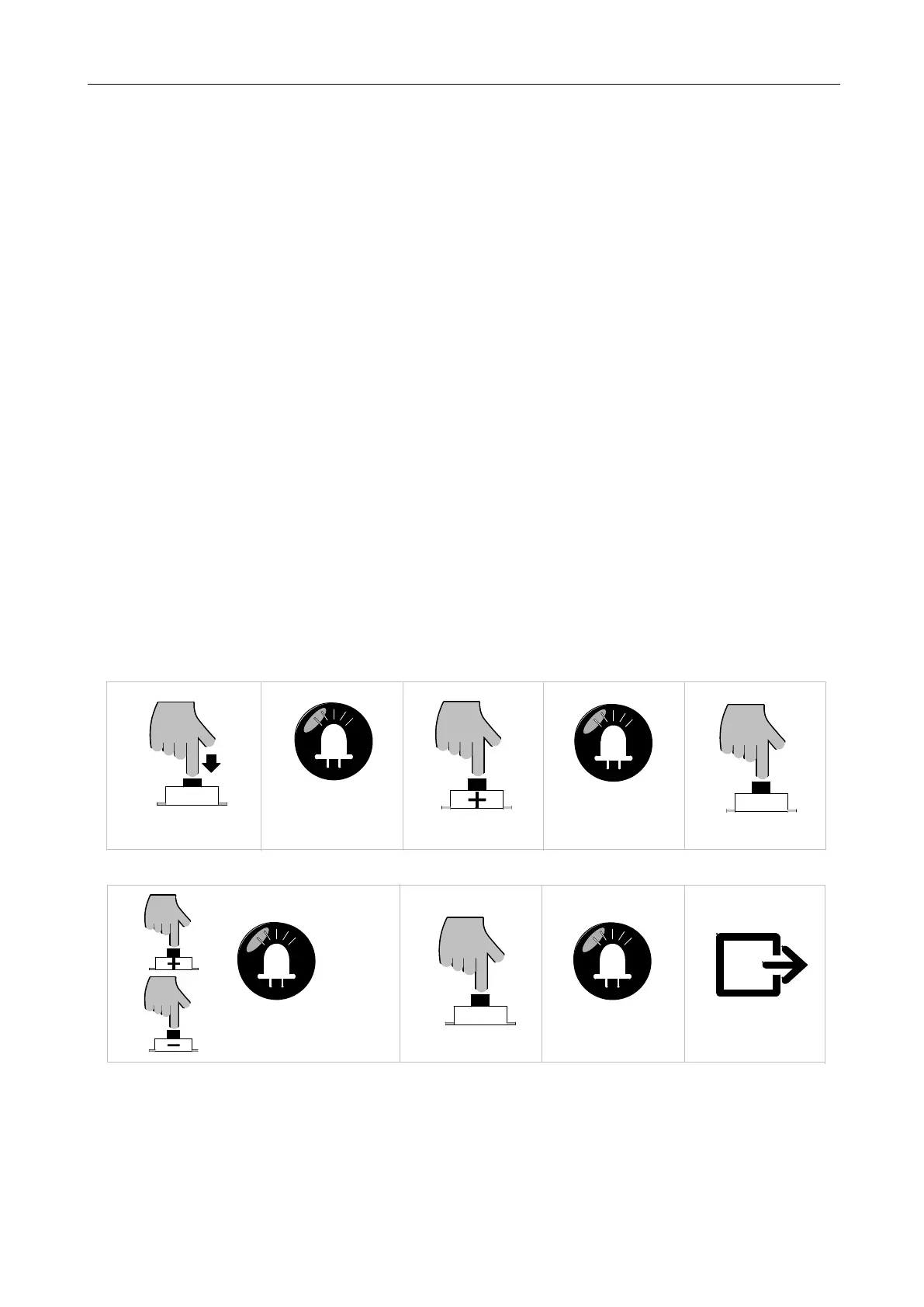
1. Press and hold “PROG” button for 3 sec. to enter into basic menu. Indicator light L0 will flicker
once, and then L1 will be always on.
2. Press “+” button four times to enter into Auto-close setting option. Indicator light L5 will be
always on.
3. Press “SET” button once to enter into setting. Indicator lights L1-L5 will show the current
auto-close time. (The default is all indicator lights off)
4. Press “+” or “-” button to set the auto-close time. The number of indicator lights that is always
on will indicate the Auto-close time. (Table 2 Auto-Close Time)
5. Press “SET” button once to save and automatically exit. Indicator lights L1-L5 will be on for
one sec.
B. Operation Graphic Illustration
SET
Press "SET" button once
LED
L5 will be on
Press "PROG" button for 3 sec
LED
L0 flicker once, L1 will be on
PROG
Press "+" button four times
LED
SET
Press "SET" button once
LED
Press “+” or “—” button to adjust the
parameters, LED will show the
L1-L5 will be on for one sec
Save and exit automatically
corresponding value
Figure 28



 To Next Page