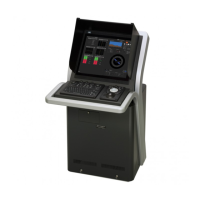
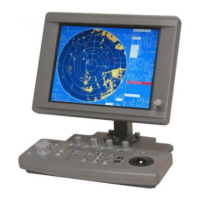
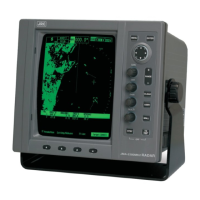
Section 2 Name and Function of Each Unit 2-2
No Name Function outline
1 Power button Use this button to turn on and off this equipment.
2 [MULTI] dial - Turn this dial to operate the function that is assigned to the
[MULTI] dial, such as the Display Brightness function.
- If the [MULTI] dial is held down, the Display Brightness
function is assigned to the [MULTI] dial forcibly.
3 USB terminal Connects a USB flash memory.
4 [SILENCE] key Stops the alert buzzer.
5 [ALERT ACK] key Acknowledges the alert.
6 [ZOOM IN] key Not used.
7 [ZOOM OUT] key Not used.
8 Trackball Moves the cursor on the screen. Use the trackball to specify a
position or to perform various settings.
9 Left button - Use this button to select a function or determine the operation
that is set.
- Clicking the left button once is referred to as "click" in this
manual.
- Clicking the left button twice consecutively is referred to as
"double click" in this manual.
10 Right button Not used.



 To Next Page