2-26
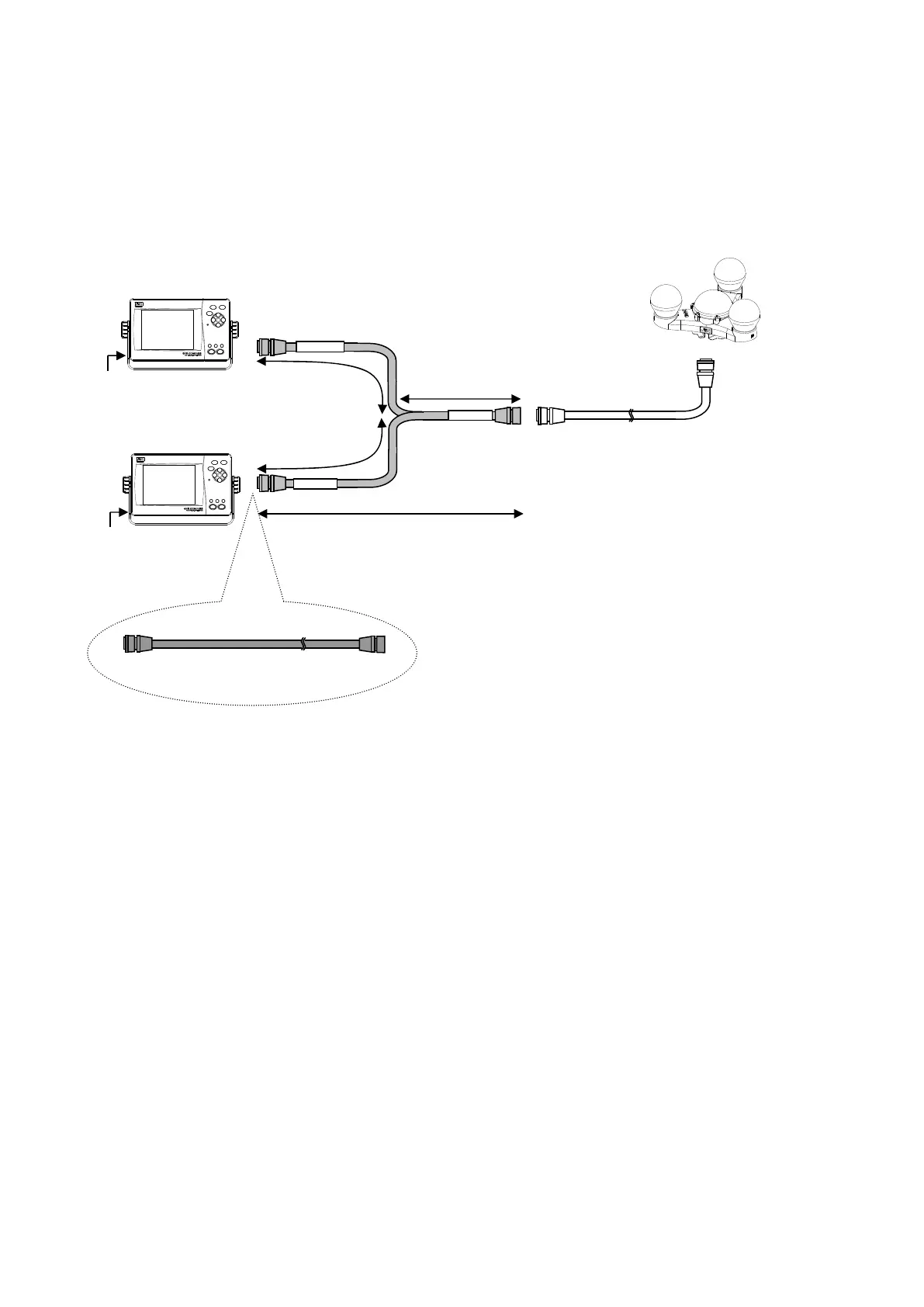
● Connection with Sub Display Unit
Connect by one of the following methods:
1. Connection with using the optional Y cable (CFQ-7251) – recommended method
To select the Sub Display, set “SUB” for DISPLAY TYPE by referring to “5.4.5 Product Type
Configuration.” (Factory setting is “MAIN.”)
Sub Display Unit
CFQ-7248(Attachment)
CFQ-7251
Approx.750mm
Approx.750mm
A
rox.750mm
Approx.1.5m
MAIN DISP
SUB DISP
SENSOR
CFQ-7249 / 20m
(CFQ7249-10 / 10m)
DC12/24V
DC12/24V
NWZ-4701
NWZ-4701
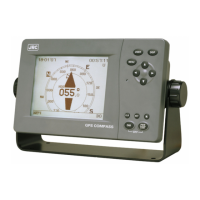
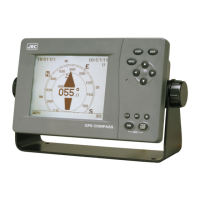
Main Display Unit
・ For the Sub Display, the cable line can be
additionally extended for 20m/10m by connecting
the data extension cable CFQ-7249/CFQ-7249-10 to
the end of CFQ-7251 cable (even when another
data extension cable CFQ-7249/CFQ-7249-10 is
inserted between the Y cable and the attached cable
CFQ-7248).
・ For the Main Display, the line can be extended by
the same way only when CFQ-7249/CFQ-7249-10 is
not inserted between the Y cable and the attached
cable CFQ-7248.


 To Next Page