– 10 –
2-4. Setting procedure to be taken before regular operation
8
!0
9
8
To set data on the operation of the production support function, press the Information switch under the
normal sewing mode to change over to the information mode.
(1) Setting the date and time
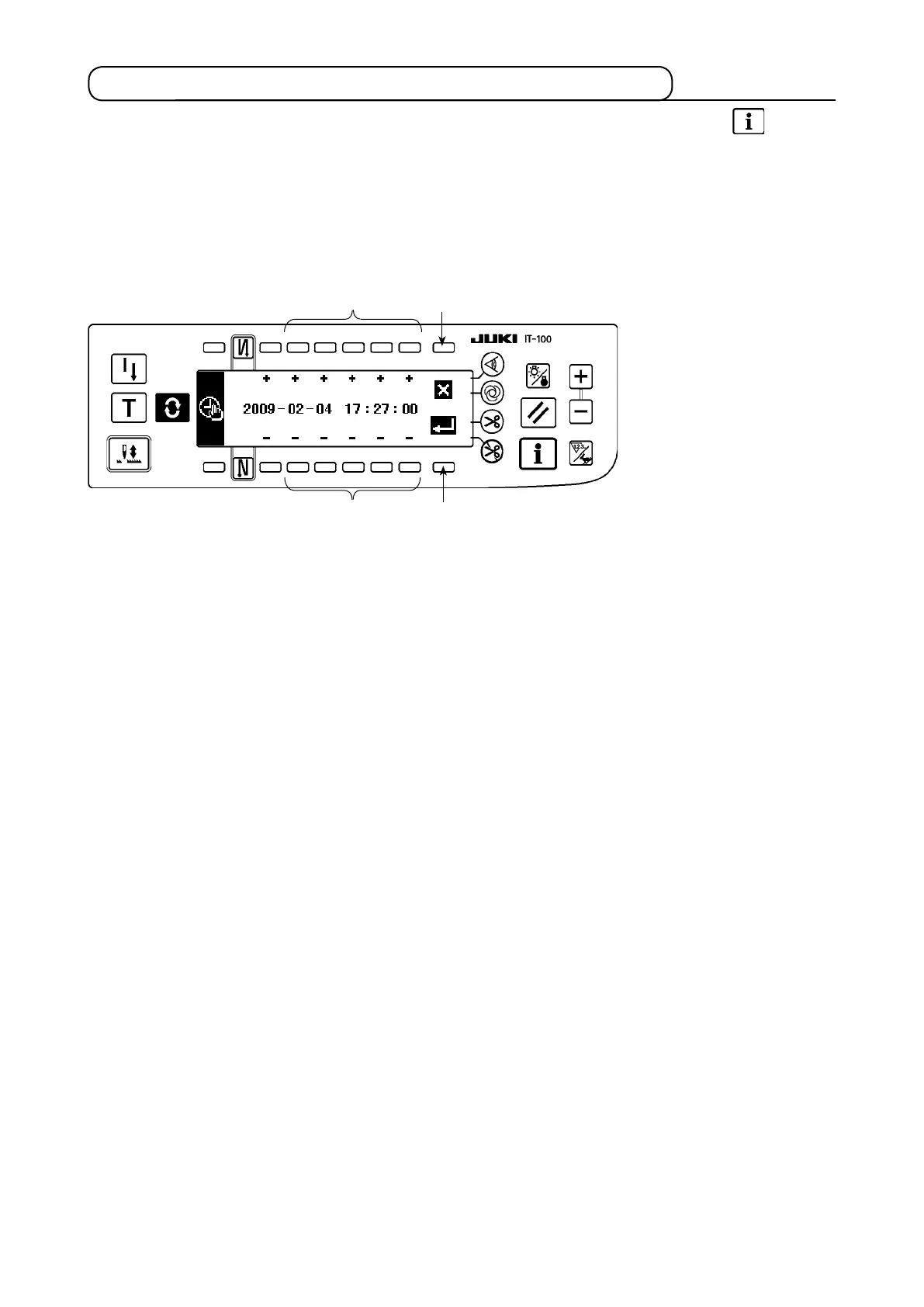
<Date and time setting screen>
1) Set the current date and time with Time setting switch
8
.
* If any date which does not exist on a calendar (such as the 31st and a leap year) is set, the relevant date
will be shown in black-and-white reverse video and the setting cannot be conrmed.
2) When Enter switch
9
is pressed, the setting is conrmed. When c
ancel switch
!0
is pressed, the setting
is cancelled and the screen is restored to the previous one.
* Refer to
"
@
. 2-2. Displays on the screen for the production support function"
for the operating pro-
cedure to be taken until this screen is displayed.











 To Next Page