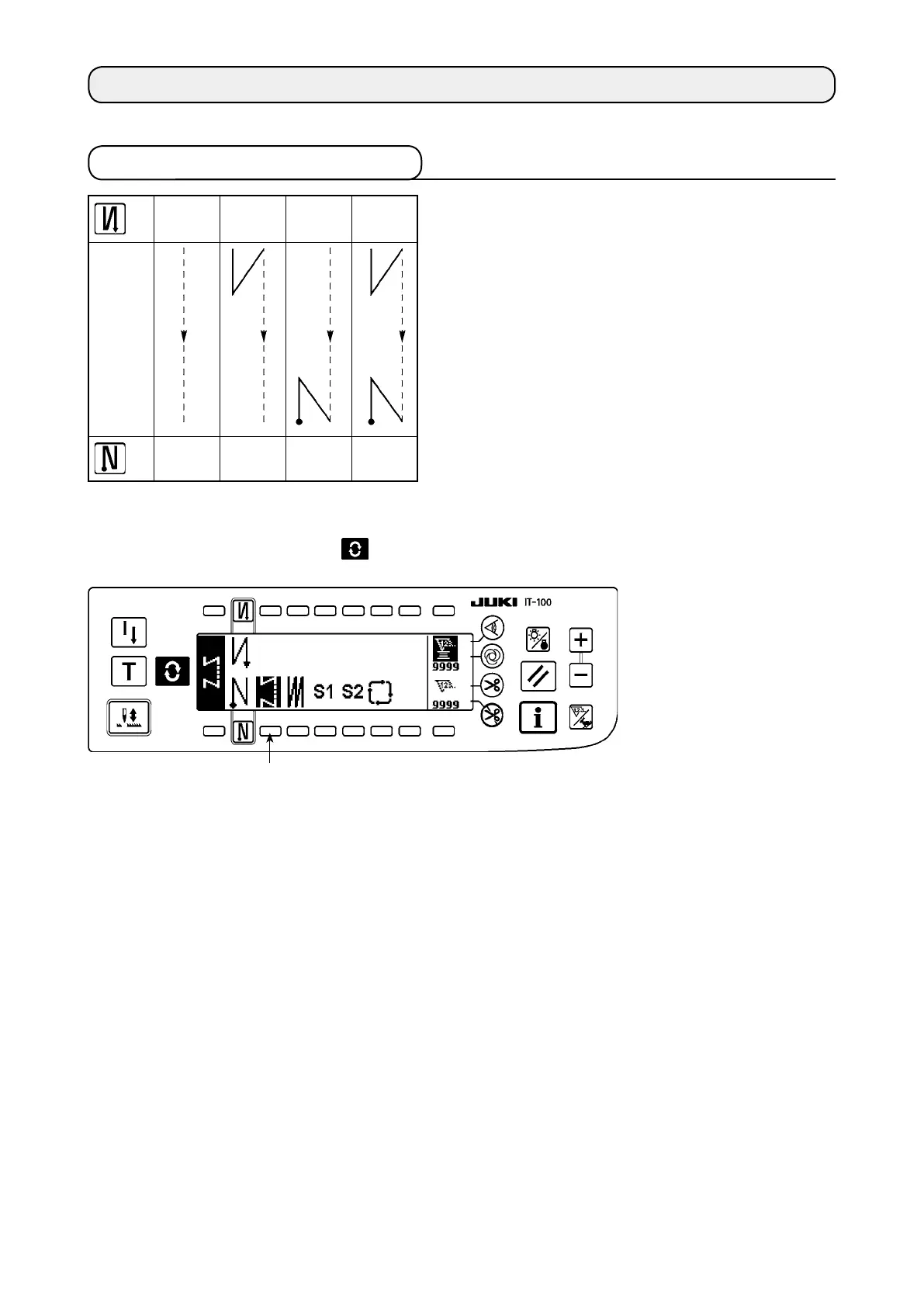
3-1. Reversestitchingpattern
Press the screen changeover switch to display the pattern list screen.
1
3. HOW TO OPERATE A SEWING PATTERN
A
B
C
D
A
B
C
D
OFF ON ON
ON ON
OFF
OFF OFF
Sewing
pattern
2
3
1) Press switch
1
to select the reverse stitching pattern, and the screen is automatically changed over to
the number of stitches of reverse stitching setting screen to display the number of stitches which has
already been set.











 To Next Page