– 48 –
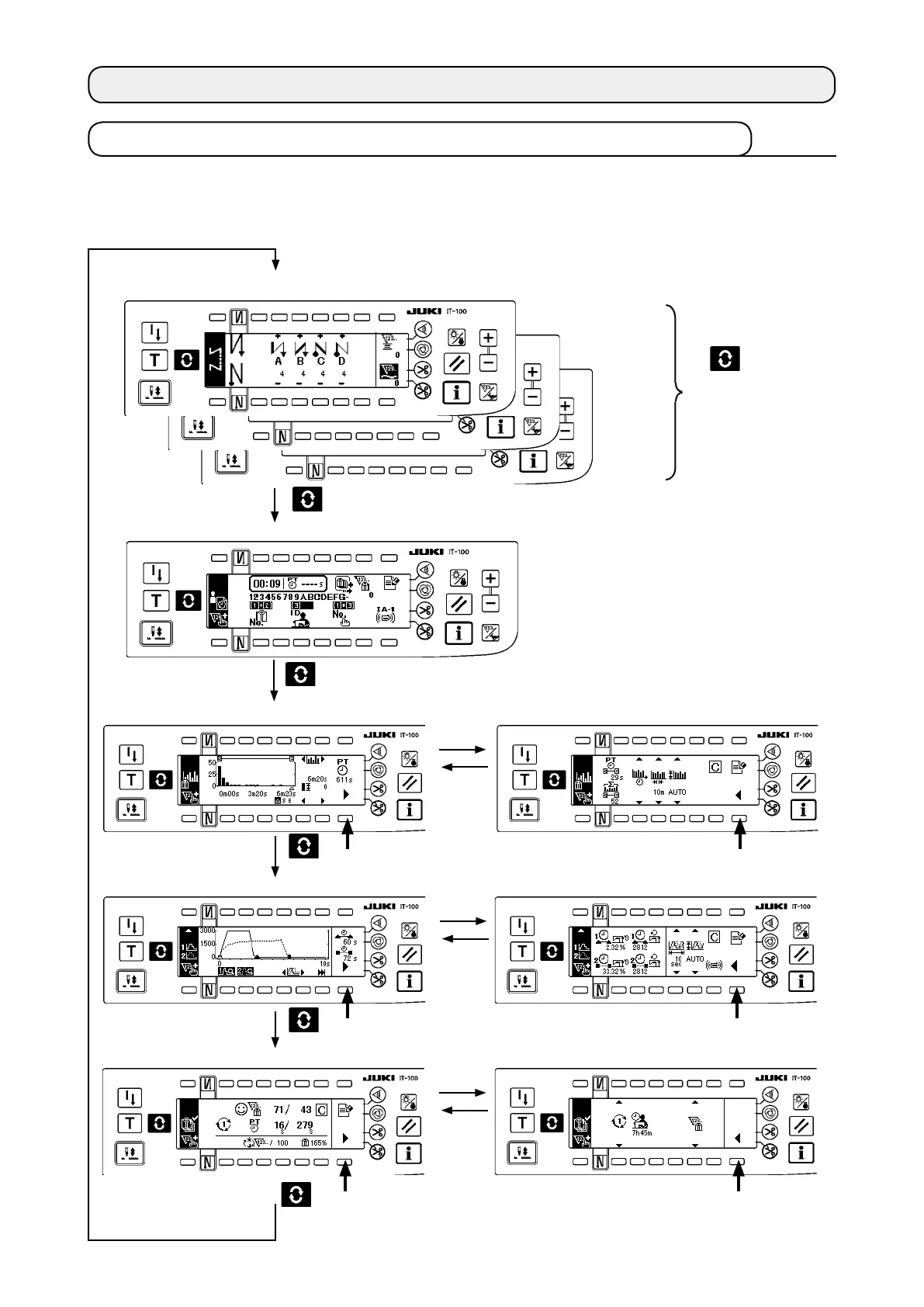
5-1. How to change over the screen under the normal sewing mode
▼
▼
▼
▼
▼
▼
5. HOW TO OPERATE THE PRODUCTION SUPPORT FUNCTION
The screens for the pitch time monitor, sewing recorder and production management are displayed by setting
the display on a function-by-function basis after the production support function operation has been enabled
under the information mode.
The following shows how to change over the screen under the normal sewing mode.
T h e s c r e e n i s
changed over with
the
switch.
(Caution)
The screen displayed
differs by the sewing
machine model.
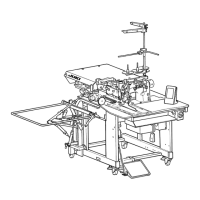
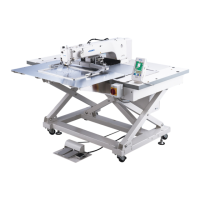
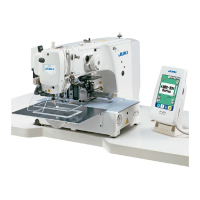
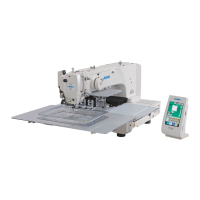
<Sewing screen which differs on a model-by-model basis>
<Work management screen>
* When the production support func-
tion operation is enabled, the work
management screen is shown with-
out exceptions regardless of the dis-
play setting of other functions.
<Pitch time monitor screen No. 1> <Pitch time monitor screen No. 2>
<Sewing recorder screen No. 1> <Sewing recorder screen No. 2>
<Production management screen No. 1> <Production management screen No. 2>
#
.5-2. Operating the work
management screen
#
. 5-3. Operating the pitch time monitor screen
#
. 5-4. Operating the sewing recorder
#
. 5-5. Operating the production management function



 To Next Page