– 21 –
2. SEWING SCREEN
■
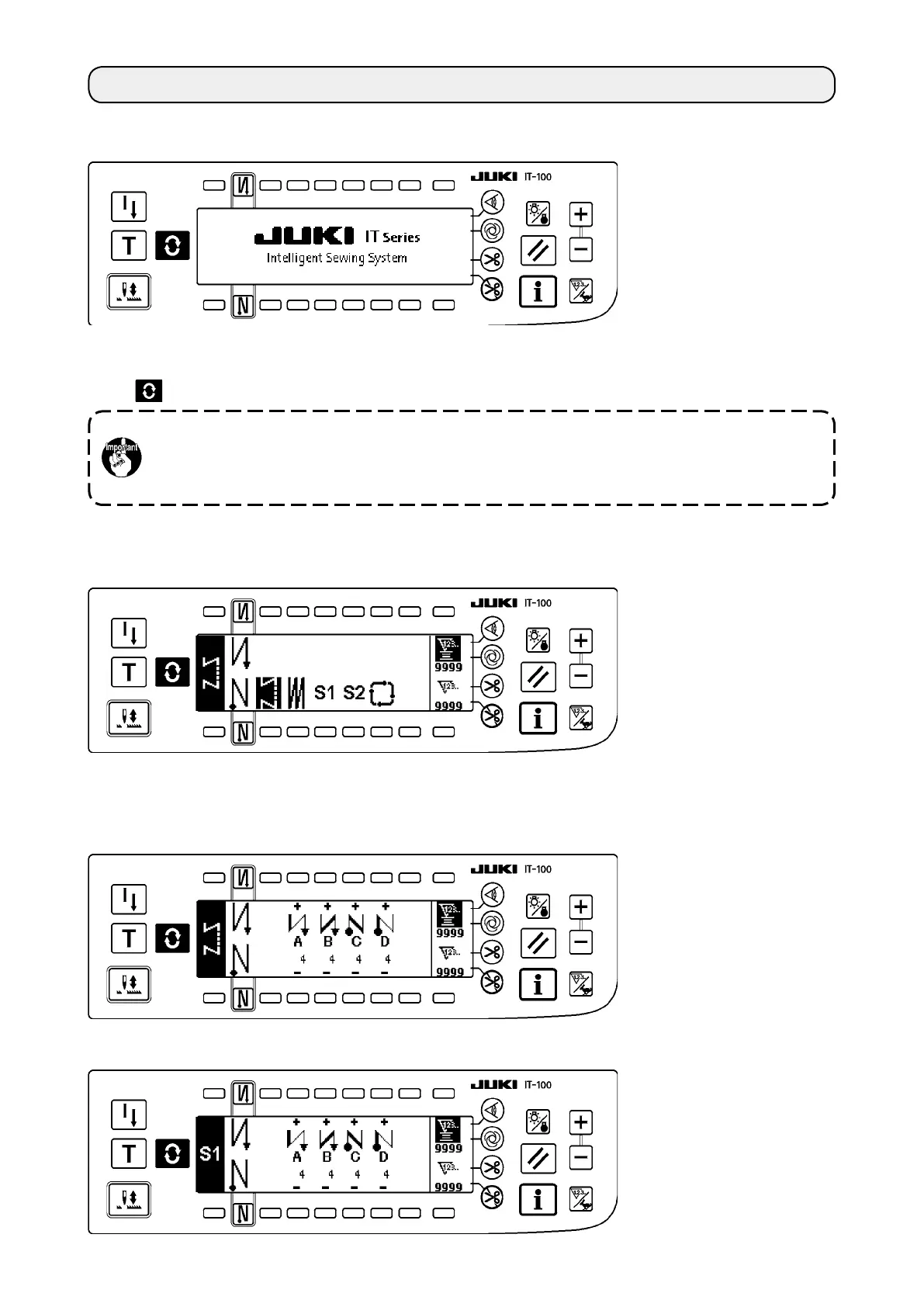
Pattern list screen
Selection of the respective shapes is performed.
■
Number of stitches of back tuck stitching setting screen
Setting of number of stitches of reverse stitching is performed.
<
When reverse stitching pattern is selected
>
<
When programmed stitching pattern 1 is selected
>
When you turn ON the power to the IT-100 panel, the welcome screen will appear.
The screen which appears immediately after the welcome screen is the one which has been selected imme-
diately before the power is turned OFF. Then, the screen is changed over every time the screen changeover
switch
is pressed.
Typeandscreencongurationofthenormalsewingmodevaryaccordingtothemodelofthe
sewing machine.
Refer to "
#
-3. HOW TO OPERATE THE SEWING PATTERN" for the operation procedure to be
taken on each screen.











 To Next Page